all
FillER
CAP
1.
Make sure the generator is
on
a level surface.
2.
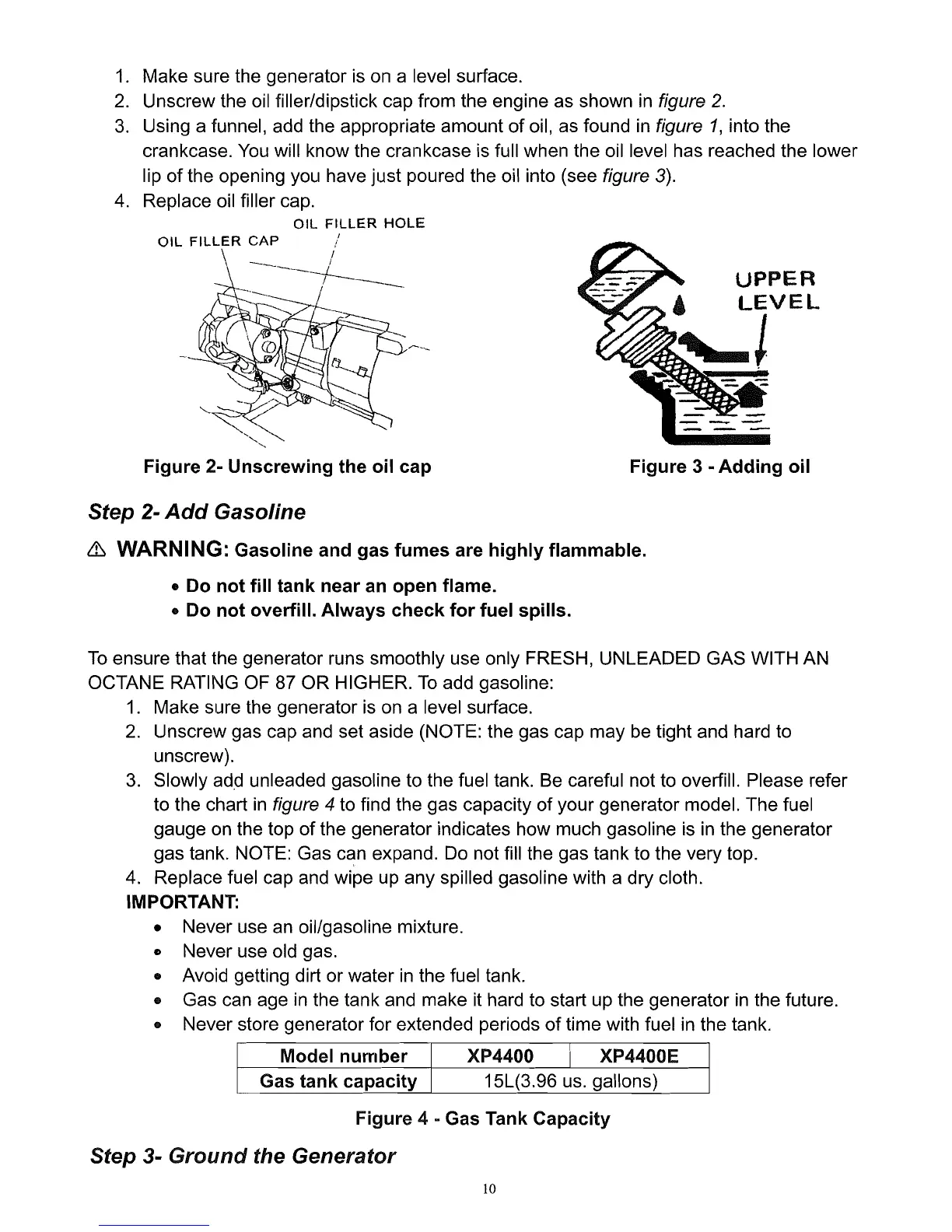
Unscrew the
oil
filler/dipstick cap from the engine as shown
in
figure
2.
3.
Using a funnel,
add
the appropriate amount of oil, as found
in
figure
1,
into the
crankcase.
You
will know the crankcase
is
full when the oil level has reached the lower
lip of the opening
you
have just poured the oil into (see figure
3).
4.
Replace oil filler cap.
all
FilLER
HOLE
/
-----_l
r---
_
Figure 2-
Unscrewing
the
oil
cap Figure 3 -
Adding
oil
Step 2-
Add
Gasoline
& WARNING: Gasoline and gas
fumes
are
highly
flammable.
• Do
not
fill
tank
near an
open
flame.
• Do
not
overfill.
Always
check
for
fuel spills.
To
ensure that the generator runs smoothly use only FRESH, UNLEADED GAS WITH
AN
OCTANE RATING OF
87
OR HIGHER.
To
add gasoline:
1.
Make sure the generator
is
on a level surface.
2.
Unscrew gas cap and set aside (NOTE: the gas cap may
be
tight and hard to
unscrew).
3.
Slowly add unleaded gasoline to the fuel tank.
Be
careful not to overfill. Please refer
to the chart
in
figure 4 to find the gas capacity of your generator model. The fuel
gauge
on
the top of the generator indicates how much gasoline
is
in
the generator
gas tank. NOTE: Gas can expand.
Do
not fill the gas tank to the very top.
4.
Replace fuel cap
and
wipe
up
any spilled gasoline with a dry cloth.
IMPORTANT:
• Never use
an
oil/gasoline mixture.
o Never use old gas.
• Avoid getting dirt or water
in
the fuel tank.
• Gas can age
in
the tank and make it hard to start up the generator
in
the future.
• Never store generator for extended periods of time with fuel
in
the tank.
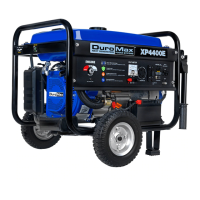
Model
number
XP4400
I
XP4400E
Gas
tank
capacity
15L(3.96
us.
gallons)
Figure 4
- Gas Tank Capacity
Step 3-
Ground
the
Generator
10


 To Next Page