34
Installation Manual
(1) Open a hot water fixture and confirm that the Burner on lamp comes on, and that hot water is being
produced. (If necessary, repeat until the air in the gas piping is bled out).
* White smoke may be noticed from the exhaust flue during cold weather. However, this is not a
malfunction of the unit.
* If an “11” error code appears on the remote controller, turn the unit off and then back on again,
and then open a hot water fixture again.
(2) Change the temperature setting on the remote controller and check that the water temperature changes.
• If the water heater does not operate normally, refer to “Troubleshooting” in the Owner's Guide.
* After the trial operation, clean the filter in the cold water inlet.
The installer should test operate the unit, explain to the customer how to use the unit, and give the owner
this manual before leaving the installation.
• Preparation ........... (1) Open a hot water fixture to confirm that water is available, and then close
the fixture.
(2) Open the gas supply valve.
(3) Turn on the power supply. Using the remote controller, turn on the Power
ON/OFF button (the Operation lamp will turn on).
Handling after trial operation
• If the unit will not be used immediately, close off all gas and water shut off valves, drain all of
the water out of the unit and the plumbing system to prevent the unit and system from freezing,
and bleed the gas out of the gas line.
Freezing is not covered by the warranty.
CAUTION
Trial Operation
<If installed with a quick connect multi-system>
• Turn the system power ON with the remote controller.
• Slowly open a hot water fixture and check that the units ignite sequentially. Check to see that the hot water
temperature is the same as the temperature displayed on the remote controller (*1)
* If both units do not ignite, switch which unit will ignite first by pressing the Max. or Min. Mani-fold
Pressure Set Button on the circuit board. (*2)
* If an 11 or F11 error code flashes on the remote controller, hit the Power Button on the remote controller off
and on 2 -3 times.
* If (*1) and (*2) cannot be done, the Quick Connect Cord may not be properly connected.
Check that the cord is properly connected.
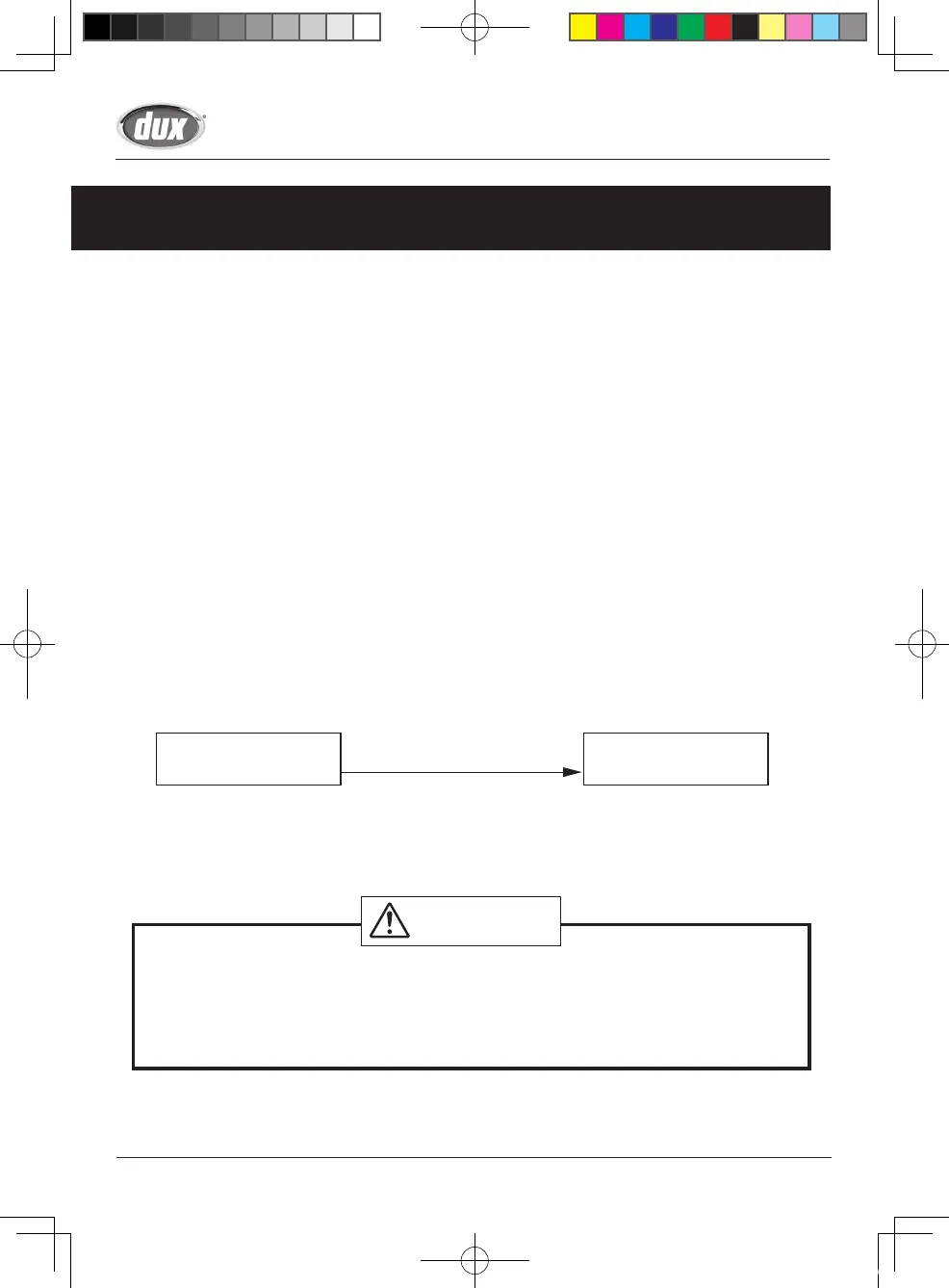
Unit A Ignites
Unit B Doesn't Ignite
Press Max. or Min. Burner Gas
Pressure Set Button on Unit B
Unit A Doesn't Ignite
Unit B Ignites
35
Installation Manual
Lighting Instructions
This water heater does not have a pilot. It is equipped with an ignition device that automatically lights the
burner.
Do not try to light the burner by hand.
1. Read the safety information in the installation manual or on the right side of the water heater.
2. Turn off all electrical power to the unit.
3. Do not attempt to light the burner by hand.
4. Turn the gas control manual valve (external to the unit) clockwise to the off position.
5. Wait five minutes to clear out any gas. If the smell of gas remains, stop, and follow the instructions on
page 3 of Owner's Guide.
6. Turn the gas control manual valve counterclockwise to the on position.
7. Turn on electric power to the unit.
8. The unit will now operate whenever hot water is called for. If the unit will not operate, follow the shutdown
instructions and call a service technician.
Shutdown Instructions
1. Stop any water demand.
2. Turn off electric power.
3. Turn the gas control manual valve clockwise to the off position.
Should overheating occur, or the gas supply fail to shut off, turn off the manual control valve to the appliance.
A fire or explosion may result if these instructions are not followed, which may cause lose of life,
personal injury or property damage.
WARNING
SBB80RX_P001-P044_E_tonb.indd 34 2017/01/27 8:14:00


 To Next Page