106
As previously, check individual logs respectively or click in the checkbox
next to “Select All”, and then click “Delete”
to delete unwanted logs.
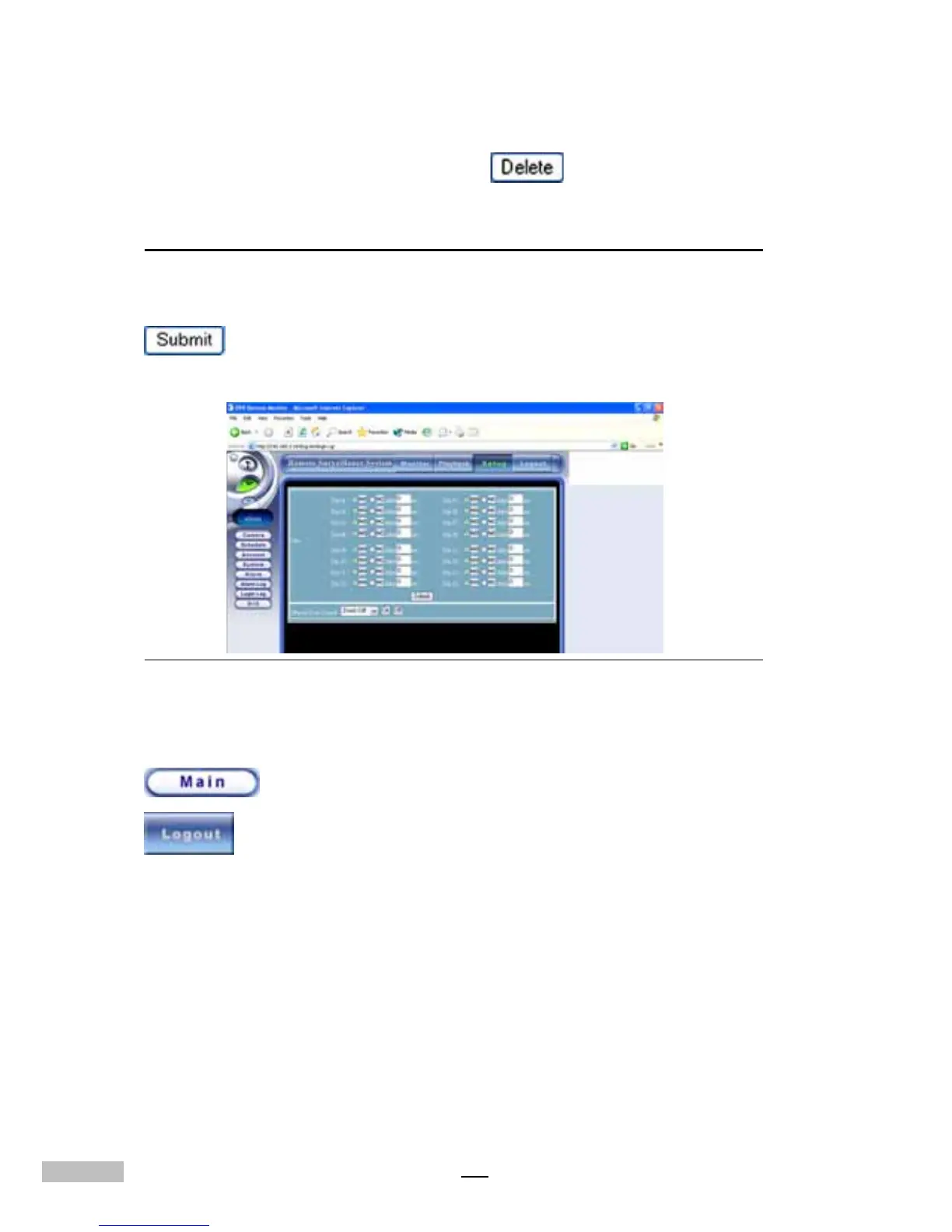
Remote GPIO Settings
The operation on remote GPIO is the same as with local settings on the
DVR host. Once you have added all the GPIO modes, click “Submit”
in the right corner to save the changes to the Host and make them
effective.
Figure 14-40: Remote GPIO Setting Window
After completing all the settings or after using this function, click “Main”
to use other remote functions. Or you can click “Logout”
to leave the remote monitoring system.



 To Next Page