115
Appendix D
Multi-Playback
Multi-Playback
Let’s take a look at how we can use the multi-playback function.
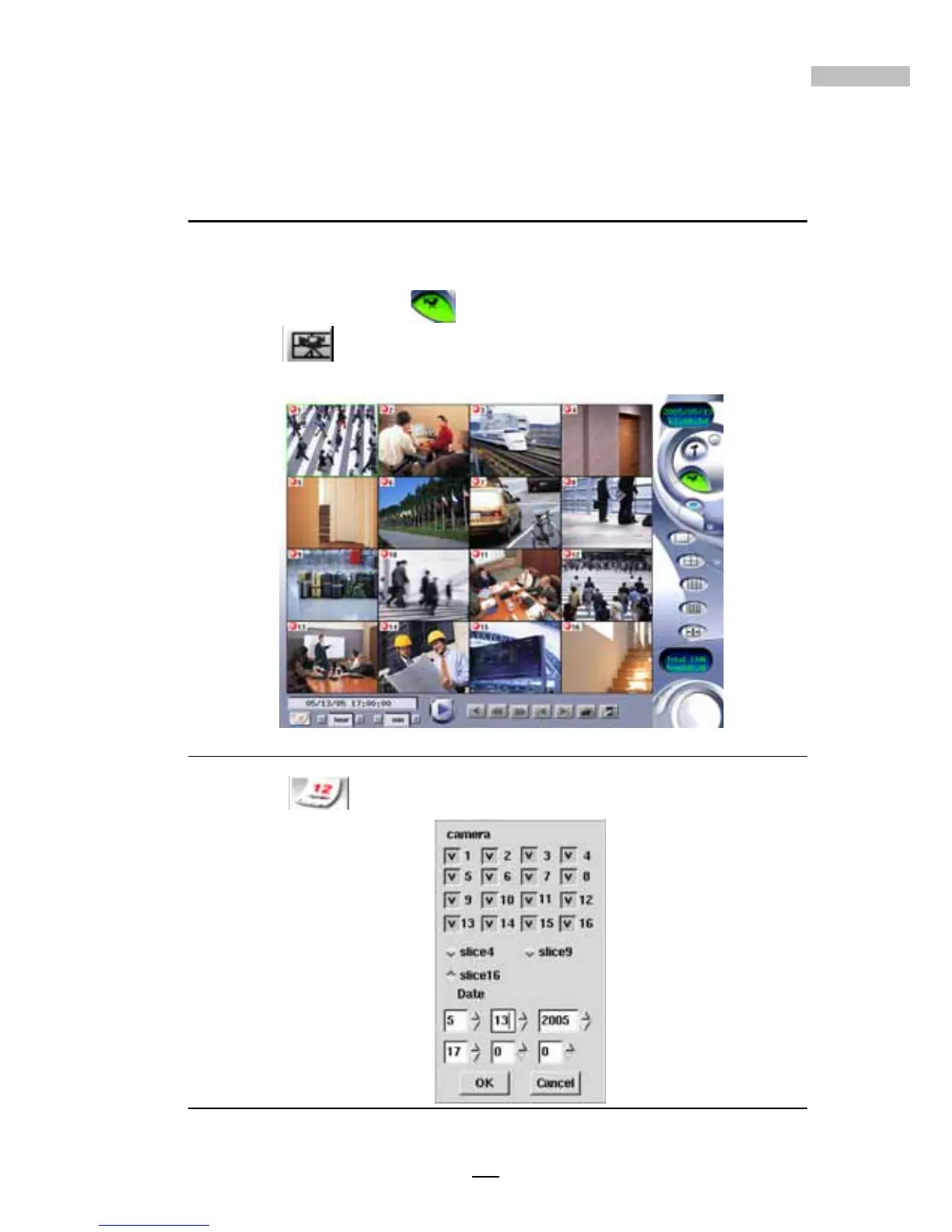
1.Click the ”playback” button on the main screen, and then
click (multi-playback), you’ll see the Multi-Playback windows as
below.
Figure D-1: Multi-playback screen
2.Click to select the playback clips according to cameras and
date/time.
Figure D-2: Playback setting for the date, time and camera
Appendix D



 To Next Page