26
Daily Scheduling
By choosing the “Daily” scheduling mode of the DVR, users can set a par-
ticular period for recording during one day.
1.Select the “Daily” option
2.Select the camera you wish to configure.
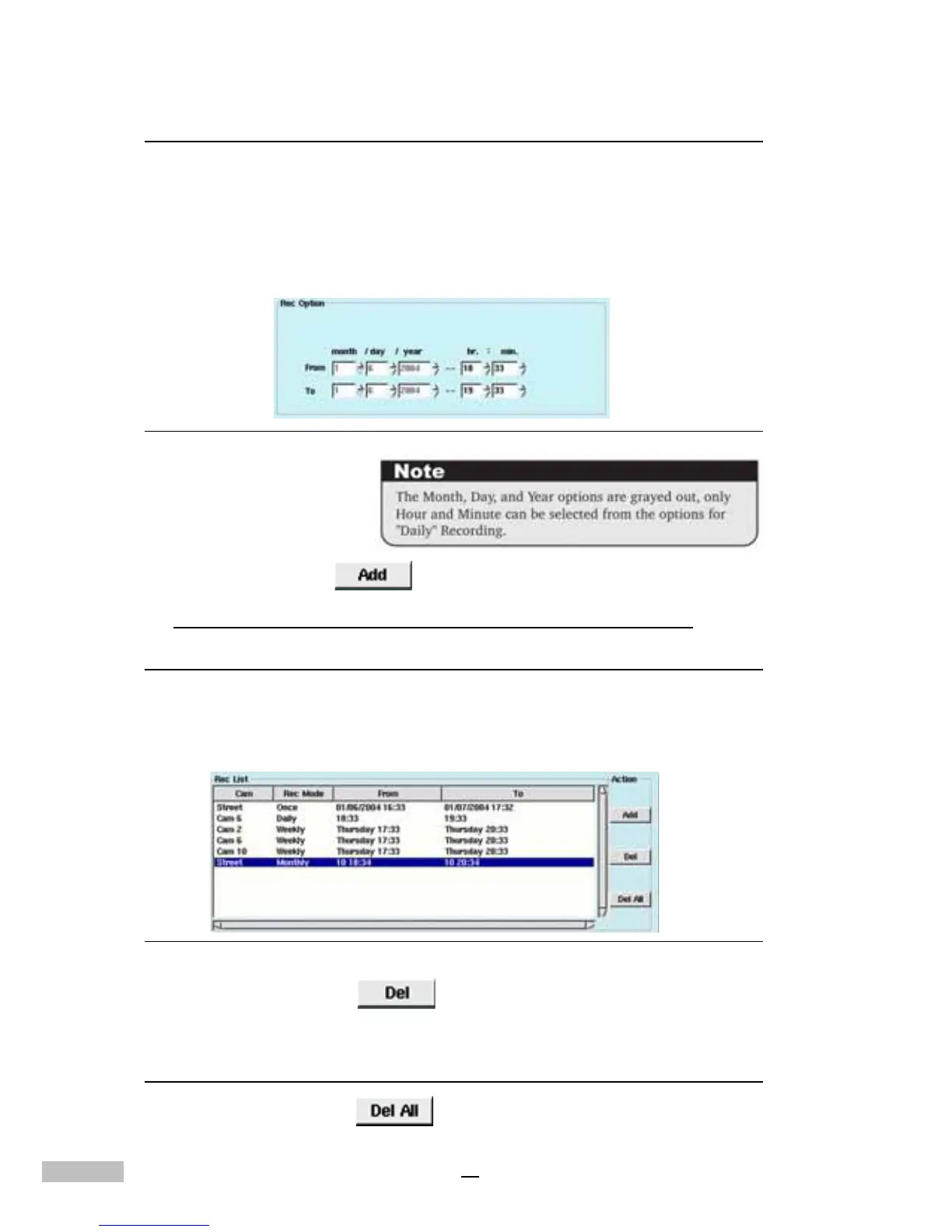
3.Select the recording duration.
Figure 5-7: Duration Selection
4.Click the “Add” button.
*The settings for Weekly and Monthly are the same as above.
Deleting Schedule Settings
Deleting recorded data will permanently delete all related information from
the hard disk drive, thus freeing-up disk space.
1.Select the recorded scheduled period from the list.
Figure 5-8: Deleting Schedule Settings
2.Click the “Delete” button.
To Delete All
1.Click the “Del all” button .



 To Next Page