23
Chapter 5Chapter 5
SCHEDULING RECORDING
This chapter explains how to schedule recording for different cameras con-
nected to your Digital Video Recorder. Each camera can be configured to
record at different time. There are four choices in all: Once, Daily, Weekly,
and Monthly. Recording under different modes will affect the overall capacity
of the hard disk of your DVR. Schedule your recording according to your
requirements.
Once the DVR is in recording mode, various scheduling times should be set
for each different video camera. Follow these instructions to configure
scheduling:
1.Click the “Setup” Icon on the Main Screen---------------------------
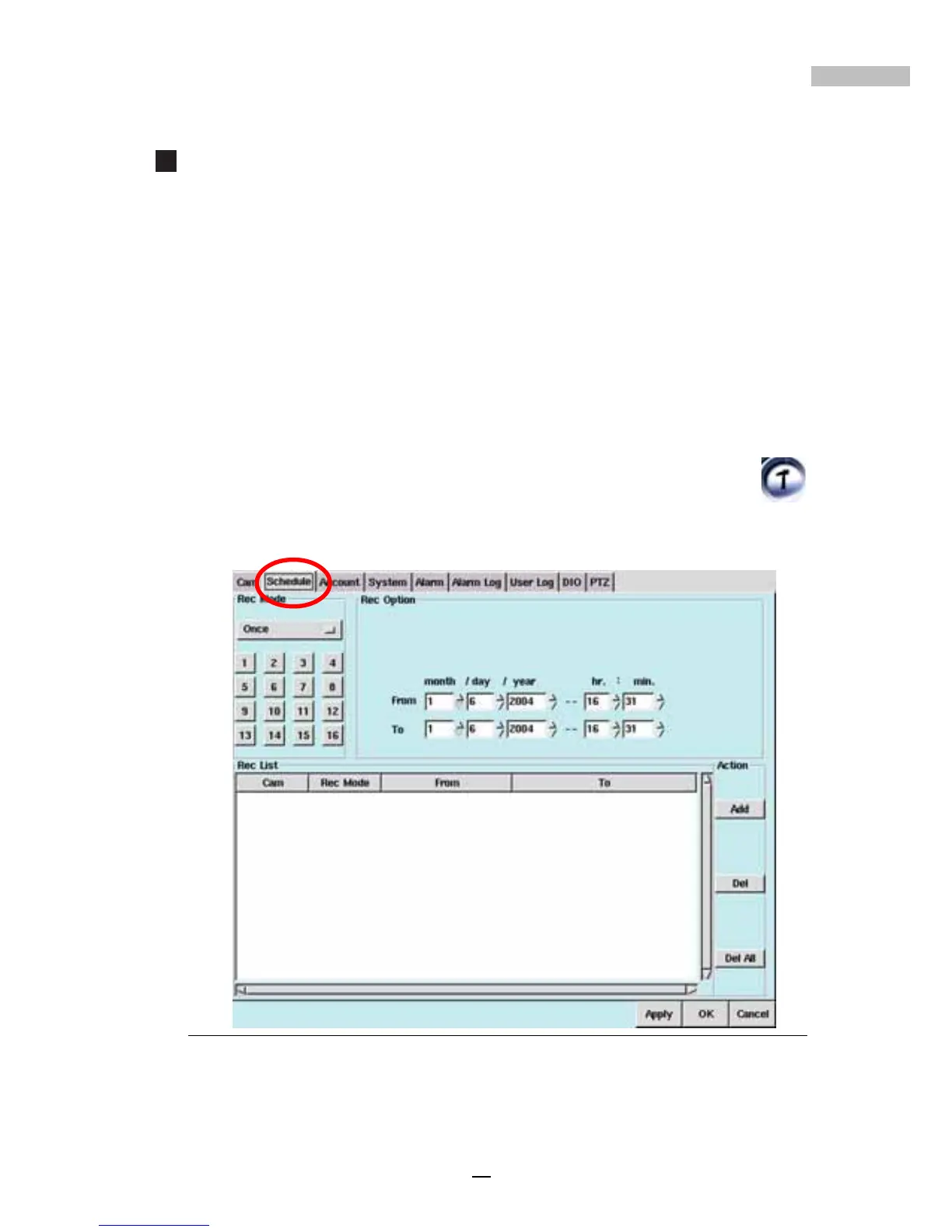
2.Click the "Schedule" Tab
Figure 5-1: Schedule Tab Window



 To Next Page