37
Chapter 7
Other Settings
Recycle Recording
The first additional option to explore is “Recycle Rec”, which refers to the
recycling of recording. When the hard disk is full, if the system has “Re-
cycle Rec” enabled, it will continue to record over previously recorded data,
so that the recording can continue.
1.Click the “System” Tab.
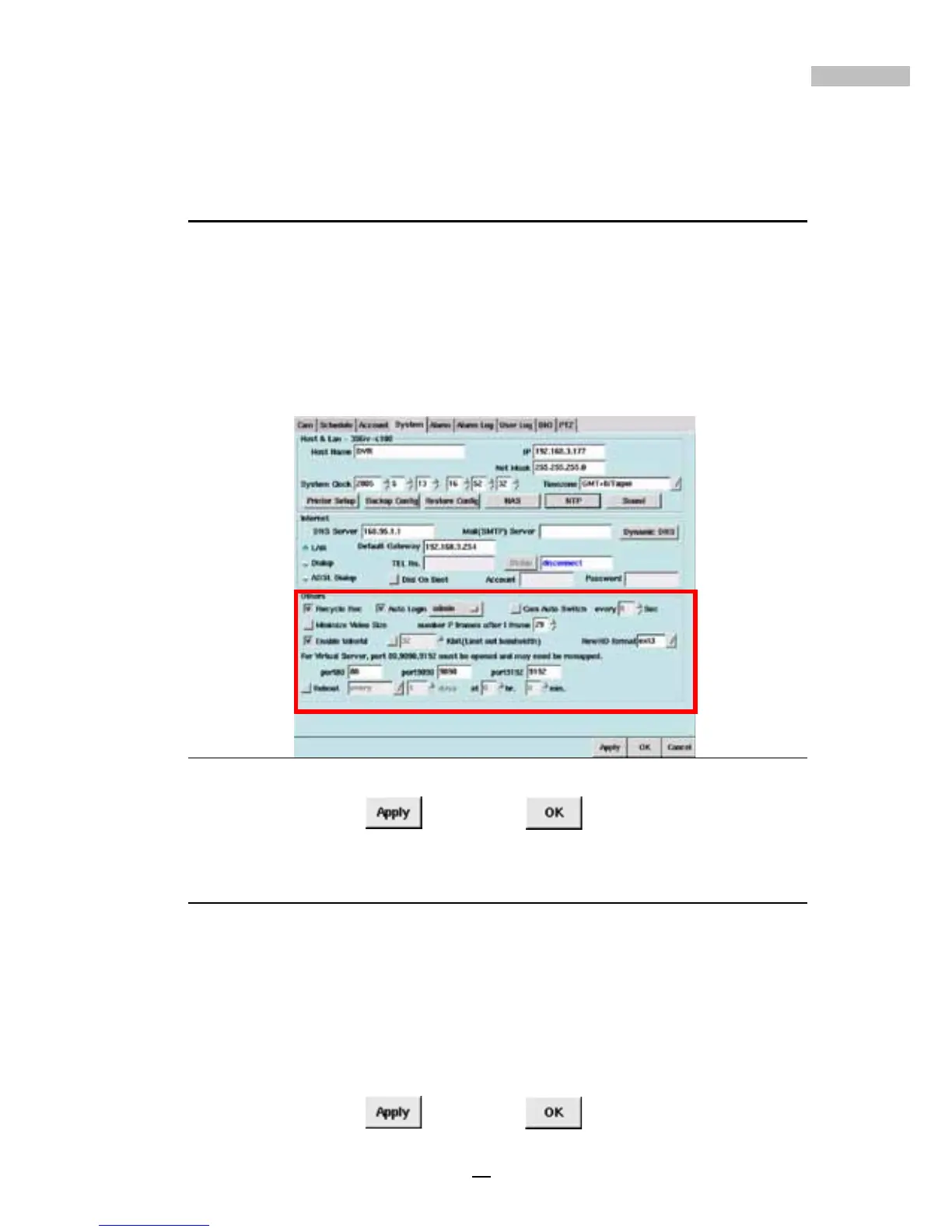
2.Under “Others” click the checkbox next to “Recycle Rec”.
Figure 7-10: Recycle Rec Option
3.Click “Apply” , then “OK” to activate the changes.
Auto Login
A second option is to give the administrator and other users “Auto Login”
status when the system is started. Users with this status do not have to enter
a username and password every time they log in.
1.Click the “System” Tab.
2.Under “Others” click the checkbox next to “Auto Login”.
3.Select the user account you want to give “Auto Login” status to.
4.Click “Apply”
, then “OK” .



 To Next Page