112
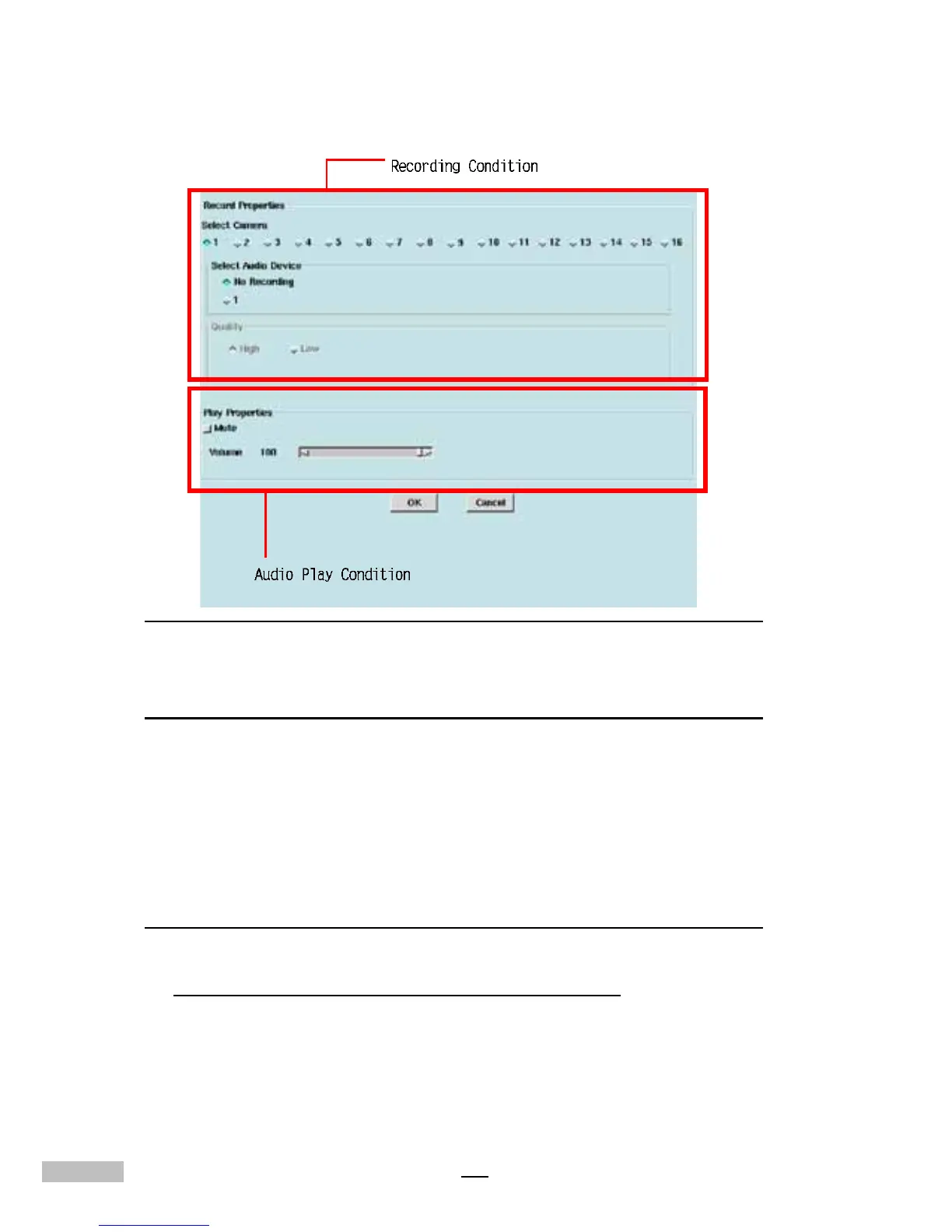
Related settings as below:
Figure C-2:Sound Setling screen
Recording Property
1.Camera select: only support 1CH audio for the first one camera.
2.Selecting Audio device: If select no recording, it will no sound when
playback.
3.Quality: select “High” or “Low”. The better quality, the bigger file size
is needed.
Playback Property
Click “Mute” for mute mode or adjust the “volume” slider for volume control.
Note: The volume is irrelative with the file’s capacity.
1.The real-time monitoring and playback screen with audio.
Click the audio icon to switch to mute mode.



 To Next Page