122
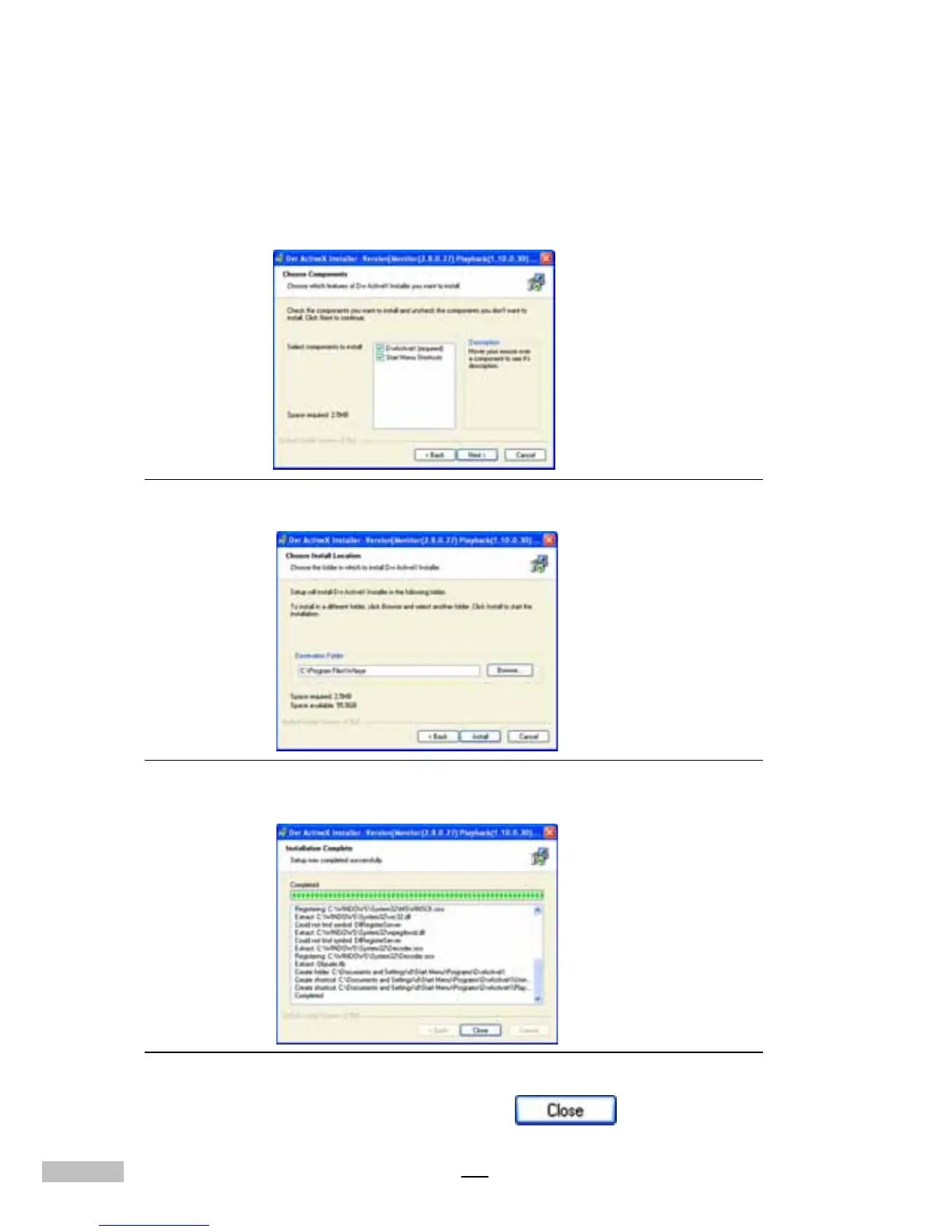
Choose which features of DVR Active X installer you want to install
1.DVR ActiveX: to copy the file to the computer
2.Start Menu Shortcuts
Figure F-3: Objects Selection
Figure F-4: Install Location Selection
Figure F-5: Installation Window
After finishing installation, then click “Close” .



 To Next Page