14
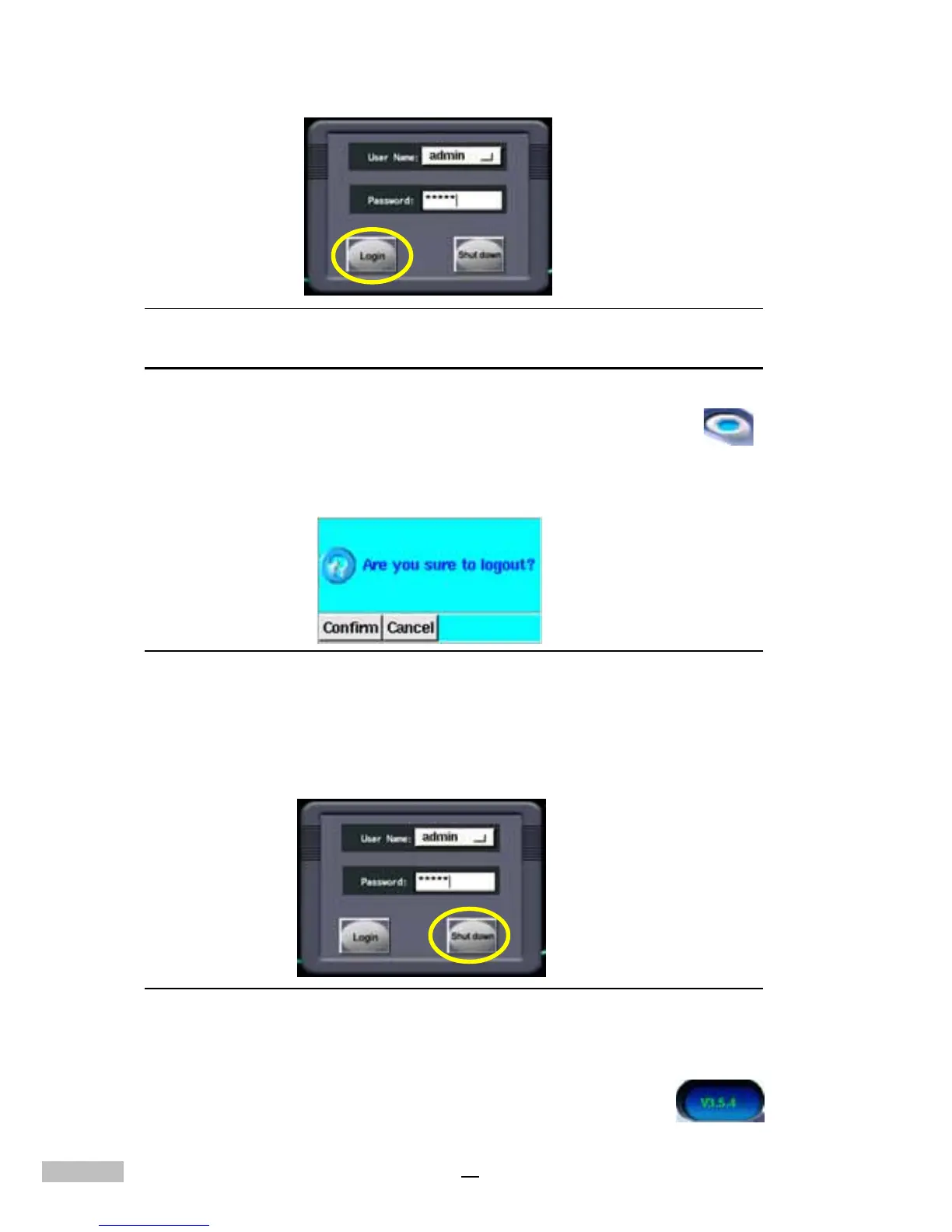
Figure2-5: Logging into the system
Shutting Down the System
1. Click the Log-on Icon.......................................................................
2. DVR will popup a dialog for you to confirm the logout.
3. Click "Confirm" to confirm it, then it can be chose to "Login" or "Shut
down".
Figure2-6:Shut down the system
4. Enter or choose "admin" in the User name field: enter the password
or the default password "admin".
5.Click the “Shut down” to shutdown the system.
Figure 2-7: Shutting down the system
After logout the DVR system, the software version of the DVR system will
be shown on the top right of the screen, for example....................



 To Next Page