21
Chapter 4
light-source color of the same brightness
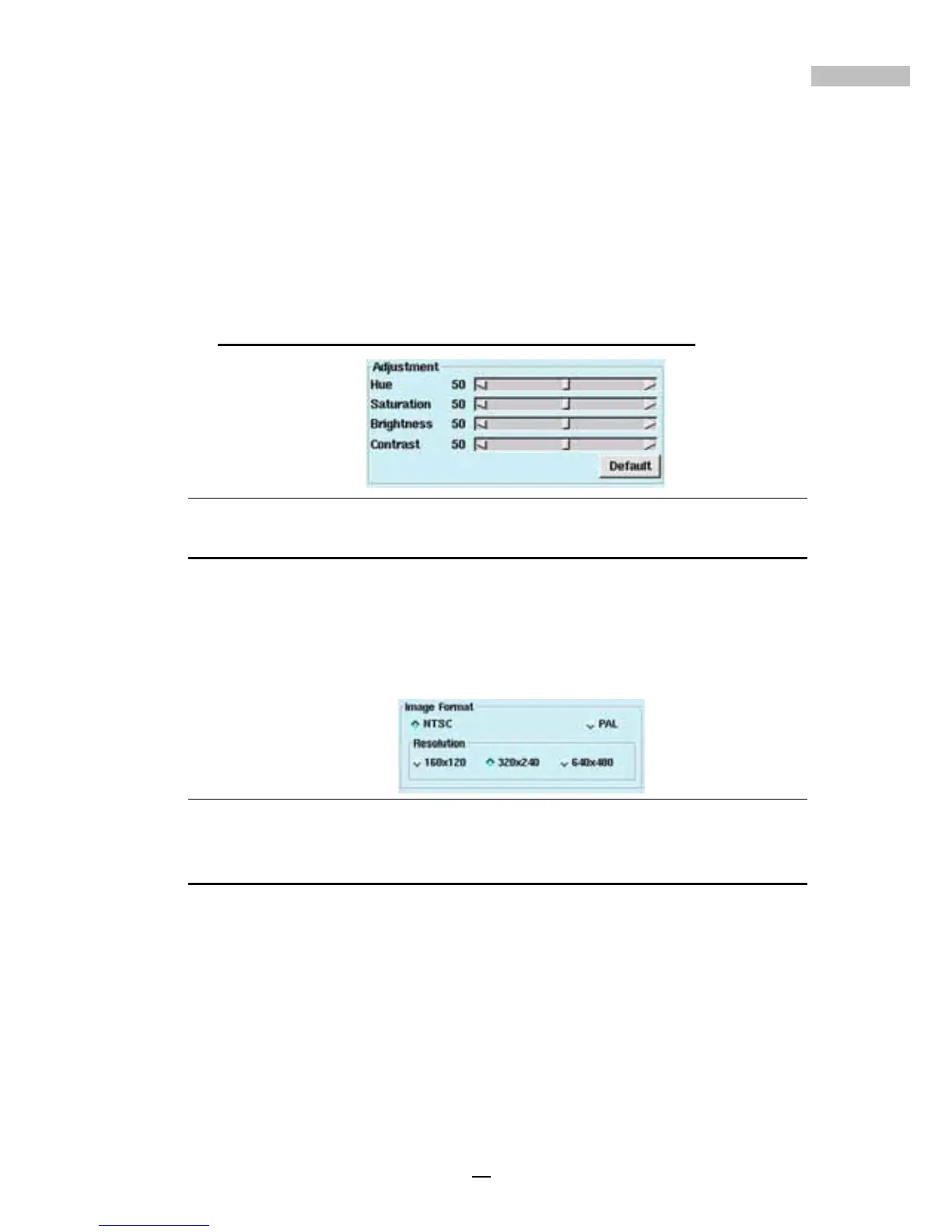
iii.“Brightness”- This is the attribute of light-source colors by which
emitted light is ordered continuously from light to dark in correla-
tion with its intensity
iv.“Contrast”- This is to compare with respect to differences
When changes are made the camera image is automatically updated.
To return to previous settings, click *“Default”
*Default: Hue-50 / Saturation-50 / Brightness-50 / Contrast-50
Figure 4-3: Camera image field
Setting Image Format
• Under “Image Format” users can select :
i. *“NTSC”- Three settings for image resolution - (160x120, 320x240,
or 640x480).
ii. “PAL”- Three settings for image resolution - (176x144, 352x288, or
704x576)
Figure 4-4: Image Format Area
Setting Recording Quality
• Under “Recording Quality”, there are four choices: Low, Medium,
High and Best. Among them, Low quality is applicable for long
time recording, while Best quality is used for applications which
require better image quality.
• Click to choose the proper quality, and use the Frame Rate (f/s: the
number of pictures that can be recorded per second, depending
on the whole performance of the system) to set the recording
speed of each camera.



 To Next Page