50
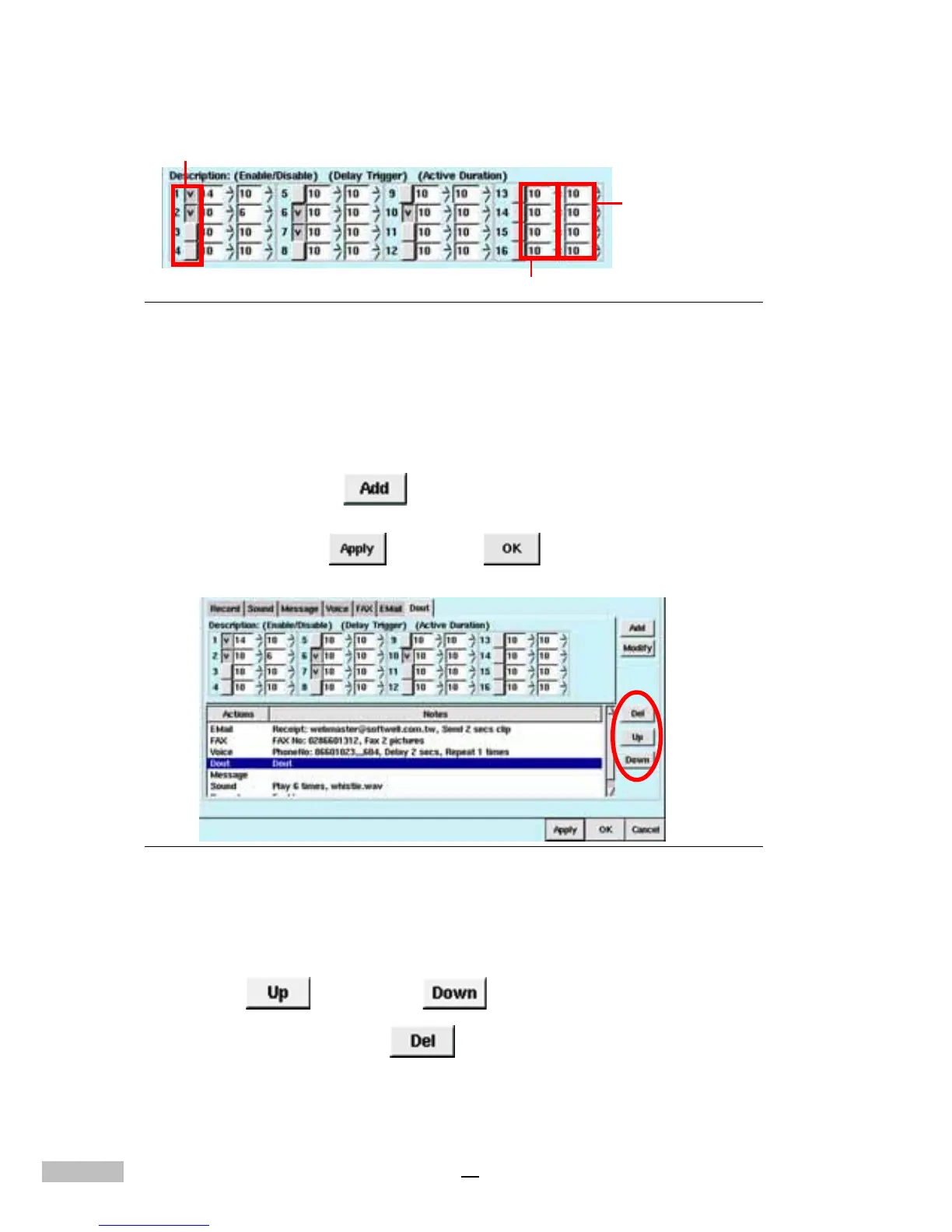
Figure 8-11: Output Port Field
7.Select the “Delay” time, with a unit of seconds; the delay time may
be set from 0 to 999 seconds.
8.Under the “Duration”, there are settings of 0 to 999 seconds to
choose from. A setting of 0 seconds means permanent triggering.
9.Then click “Add”
, and the window below will show “Dout”
with the selections made.
10.Click “Apply” , and “OK” .
Figure 8-12: Output Port settings
The user could also modify an alarm that has already been set; after chang-
ing the content, please click “Modify” to confirm — you could also move the
cursor “up” and “down” to adjust the sequence of alarm
responses, or click “Del” to eliminate unnecessary alarm
responses.
Tick off “Enable/Not-enable”
the Delay Trigger
the Active
Duration



 To Next Page