73
Chapter 13
Figure 13-14: Tagged Frame
4.The particular image is then saved and can be searched and viewed
for later reference by means of the tag. And the camera number and
the time is in sync with the tag data.
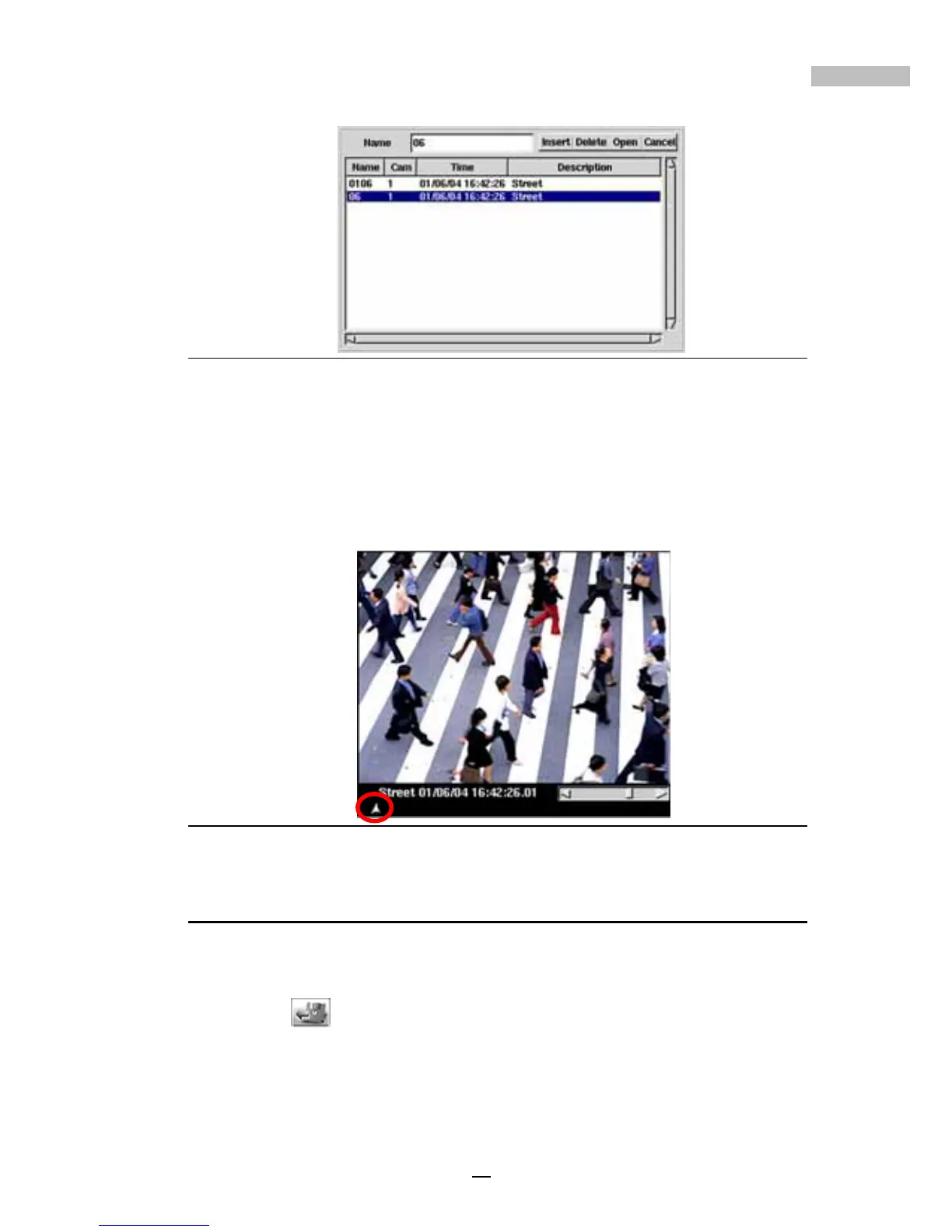
5.Then a mark will appear at the left bottom of the tagged screen (see
the image below).
Figure 13-15: Tagged Image
Exporting an Image
While viewing playback data, if you wish to export a section of a file to save
in addition, do the following:
1.Click
this icon and the following window will appear:



 To Next Page