93
Chapter 14
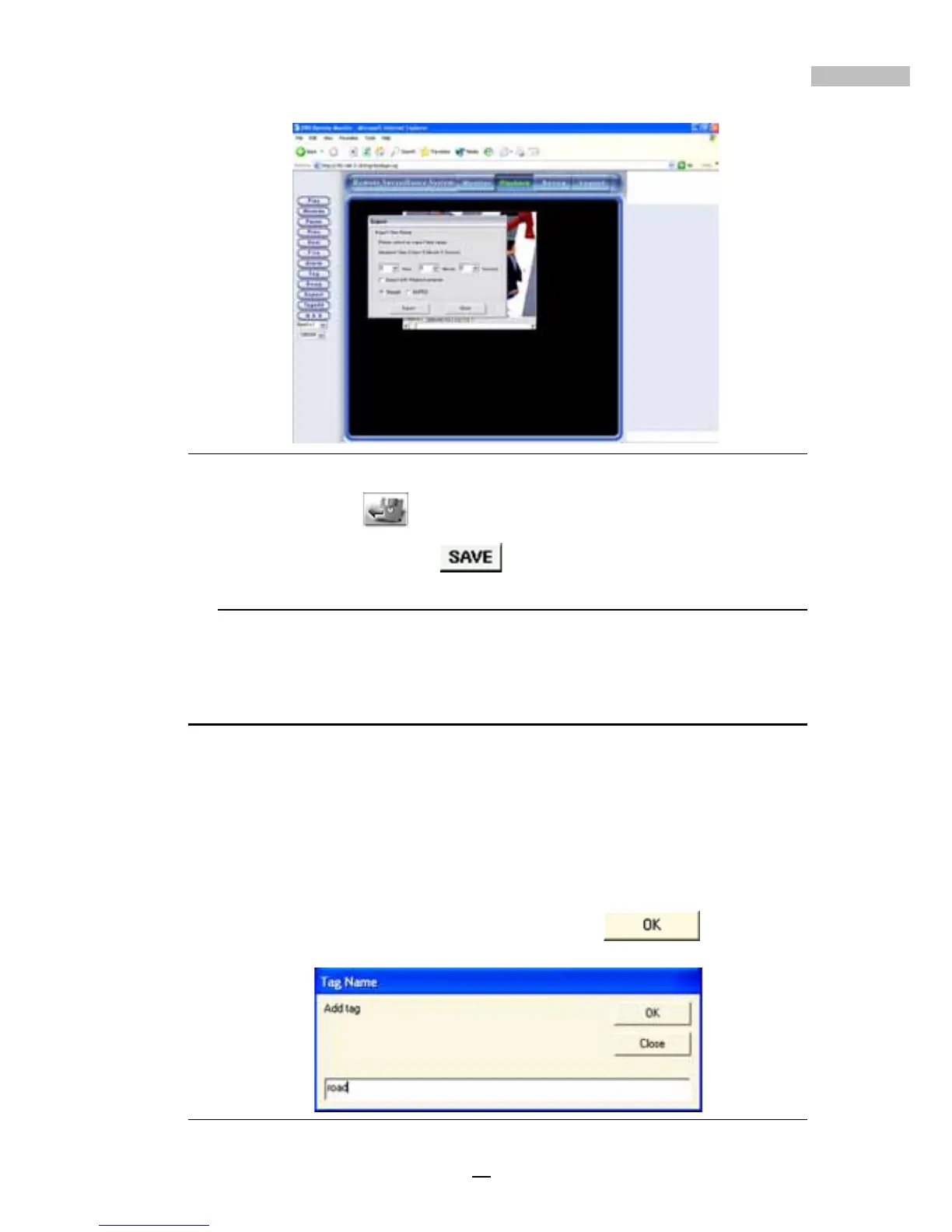
Figure 14-20: Export Duration
4.Click “Export” to choose path for saving the file and enter the file
name, then click “Save”
to save this file to disk.
* If the time for exporting is a little long, please wait for a while patiently.
Inserting a Tag
Inserting a tag allows users to mark an important section of a file specially.
Once it’s opened, the tagged file will be played from the marked place. After
adding the tagged files, click the “Tag” in the file options; a pop-up window
will list all the tagged files.
The following tells how to produce a tagged file:
1.Click the “Tagadd” button.
2.After entering the Tag Name, click the “OK”
button.
Figure 14-21: Export Duration



 To Next Page