Adding a Printer
18
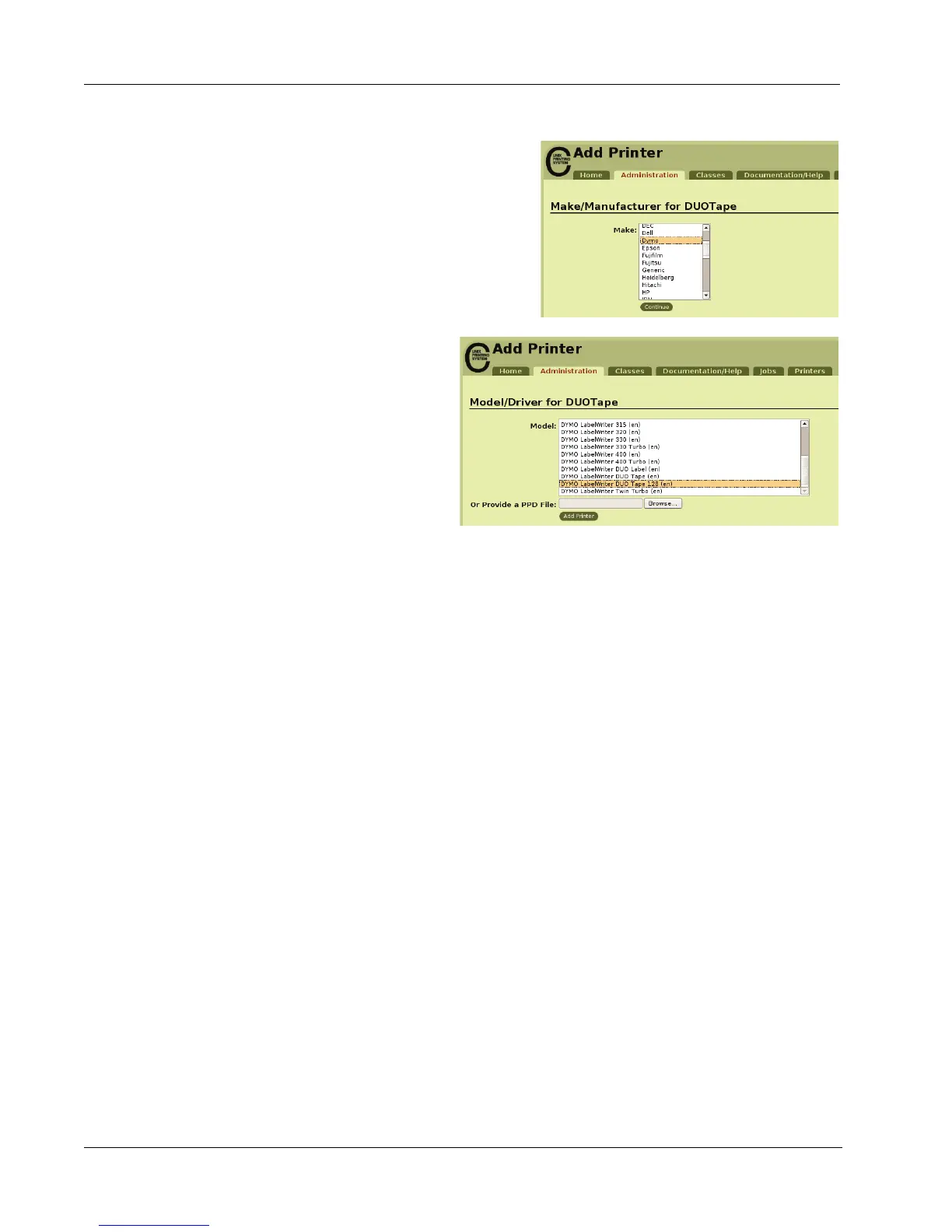
7 Select DYMO from the Make list, and then
click Continue.
8 Select the DYMO LabelWriter
DUO Tape printer that you are
adding from the Model list, and
then click Add Printer.
The printer is now available.
Printing a Test Label
Make sure that the printer is connected and working properly by printing a test label after you have
added a printer.
To print a test label
1 Select the Printers tab on the CUPS Home Page.
2 Locate the printer that you want to use to print the test label and click Print Test Page.


 To Next Page