Page 11 of 12
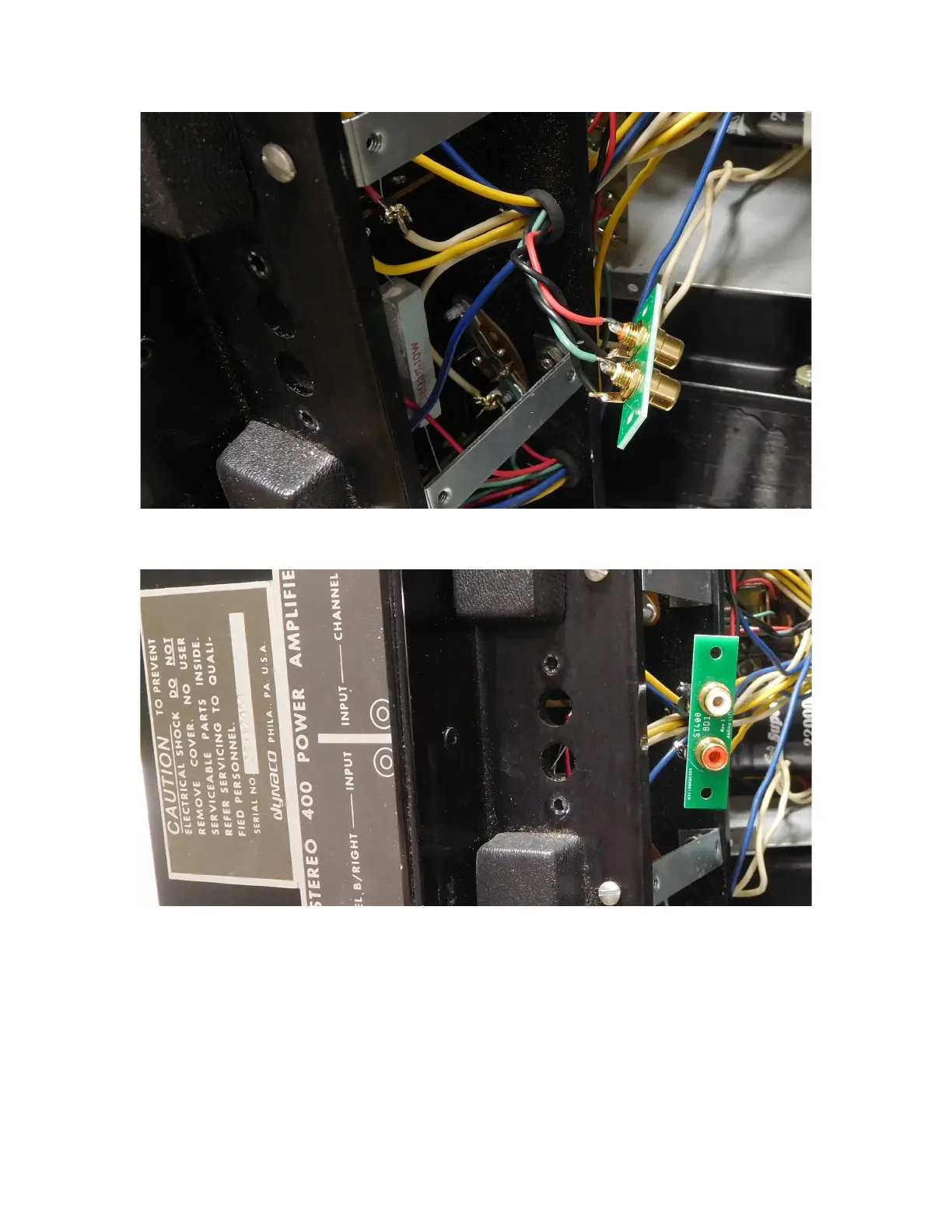
Figure 10-solder wires to the new RCA jack assembly
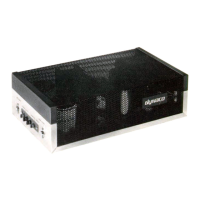
Figure 11-Position the jack assembly prior to installation
Use the supplied 6-32x5/8” sems screw and 6-32 keps nuts to fasten the new RCA jack
assembly to the heatsink. There will be a little bit of play between the mounting holes,
screws, and RCA jack PCB. Your goal is to end up with the RCA jacks centered in their
holes in the heatsink.
In both original and improved forms, the RCA jack grounds should not contact the
heatsink. That isolation prevents the formation of ground loops which could cause hum.



 To Next Page