Page 8 of 12
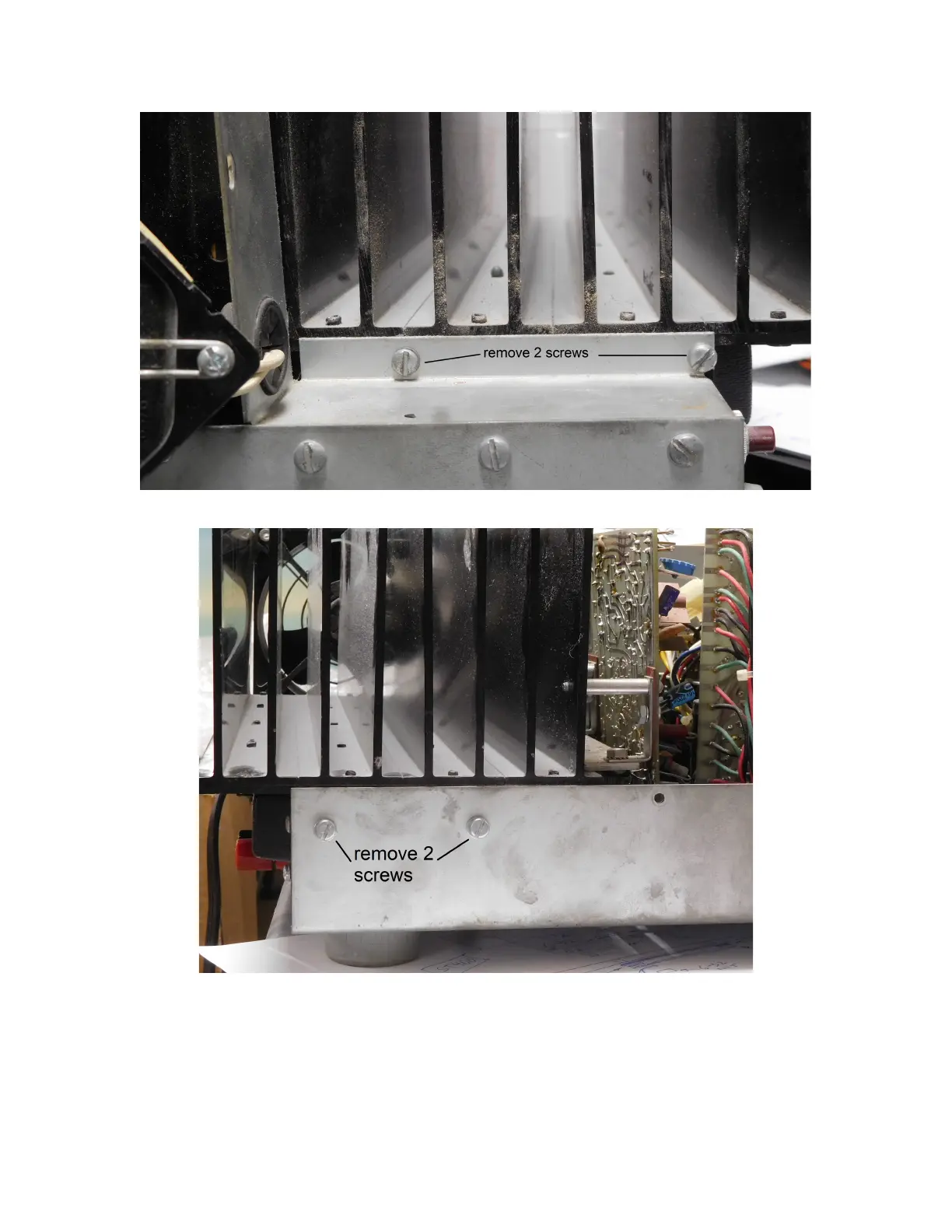
Figure 6-Remove two screws from the side, behind the fan
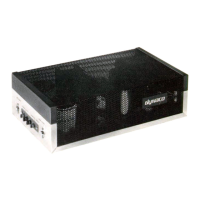
Remove two side screws, on the non-fan side of the chassis.
Figure 7-Remove two side screws (non-fan side)
Turn the Stereo 400 on its side, with the transformer side on the table to get access to and
remove 9 screws on the bottom. Once again, labeling these screws and the lock-washers
can take some of the guess-work out of reassembly.



 To Next Page