2322
Spikes with pointed ends
Xeo 30 oor-standing speakers are
delivered with spikes for permanent
installation on the oor. The pointed ends
of the spikes may result in injuries and
damage delicate oors.
Accessories
Setting up
► Pay attention that you do not injure
yourself with the spikes.
► We recommend inserting the spikes
in aluminium feet if you have delicate
oors, such as parquet or laminate.
► Position the speaker in the desired
location.
– Do not expose the speakers to
direct sunlight, heat, or moisture.
– Do not place the speakers
near devices with strong
electromagnetic radiation or
devices that could be destroyed or
damaged by magnetic elds.
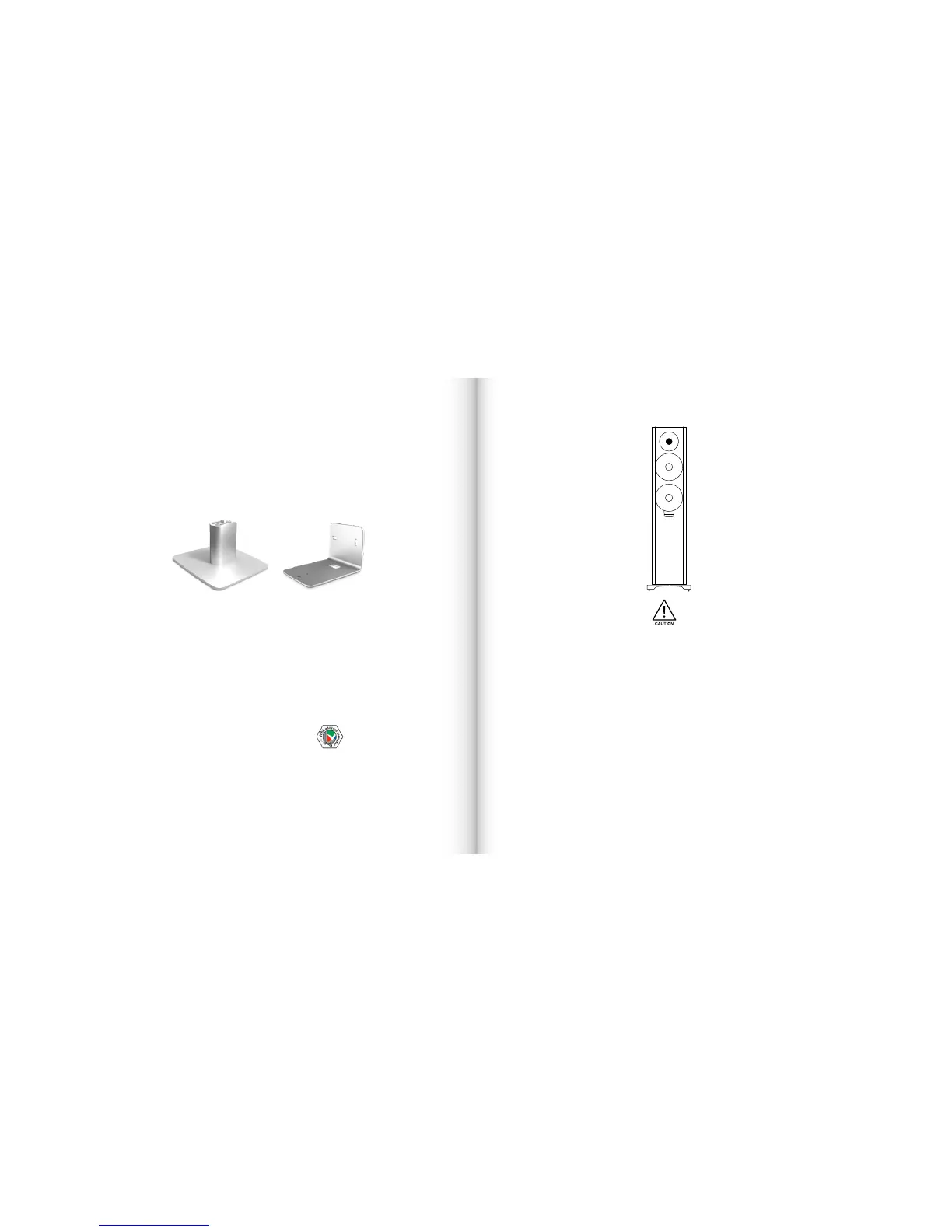
Accessories (Xeo 10)
A desk stand or wall brackets extend
the range of applications of your Xeo10
speakers. For further information, please
see the website at dynaudio.com or
contact your Dynaudio distributor.
Distributor addresses can also be found
at dynaudio.com
Desk stand
The Dynaudio desk stand for Xeo10 is
an elegantly designed stand for placing
the speakers on a desk or shelf. A
installation instruction is provided with
the stand.
Wall bracket
The wall bracket allows you to mount the
Xeo10 speakers on the wall.
VESA100 bracket
(Xeo 10/20)
VESA is a standard for wall brackets
developed by the Video Electronics
Standards Association. The Xeo10 and
Xeo 20 speakers allow you to mount
brackets according to the VESA100
standard. This means that the screws on
the back plate are spaced 100mm apart.
To mount a VESA100 bracket
(Xeo 10):
1. Loosen the four screws (Torx type)
and unmount the back plate.
2. Keep the back plate for future use.
Follow the instructions provided with
the bracket you want to mount.
Accessories / Setting up



 To Next Page