22 Dynaudio
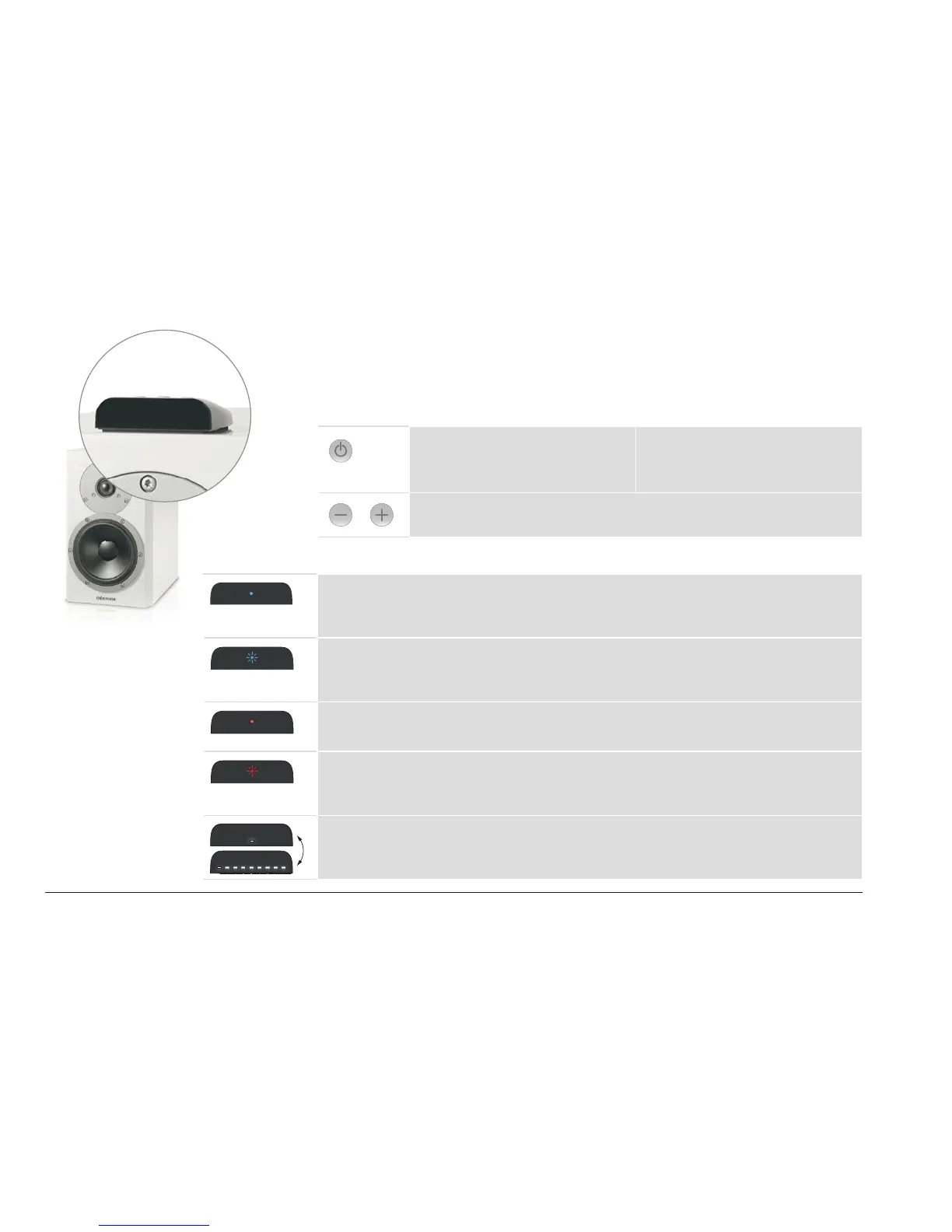
Interface display
The display on the housing indicates the operational state of the loudspeakers and system using LEDs
with various colors and ash functions.
Buttons on the display
On/off switch
Pressing this button for longer than
2 seconds will switch the loudspeaker
on or to standby mode.
Input selection
A brief press of this button switches
between the inputs (1 → 2 → 3 → 4 →
1...). Only the inputs in use are shown.
Volume control
Increases or decreases the volume.
LED display meanings
On-state
LED is illuminated in blue. The loudspeaker is switched on and an audio signal is
played back.
On-state
LED is ashing in blue. The loudspeaker is switched on, but an audio signal
cannot be found.
Off-state
LED is illuminated dimly in red. The loudspeaker is in standby mode.
Hub connection
LED is ashing in red. There is no active Hub or no connection to a Hub
possible.
Switch-on process
LEDs are illuminated one by one. The loudspeaker is being switched on.



 To Next Page