DL5.0C User Manual
©Dyness reserves the copyright of this document
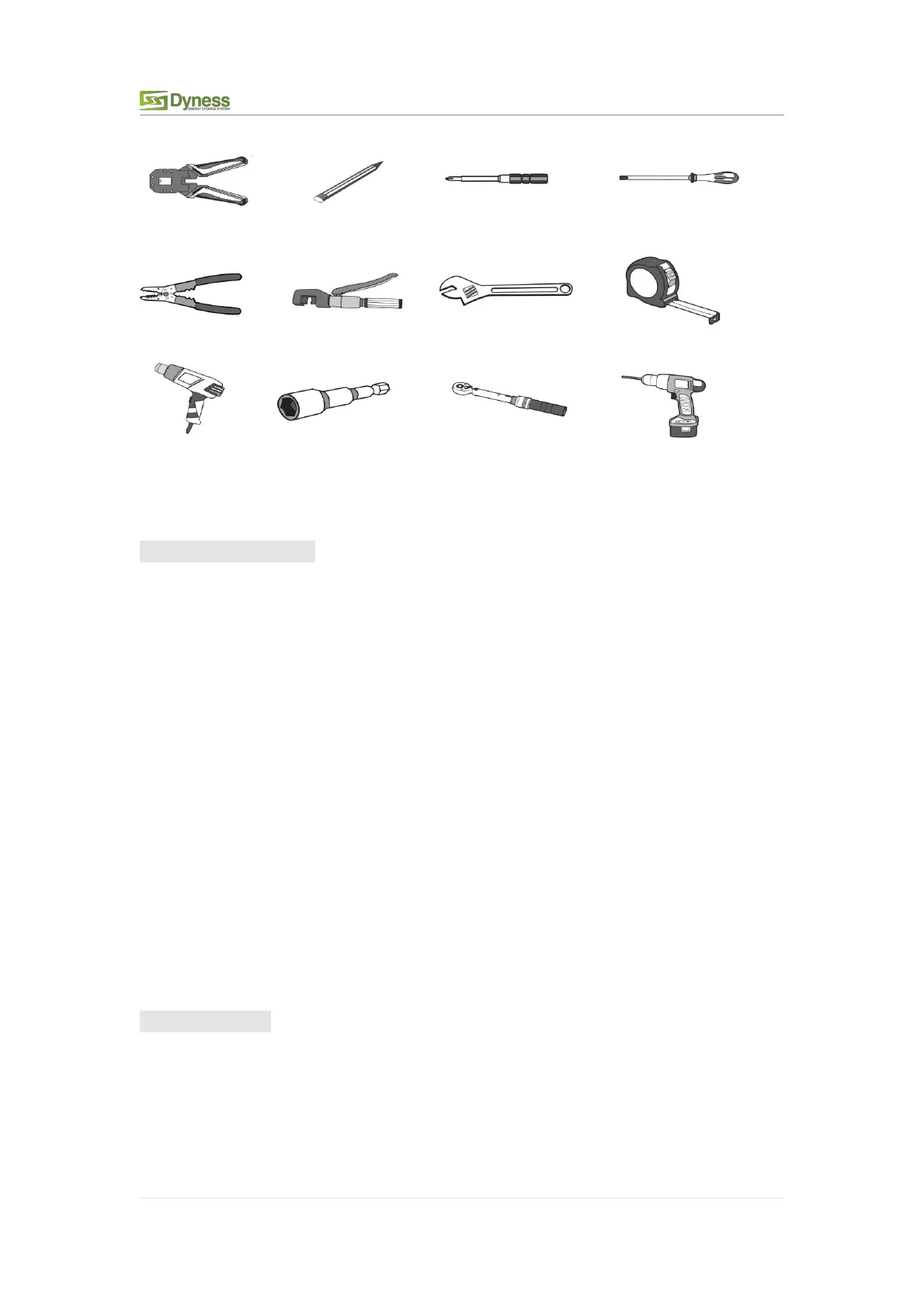
Tools and meters that may be used are shown in Figure 3-2 Installation Tools.
Figure 3-2 Installation Tools
Technical preparation
Electrical interface check
Devices that can be connected directly to the battery can be user equipment, power
supplies, or other power supplies.
• Confirm whether the user's PV power generation equipment, power supply or other
power supply equipment has a DC output interface, and measure whether the DC
power output voltage meets the voltage range requirements in Table 2-2.
• Confirm that the maximum discharge current capability of the DC power interface of
the user's photovoltaic power generation equipment, power supply or other power
supply equipment should be higher than the maximum charging current of the
products used in Table 2-2.
• If the maximum discharge capacity of the DC power interface of the user's
photovoltaic power generation equipment is less than the maximum charging
current of the products used in Table 2-2, the DC power interface of the user's
photovoltaic power generation equipment shall have a current limiting function to
ensure the normal operation of the user’s equipment.
• Verify that the maximum operating current of the battery-powered user equipment
(inverter DC input) should be less than the maximum discharge current of the
products used in Table 2-2.
The security check
• Firefighting equipment should be provided near the product, such as portable dry
powder fire extinguisher.
• Automatic fire fighting system shall be provided for the case where necessary.
• No flammable, explosive and other dangerous materials are placed beside the
battery.
Phillips Screwdriver Bit Flat-Head Screwdriver



 To Next Page