DL5.0C User Manual
©Dyness reserves the copyright of this document
3. Parallel communication cable connection
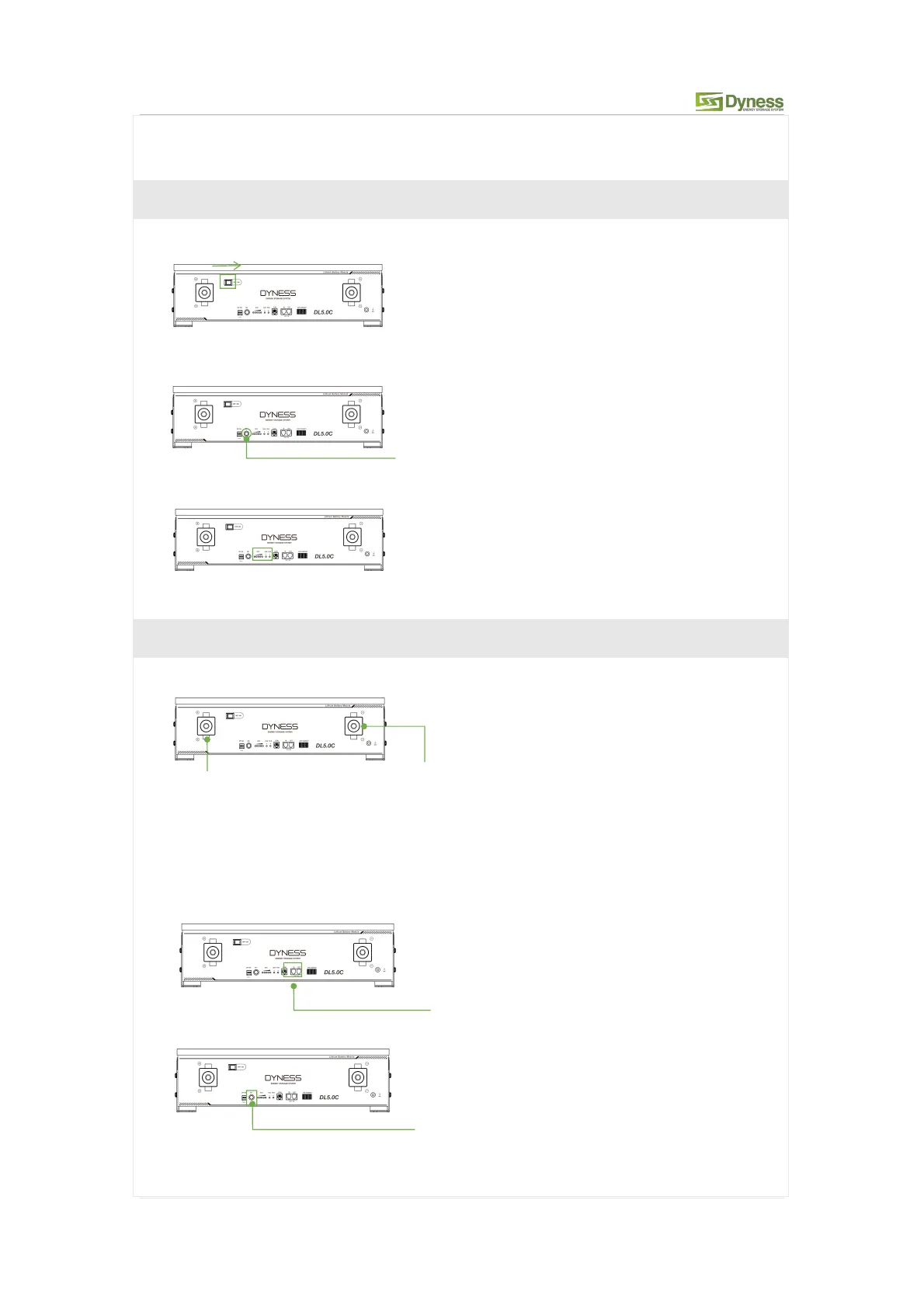
Step 4 Battery system self-test
1. Turn the ON/OFF switch to the "ON" state.
2. Press SW button 3secs to wake up battery.
3. Check the system output voltage and led status
4. Shut down the system
Step 5 Connecting inverter
1. Connect total positive & total negative cable of the battery system to the inverter.
2. Battery module total positive cable installation
3. Battery module total negative cable installation
4. Connect the communication cable from the master CAN IN to the inverter
5. Turn on the Power switch and wake up system by SW button.
6. Close the DC breaker between inverter and battery.
7. Turn on the inverter and check the communication between inverter and battery
SW (Battery sleep switch)



 To Next Page