3. PRODUCT OPERATI ON
After reading this section, you will be familiar with the basics of how to use your EFIS-D100. For details regarding
specific procedures (e.g., adjusting display brightness, changing the altimeter setting, setting the clock, etc.) please refer
to the EFIS Operation section.
Front Panel Layout
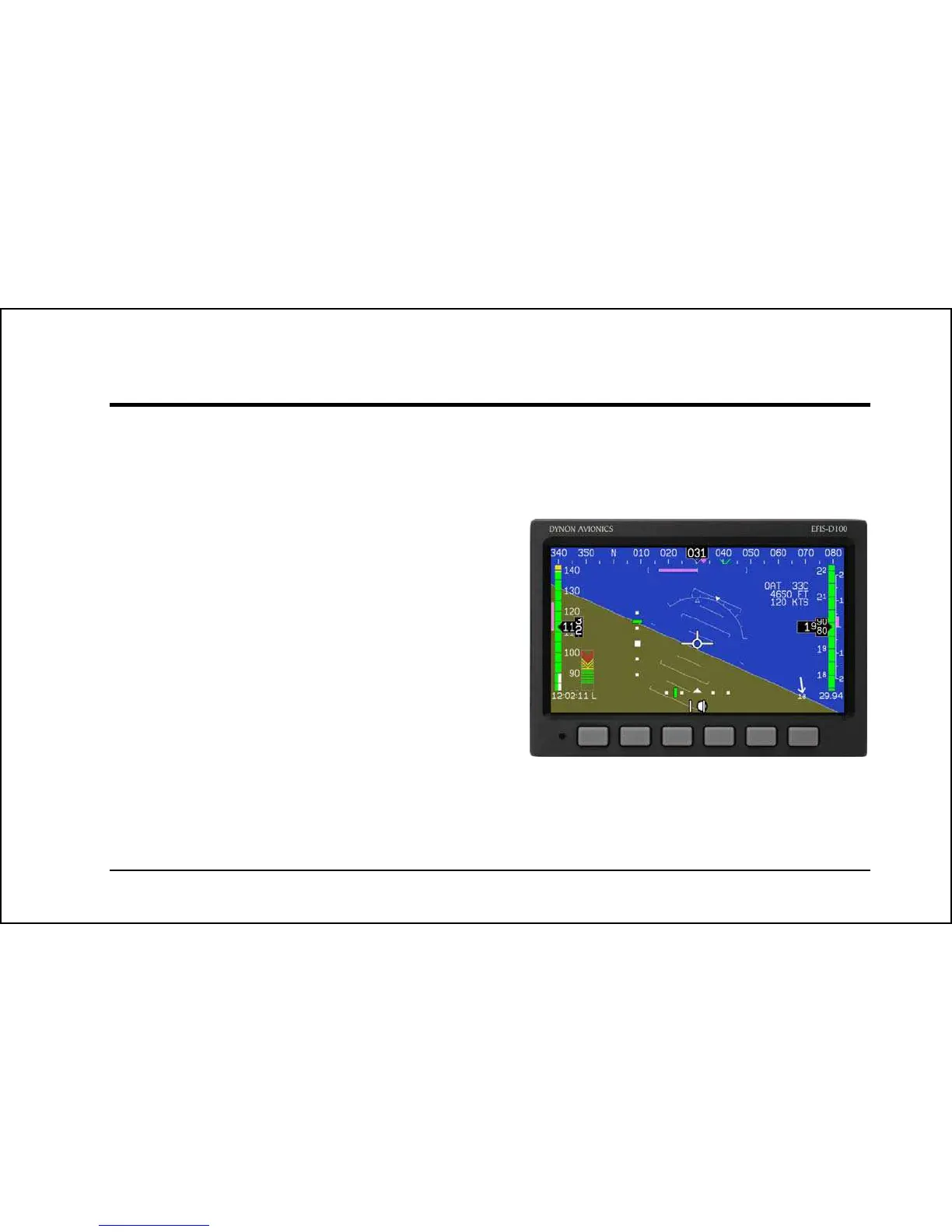
All normal operation of the EFIS-D100 happens via the front
panel. The front panel contains buttons and a display.
B
uttons – There are six buttons on the front panel of the
EFIS-D100. Throughout this guide, these buttons are
referred to as one through six, with button one being the
leftmost and button six being the rightmost. EFIS-D100
buttons are used to turn the instrument on and off, cycle
between screens, scroll through menus, and adjust
instrument parameters.
Display – The display shows EFIS information, menus, and
data obtained from other connected products.
1 2 3 4 5 6
User interaction takes place via the EFIS-D100 main
display
and the six buttons beneath. Note: buttons are
not labeled on actual product
EFIS
-D100 Pilot’s User Guide 3-1



 To Next Page