EFIS Operation
EFIS-D10A Pilot’s User Guide 5-11
airspeed/ density altitude (OAT), and engine RPM/MAP info (ENGINE). More detail about each of these is given below.
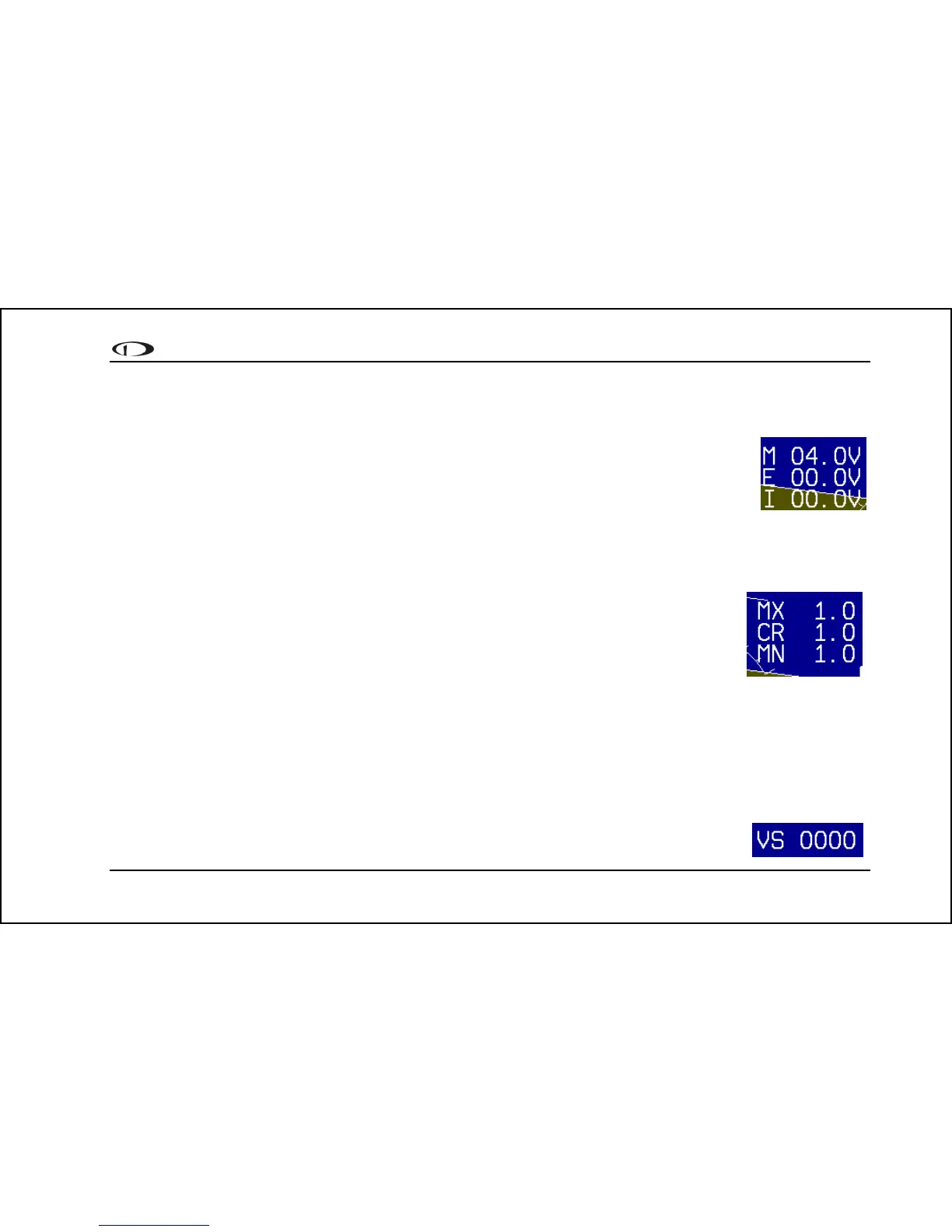
Voltmeter
The voltmeter displays 3 rows of information corresponding to the three power inputs on the EFIS-
D10A. The first row, labeled M, displays the Master Switch voltage. The second row, labeled E,
displays your optional external backup voltage. The third row, labeled I, displays the EFIS-D10A
internal battery voltage. If any of the 3 voltage inputs are not present, 00.0V is displayed for the
respective voltage values. The letter V follows all three values, denoting the fact that voltages are
being displayed. The EFIS-D10A alerts you when the internal battery is low by displaying a low battery alert.
G
-meter
The g-meter displays the current vertical acceleration experienced by the EFIS-D10A measured in
g’s, where 1 g is the amount of acceleration due to the earth’s field experienced by an object at sea
level. Positive g-force is defined as upward vertical acceleration, making you feel heavier.
Negative g-force is defined as downward vertical acceleration, making you feel lighter. As can be
seen in the picture, there are three rows of text that make up the g-meter. The top row, labeled MX,
is the maximum positive g-force experienced by the EFIS-D10A since reset. The middle row, labeled CR, is the current
g-force experienced by the EFIS-D10A. The bottom row, labeled MN, is the minimum g-force experienced by the EFIS-
D10A since reset.
To reset the max and min g-force values to the current g-force value, enter the EFIS > INFO menu and press the RSET G
button.
VSI (Rate of Climb)
The vertical speed indicator (VSI) consists of a single line with your current rate of climb or
descent. If you are currently gaining altitude, an up arrow is displayed to the right of the vertical



 To Next Page