EFIS Operation
5-10 EFIS-D10A Pilot’s User Guide
Abbreviation Display Item Function
CDI Course Deviation Indicator
Toggles and configures the display of the CDI and glideslope. Choosing “CDI”
causes the course deviation indicator to display above the slip/skid ball. Choosing
“CDI+GS” causes both the CDI and glideslope indicators to display, with the
glideslope indicator displayed next to the roll scale. If the CDI button status
displays “Y” or “CDI+GS” and no CDI or glideslope is displayed onscreen, the
EFIS-D10A cannot detect your nav radio or GPS, there is no active course, or there
is no NAVSRC chosen on the HSI page.
CRS Course Pointer
Toggles the display of a “V”-shaped course pointer on the heading tape. Like the
CDI, this can only be displayed when the EFIS-D10A is receiving a valid course
from the nav source selected on the HSI page. If the CRS button status displays “Y”
and no course pointer is displayed on the heading tape, the EFIS-D10A cannot
detect your nav radio or GPS, there is no active course set, or there is no NAVSRC
chosen.
CHECK FIRMWARE VERSION
The EFIS > SETUP > VRSION menu gives you two important pieces of information: your EFIS-D10A’s current
firmware version; and the number of hours the EFIS-D10A has been on. If you require technical support or other
assistance from Dynon, please have your firmware version ready when you call or write.
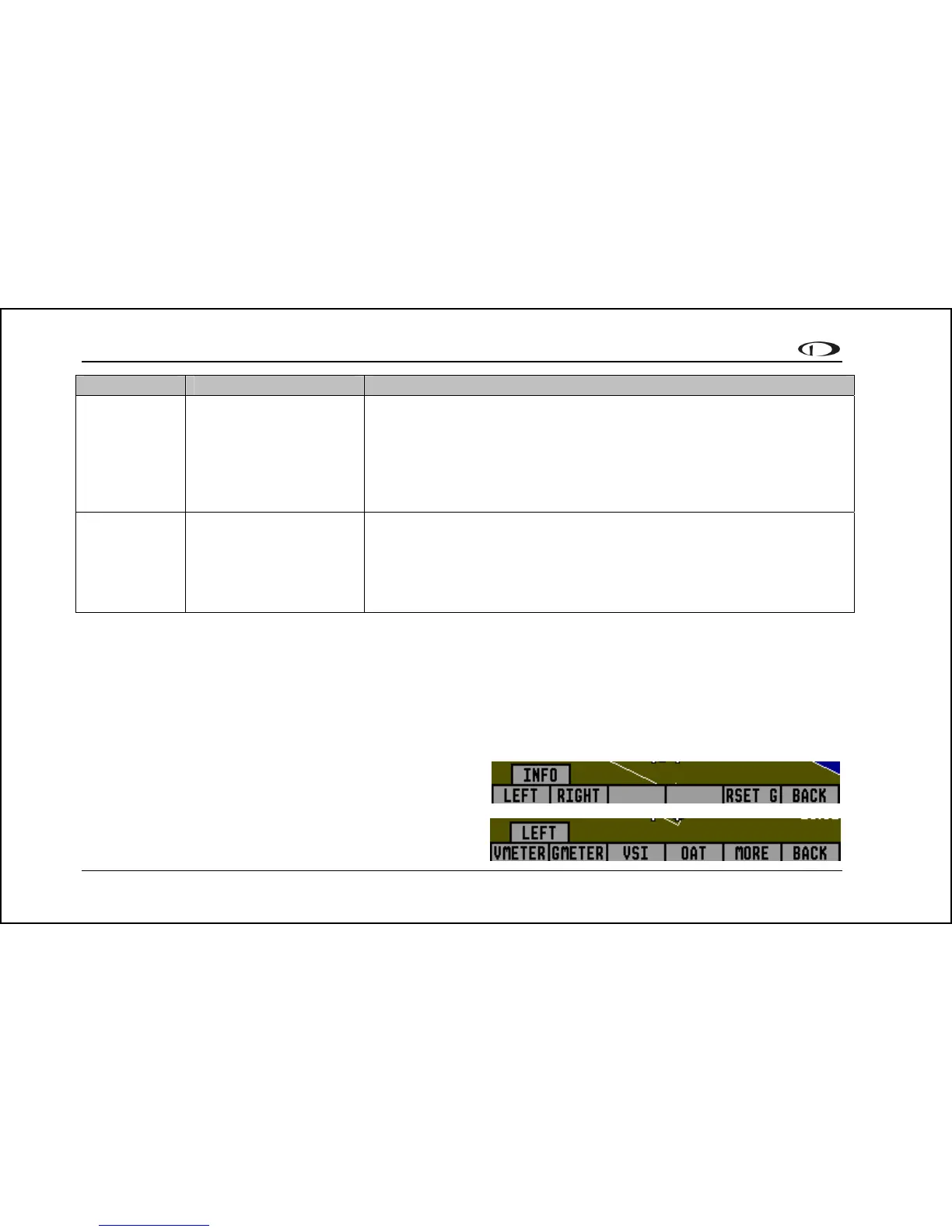
INFO – Informational Items
In the EFIS > INFO menu, you have the option of displaying
an informational display item on either the left or right side, or
both. You may display a voltmeter (VMETER), g-m
(GMETER), vertical speed indicator (VSI), OAT/true
eter



 To Next Page