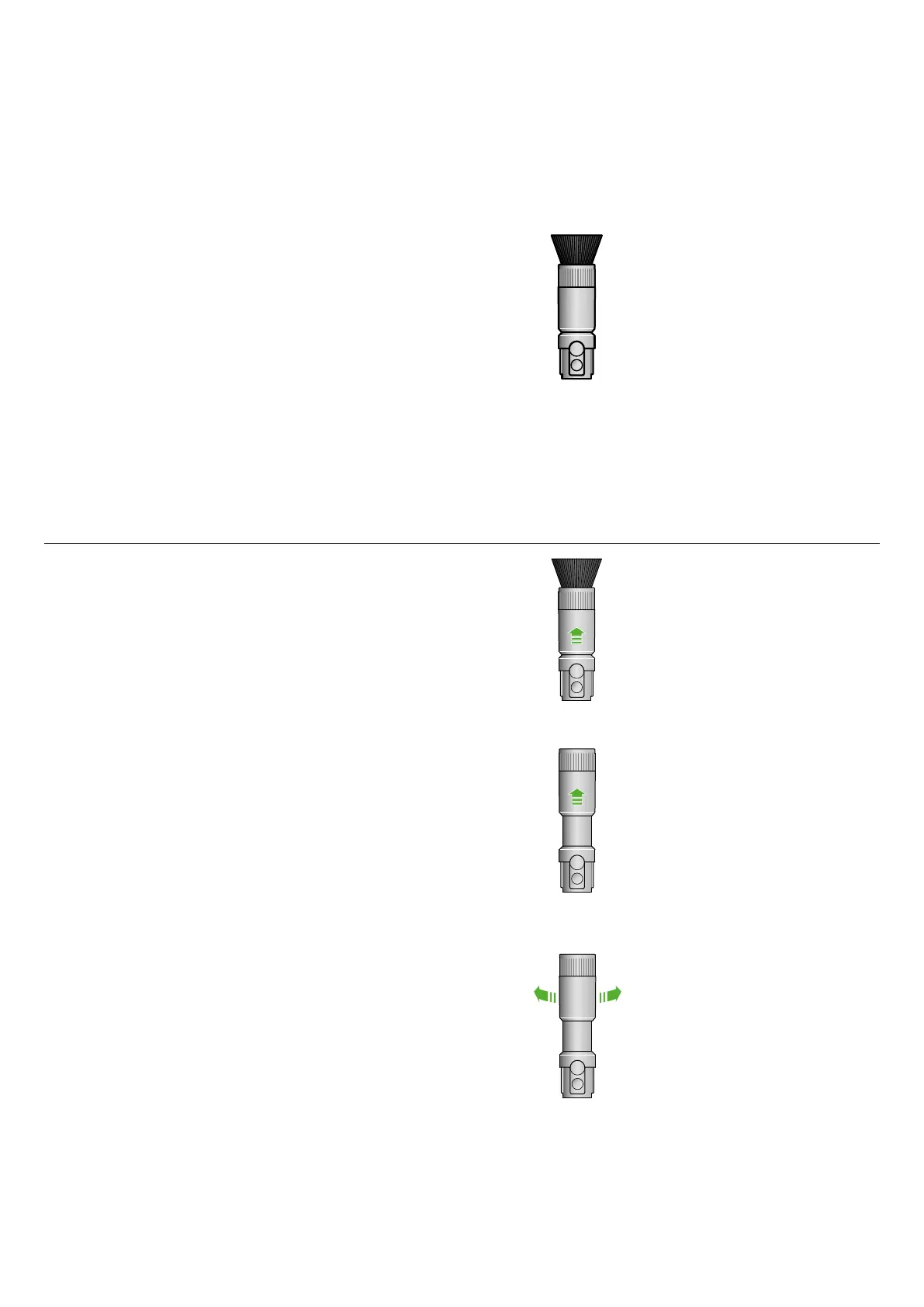
Scratch-free dusting brush
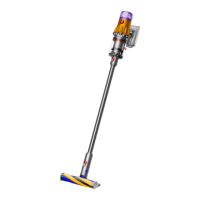
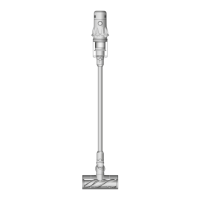
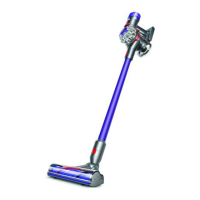
Compatible with Dyson V15 Detect™, Dyson V12 Detect Slim™, Dyson V12 Origin,
Dyson Outsize™, Dyson V11™, Dyson Cyclone V10™, Dyson V8™, Dyson V7™ and
Dyson Digital Slim™ cordless vacuums.
Step 1
Attach the Scratch-free dusting brush directly to your vacuum or to the
extension hose for delicate cleaning.
Step 2
Switch on your vacuum with the extension hose, hold the vacuum
with one hand and the Scratch-free dusting brush with your other,
using a pencil-like grip.
Note: Don’t press the Scratch-free dusting brush too hard against surfaces.
The ultra-soft bristles should be the only part of the tool that contacts surfaces.
Self-cleaning
Step 1
When you notice dust starting to build up on the bristles during or after use,
we recommend you use the built-in self-cleaning function.
Step 2
With your vacuum switched on, lift the Cleaning cuff until you hear a click,
so it completely covers the bristles. Rotate it five times. This hygienically
cleans the dust from the bristles and sucks it into the bin.
Step 3
After five rotations, move the cleaning cuff back down, until you hear a click.
Your bristles are now dust-free.
x5
Note: Only use the self-cleaning function when the Scratch-free dusting brush
is attached directly to the vacuum.


 To Next Page