Emptying your bin
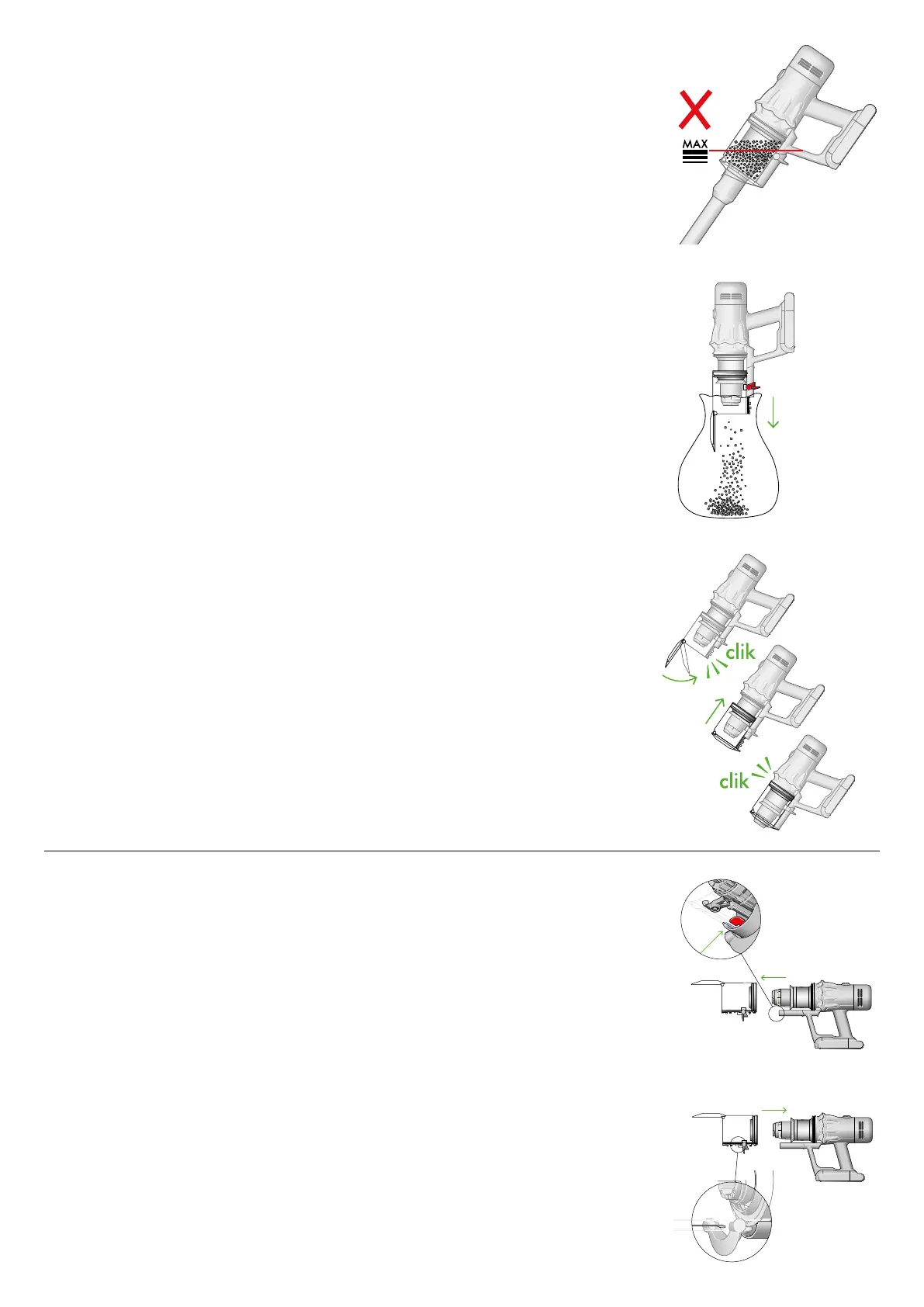
Empty as soon as the dirt reaches the MAX level – don’t overfill. Using your
machine when the dirt is above the MAX line may affect the performance
and require more frequent filter washing.
Remove your wand
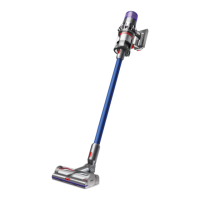
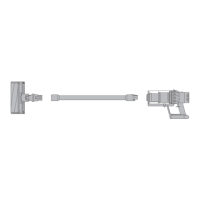
Press the red wand release button, on the top of the wand, and pull the wand
away from the bin.
Release the dirt
Hold the machine over the bin, pointing downwards.
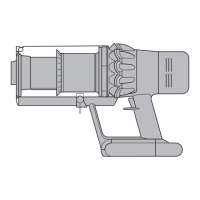
Firmly push the red bin release button. The bin will slide down, cleaning the
shroud as it goes, and the bin base will open.
The bin base won’t open if the red bin release button isn’t pushed down all
the way.
Minimise dust contact
Cover your bin tightly in a dust proof bag while you empty. Remove your bin
carefully, seal the bag tightly and dispose.
Close the bin
Push the bin base upwards until your bin and bin base click into place.
Cleaning your bin
Remove your bin
If it is necessary to clean your bin, empty it as shown in the ‘Emptying your
bin’ section.
Press the red button located on the bin runner to release the bin and slide
your bin off the runner.
Only use a damp, lint-free cloth to clean your bin.
Make sure that your bin and seals are completely dry before replacing.
Refit your bin
Insert the spine on to the bin runner.
Close your bin by pushing the bin base upwards until the bin and bin base click into place.
Your bin isn’t dishwasher safe and the use of detergents, polishes or air fresheners to clean
your bin isn’t recommended, as it may damage your machine.


 To Next Page