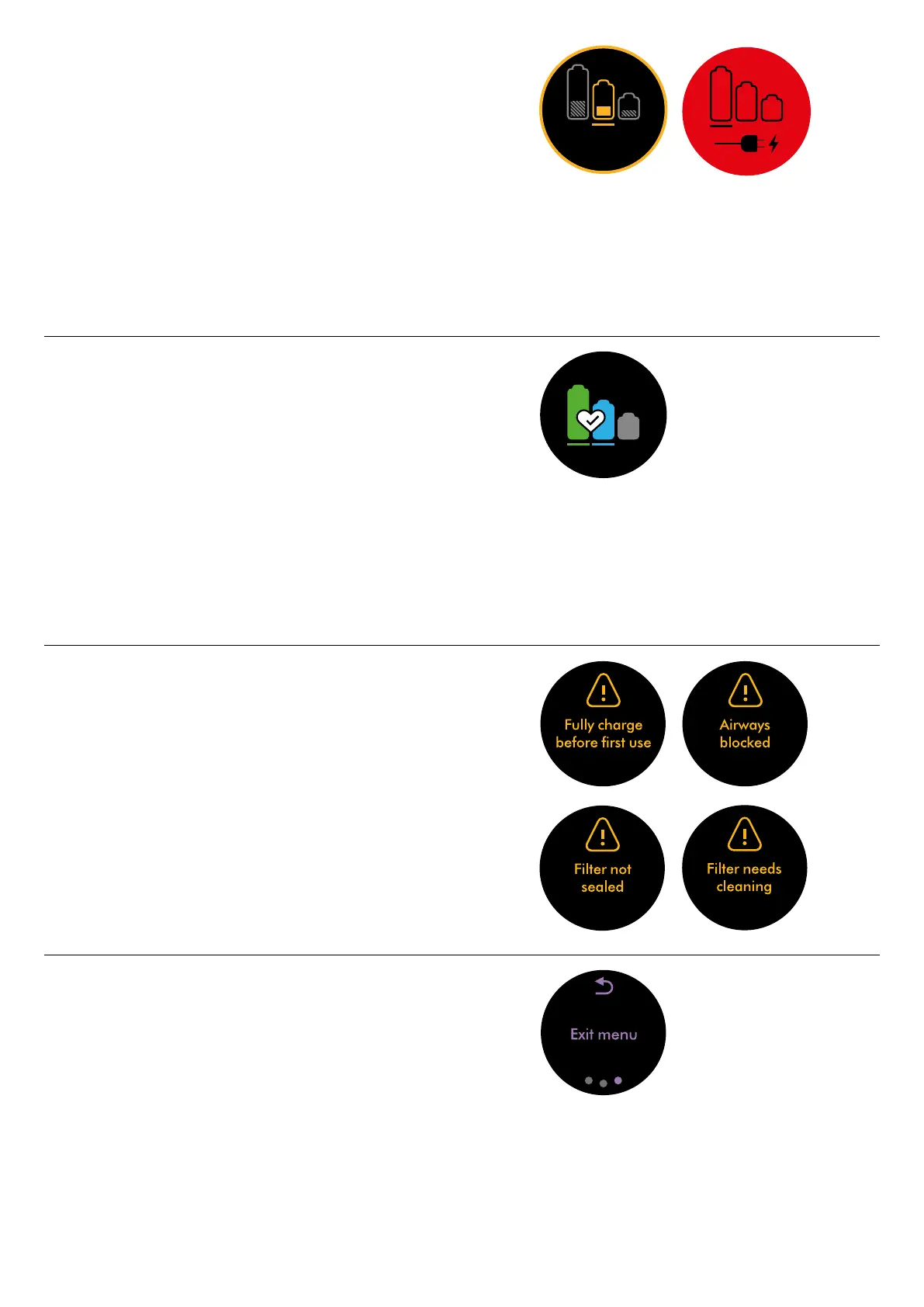
Run time countdown
When the battery needs charging, your machine will pulse three times and
alow run time icon will appear on the screen.
When your battery is empty, a red warning icon will appear on the screen.
4:50
Battery health
To get the best performance and life from your battery, use Eco or Med mode.
Alerts
The alerts you might see are:
Filter – the filter isn’t fitted correctly, or needs cleaning.
Blockage – your machine has a blockage that needs removing.
Exit settings menu
To exit the settings menu, tap to scroll through the selection menu.
Select ‘Exit menu’.




 To Next Page