12 13
Center of Gravity
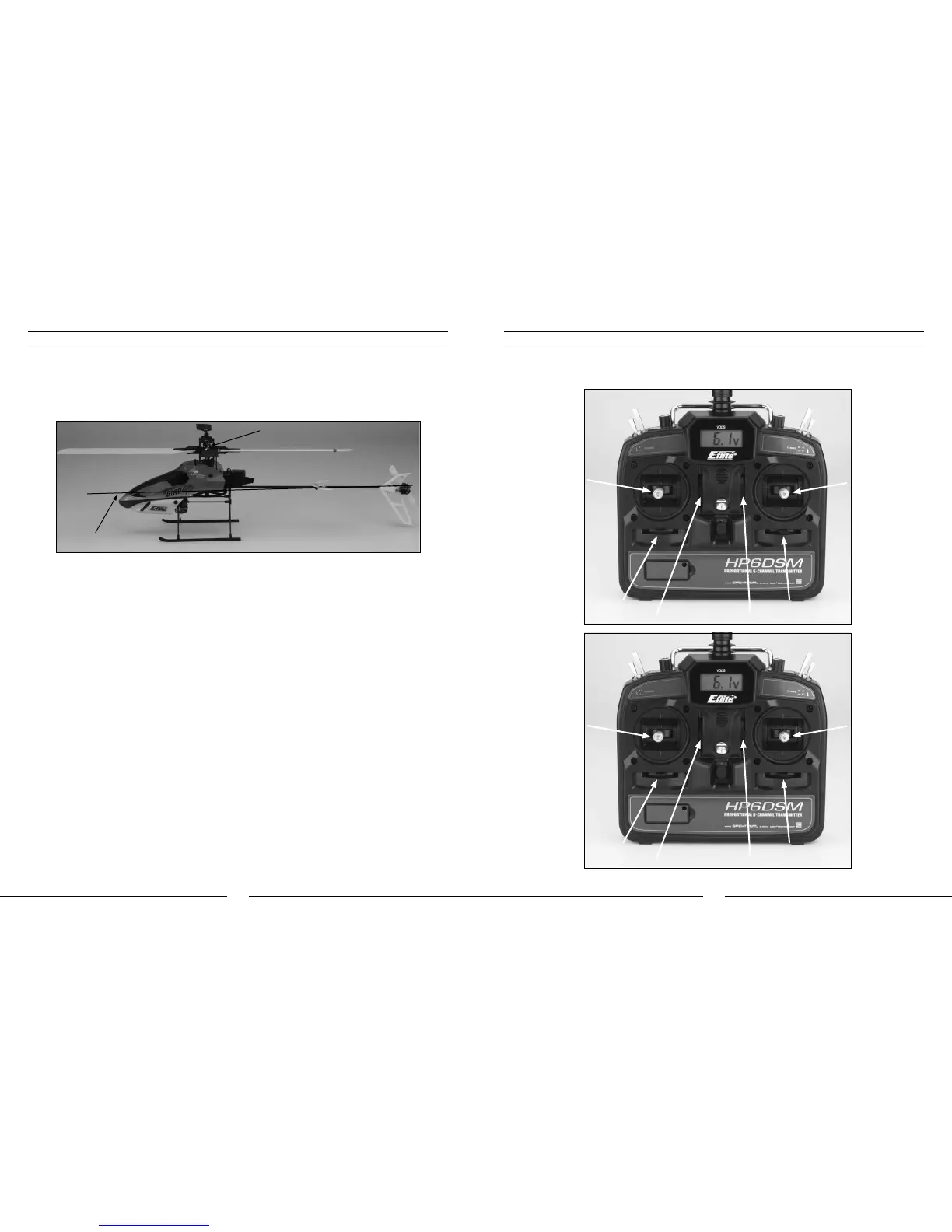
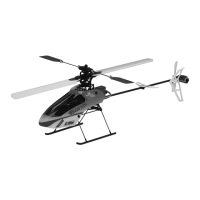
Once the battery has been properly installed and secured, you will need to check the helicopter’s center of gravity.
With the canopy installed, lift the helicopter by the flybar with the flybar positioned perpendicular to the tail boom.
Slide the battery support and battery forward or rearward as required to achieve a slightly nose down or perfectly
level helicopter position. You should always check the CG of your Blade CP Pro 2 before flying, especially if you
are switching between different sizes and types of battery packs.
Support by Flybar
Level or Slightly
Downward Angle
Transmitter Control Identification
Note: Each time before you fly you should ALWAYS turn the transmitter on before connecting the flight battery to
the 5-in-1 unit. After each flight, be sure that you always disconnect the flight battery from the 5-in-1 unit before
powering the transmitter off.
Throttle Trim Buttons
Aileron Trim Buttons
Elevator Trim Buttons
Rudder Trim Buttons
Elevator Trim Buttons
Aileron Trim Buttons
Throttle Trim Buttons
Rudder Trim Buttons
Rudder/Throttle
Functions
Rudder/Elevator
Functions
Aileron/Elevator
Functions
Aileron/Throttle
Functions
Mode 1
Mode 2



 To Next Page