31
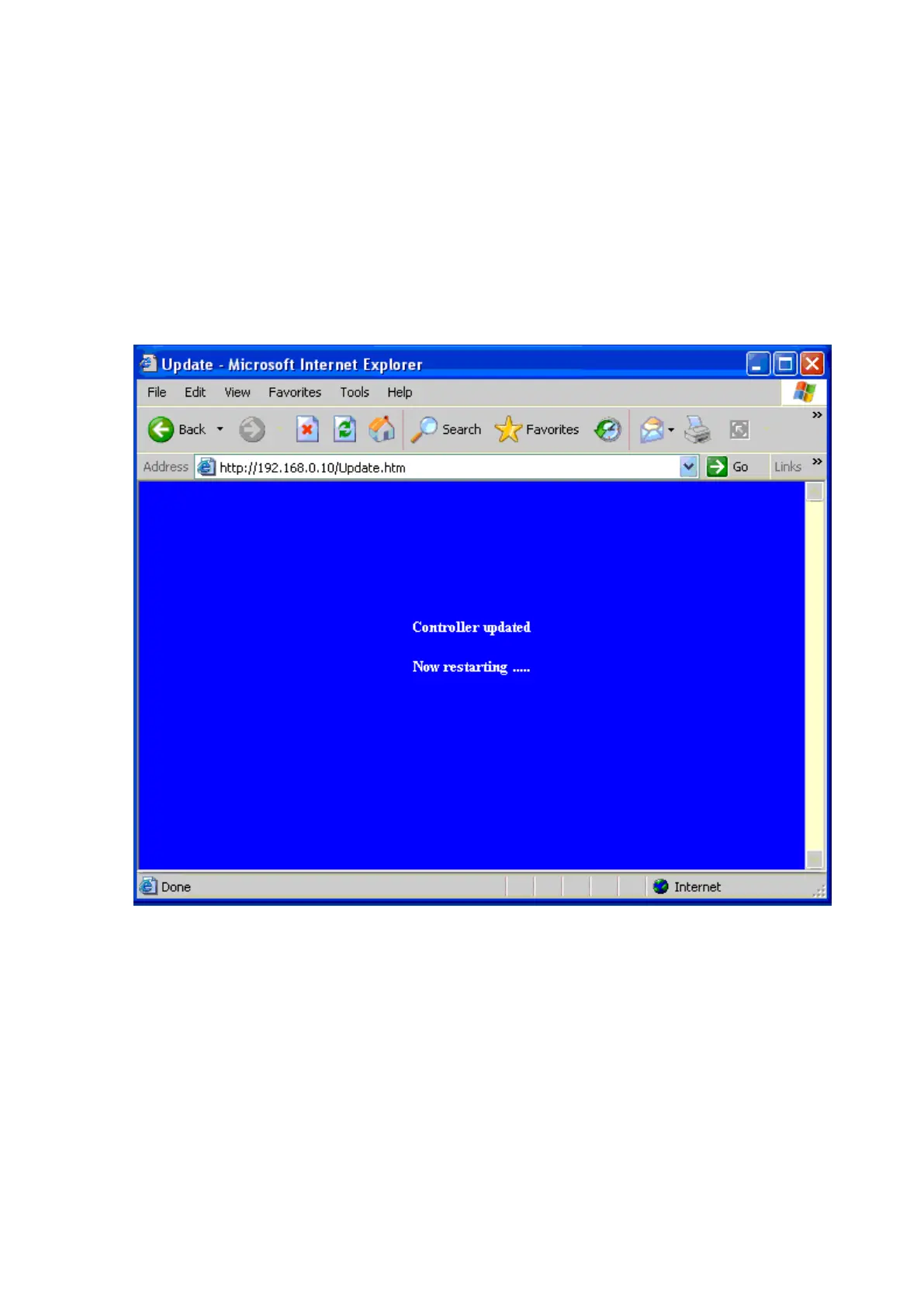
Controller Updated
Press “Update” Button After you finish the detailed parameter setting.
The converter will save all parameters into internal non-volatile
memory and then reboot (see Figure 3.8). It takes about 5 seconds to
complete the whole process and new login page will be presented
(see Figure 3.1).
(Figure 3..8)
You can re-login and check if all parameters have been correctly
saved. If everything ok, you can close the browser now.
Note : If domain of converter is different from the computer running of
browser, the login page won’t appear unless the converter’s
“Gateway Address” has been correctly set.


 To Next Page