SHANGHAI ESURVEY GNSS CO., LTD.
17
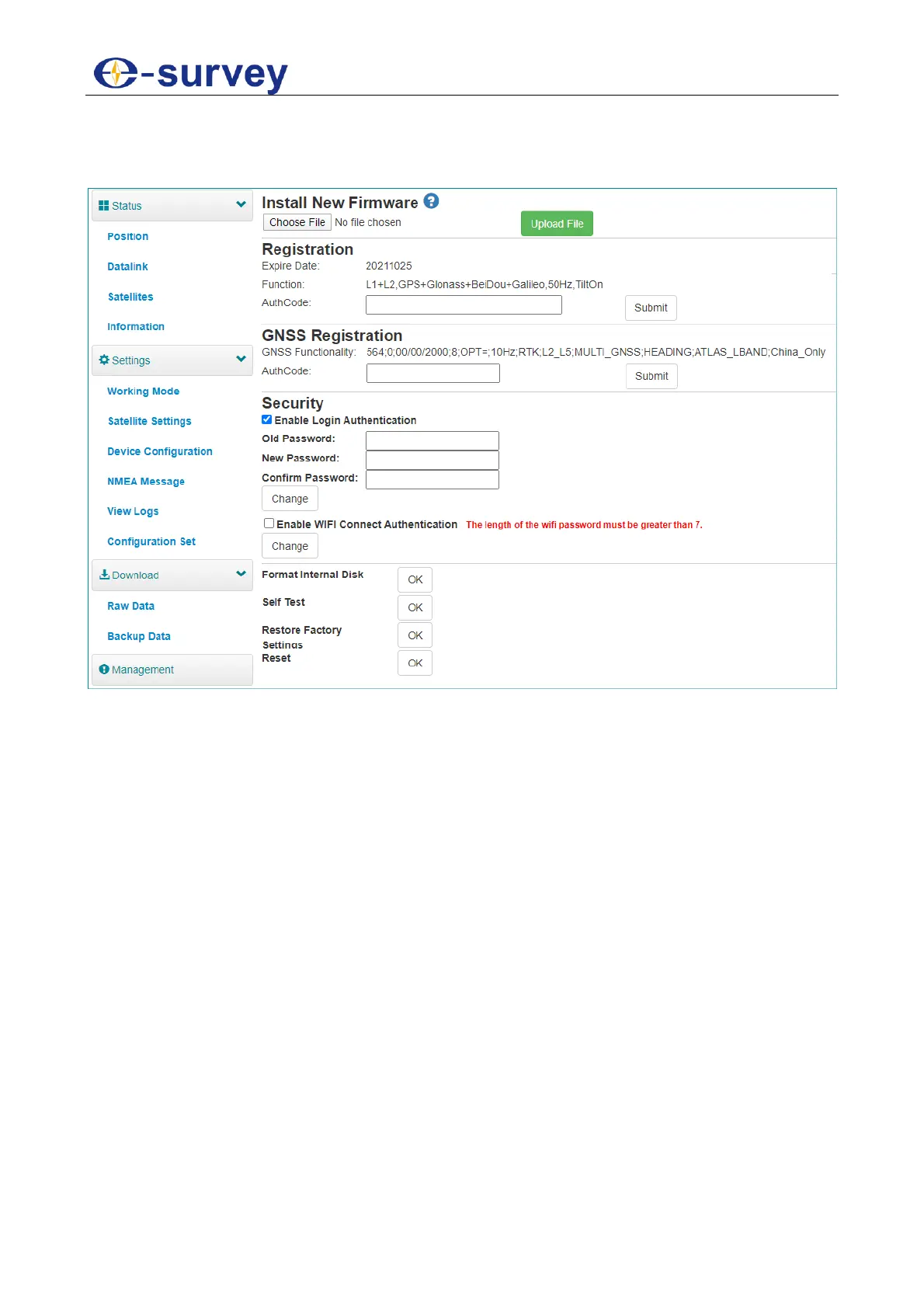
3.12 Management
In Management page, you can do the following:
Install new firmware.
Register the device.
Register the GNSS.
Set security: to set password of web UI (192.168.10.1) and receiver WIFI.
Format the internal disk.
Do self-testing.
Restore factory settings.
Reset: to restart the receiver.



 To Next Page