25/52
DCBS User Manual / Ref. MAN_DCBS_GM_EN_V1.0
Diagnostic and Charge 6/24
TROLLEY DIAGNOSTIC ////////
Complete Diagnostic
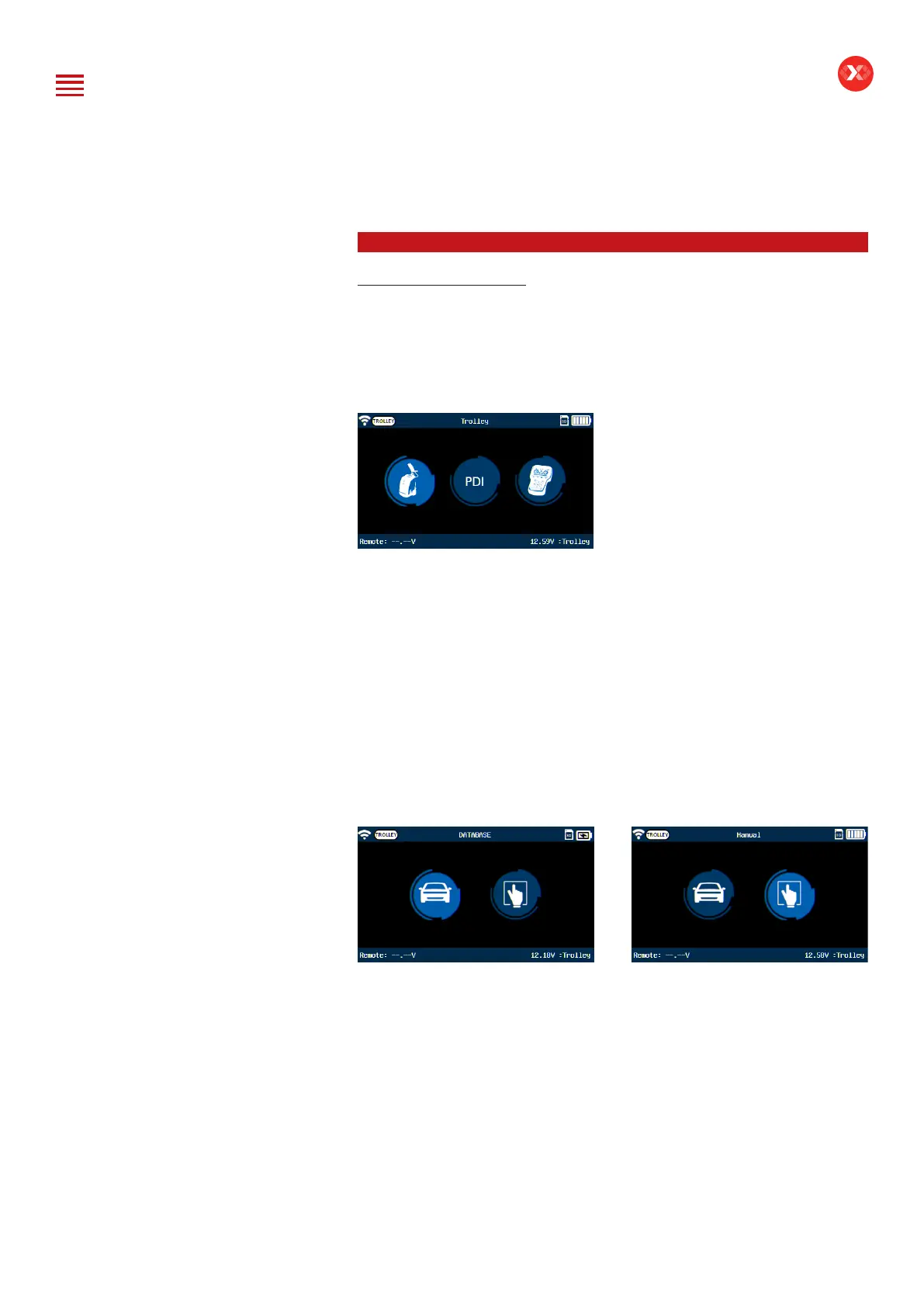
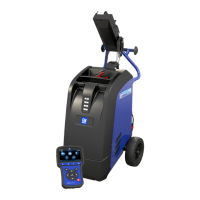
DCBS Trolley provides a fully automatic process following a Smart Logic
test sequence and can generate a warranty code, needed for warranty
claims. To start the automatic diagnostic, select Diagnostic from the Main
Menu and then select Trolley.
Trolley Diagnostic needed for Warranty Claims
The Automatic Diagnostic performed by DCBS includes:
- Internal resistance test (CCA test). To determine the SOH and SOC based
on the battery voltage (V) and internal resistance (mOhm);
- Load test (Half CCA). Pass / failed test to simulate a cranking based on the
voltage (V) evolution depending on time(s);
- Reserve capacity test. Pass / failed test based on a load to discharge and
check the battery voltage (V) response;
- Charge acceptance. Dynamic tests to diagnose if the battery can accept
the charge (100A range).
Follow the steps in Manual Battery Selection or Database Selection to select
the battery information. (See section “Manual Battery Selection” and Vehicle
Selection from Database” listed above).
If the remote is not connected to the trolley via Wi-Fi, connection will be
attempted automatically. If Physical Connection option is selected, RJ45
cable must be connected to Remote and Trolley at the start of the test.
Table of Content
Introduction
Safety Guidelines
Maintenance and Storage
Before Use
Usage Precautions
Disassembly/Damage/Removal
Cleaning the Product
Getting Started
Safety Reminders
Appearance and Dimensions
Trolley LED’s
Remote Presentation
Remote Job Storage
Accessories
Initial Setup
Installation
Battery Cable Clamps Connection
Power Cable Connection and Power On
Dealer Id. N°
Wi-Fi Connection (Remote to Trolley)
Physical Connection (Remote to Trolley)
Update
Settings
Preferences
Other Settings
Diagnostic and Charge
Remote handheld diagnostic tester
-Manual Selection of Battery
-Vehicle Selection from Database
-Start Diagnostic & Results
Trolley Diagnostic
-Complete Diagnostic & Results
-Pre Delivery Inspection Test (PDI) & Results
-Charge & Results
-Load Test & Results
-Enhanced Diagnostic Mode (EDM) & Results
-Reserve Capacity Test & Results
History (Results Storage)
Optimus
-Optimus Installation
-Using Optimus
Support Information
-Batteries
-Error Messages
Warranty


 To Next Page