4/52
DCBS User Manual / Ref. MAN_DCBS_GM_EN_V1.0
Safety Guidelines 1/2
Please read the safety guidelines carefully.
This section indicates the areas that need to be protected in order to prevent harm
to people who use this equipment, damage to property and to enable proper use
of this product.
MAINTENANCE AND STORAGE ////////
Keep this product dry. Do not expose the DCBS to rain or snow.
Discontinue use and contact technical support if an overheat event has occurred,
or if corrosion or deterioration has been identied in the cables or other parts of the
product.
BEFORE USE ////////
Keep the exterior clean and free of dust.
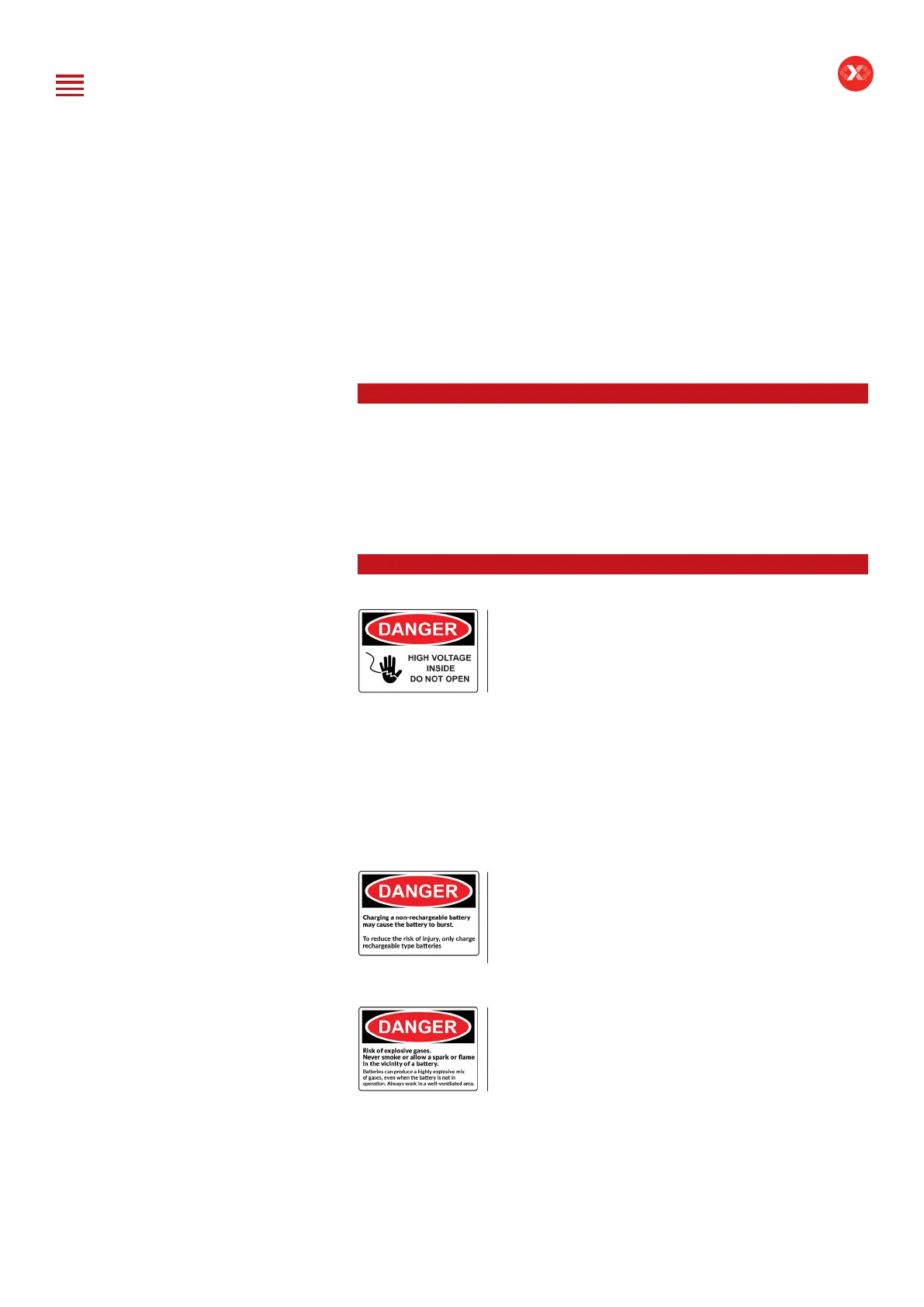
Do not disassemble or modify the main unit
as it may cause an electrical shortage or re.
To reduce the risk of electrical shortage, unplug the
AC power plug before cleaning and maintenance.
Extreme caution: Keep liquids and conductive tools away from the DCBS while
operating.
DCBS must be used in a well-ventilated area.
When operating the equipment make sure the surface is dry and clean to minimize
any risks.
The battery contains chemicals that may generate
explosive gases. Before handling the battery,
remove all metal accessories such as rings, bracelets
and necklaces. Short circuit at battery terminals may
cause burns. Do not place batteries near ames or
other heat sources.
The battery uid is highly corrosive. If the battery uid
gets on your skin or clothes, immediately wash it with
soap and water. If electrolyte gets in your eyes, immediately
ush with cold water for at least 10 minutes and seek
medical attention.
Table of Content
Introduction
Safety Guidelines
Maintenance and Storage
Before Use
Usage Precautions
Disassembly/Damage/Removal
Cleaning the Product
Getting Started
Safety Reminders
Appearance and Dimensions
Trolley LED’s
Remote Presentation
Remote Job Storage
Accessories
Initial Setup
Installation
Battery Cable Clamps Connection
Power Cable Connection and Power On
Dealer Id. N°
Wi-Fi Connection (Remote to Trolley)
Physical Connection (Remote to Trolley)
Update
Settings
Preferences
Other Settings
Diagnostic and Charge
Remote handheld diagnostic tester
-Manual Selection of Battery
-Vehicle Selection from Database
-Start Diagnostic & Results
Trolley Diagnostic
-Complete Diagnostic & Results
-Pre Delivery Inspection Test (PDI) & Results
-Charge & Results
-Load Test & Results
-Enhanced Diagnostic Mode (EDM) & Results
-Reserve Capacity Test & Results
History (Results Storage)
Optimus
-Optimus Installation
-Using Optimus
Support Information
-Batteries
-Error Messages
Warranty


 To Next Page