174
you to wait while the unit finds the street. When the Streets Found list
appears, press ↑ or ↓ to select the street you are searching for and press
ENT.
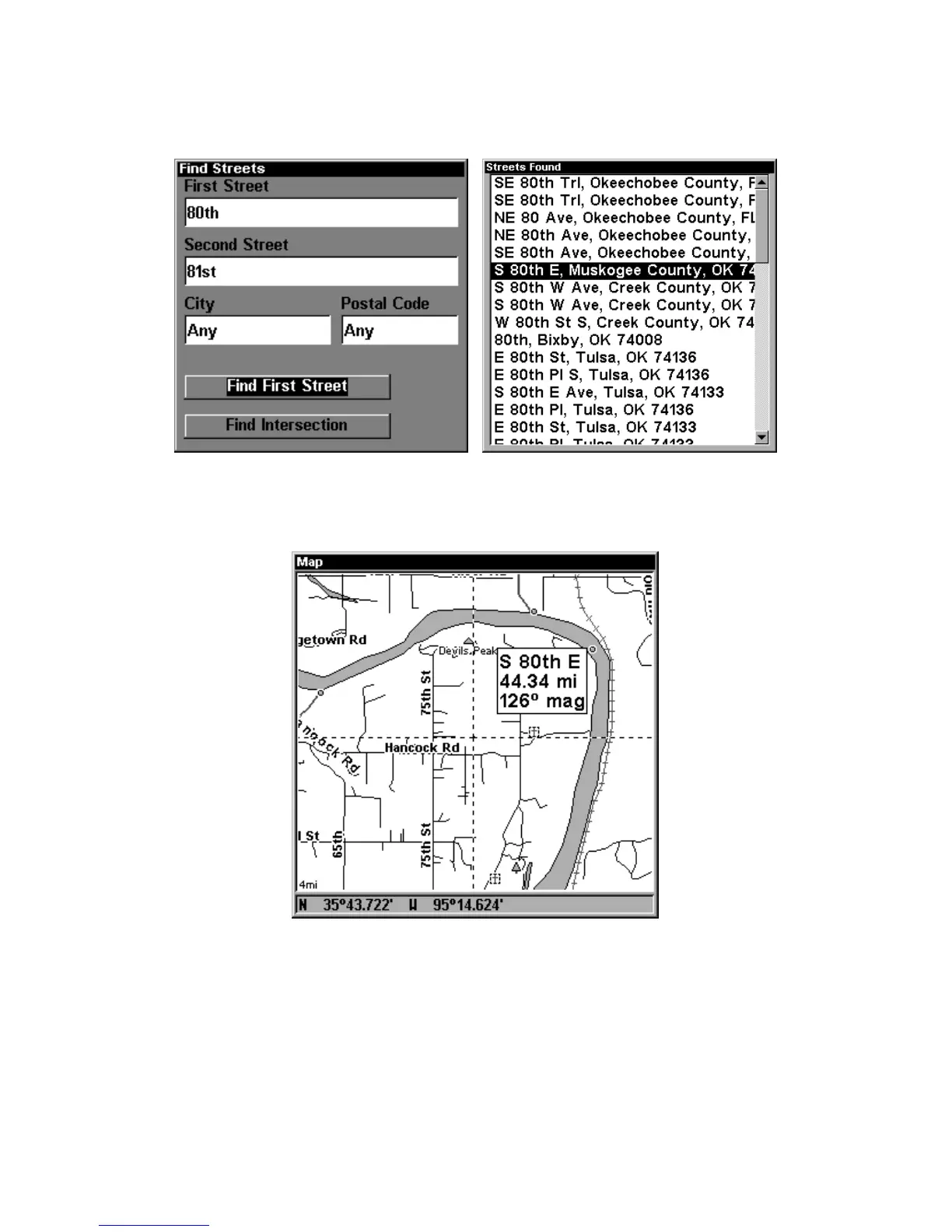
At left, the Find Streets menu with the Find First
Street command highlighted. At right, Streets Found list.
4. The Map Page appears, with the cursor pointing to the found street.
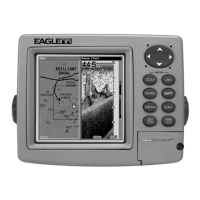
Map Page showing results of a street search.
The cursor points to the located street.
If you want to navigate to the found street at the cursor location, just
press
MENU|ENT|EXIT.
Find an Intersection
You must enter one street in the First Street dialog box and enter the
next street in the Second Street dialog box.



 To Next Page