80
Digital Data/Chart
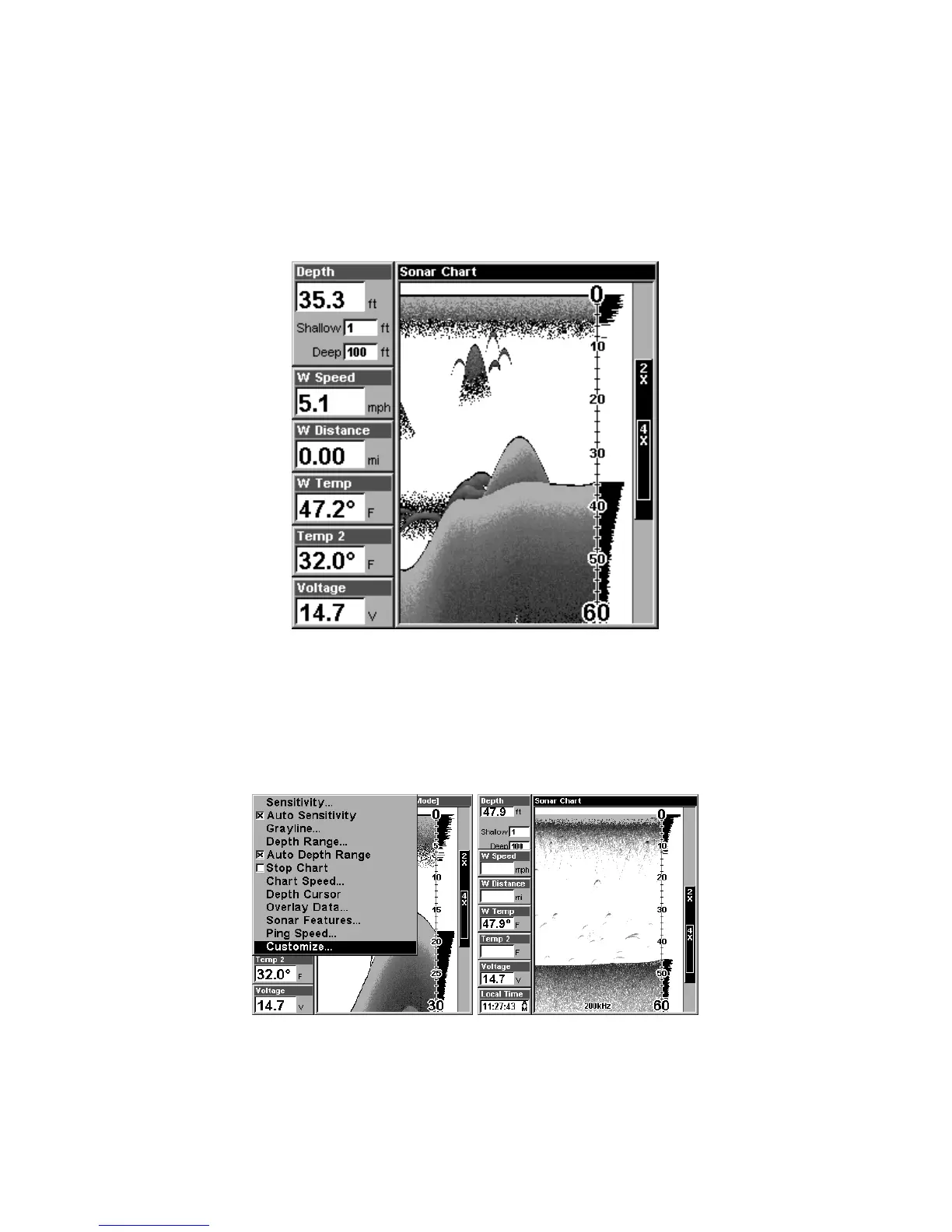
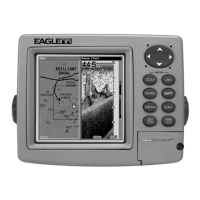
This mode shows the chart on the right side of the screen. The left side has
six large digital boxes or windows containing: Water Depth; Water Speed
(from an optional speed sensor); Water Distance (distance traveled or log, it
also requires a speed sensor); Surface Water Temperature; Temperature #2
and Temperature #3. (Note: Temperature #2 and #3 require additional
optional temperature sensors.)
Digital Data/Chart
Customizing the Digital Data/Chart Screen
The Digital Data/Chart screen can be customized to show digital data
different from the defaults first shown. To customize this screen:
1. From the Sonar Page (in Digital Data mode), press
MENU|↓ to
CUSTOMIZE|ENT.
The Customize command on the Sonar Menu.
2. The W Speed window title bar flashes, indicating the window con-
tents can be changed. Press
ENT|↑ or ↓ to select data type|ENT|EXIT.



 To Next Page