57
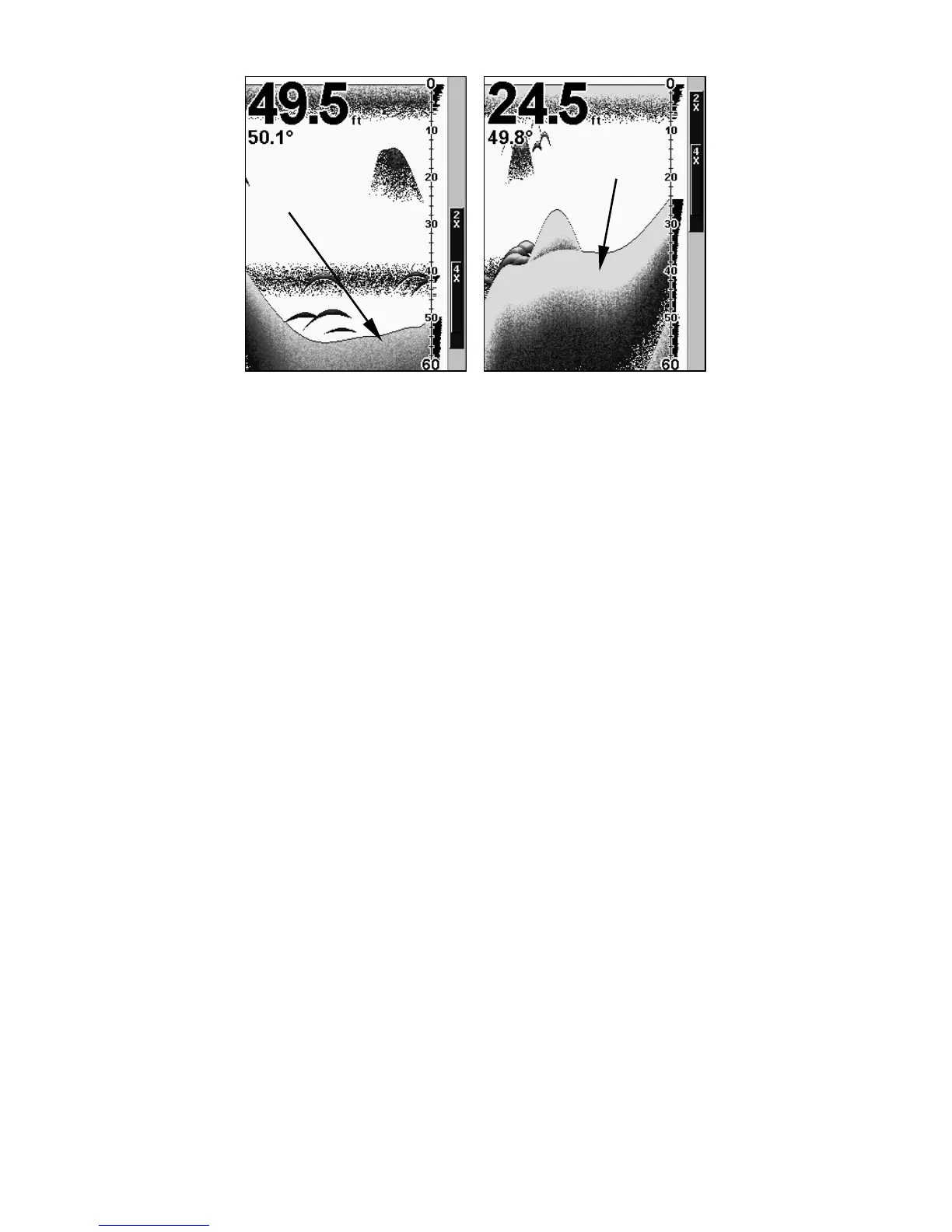
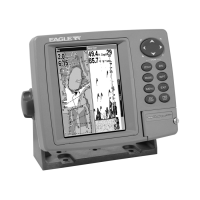
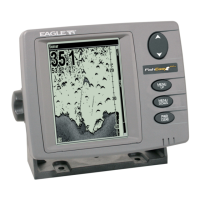
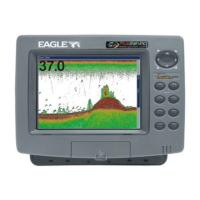
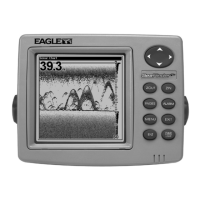
A small amount of ColorLine (left) is indicative of a soft bottom. The
wider ColorLine (right) indicates a harder, rocky bottom.
Customize Page Displays
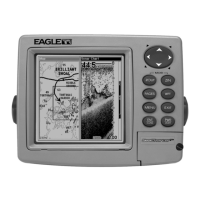
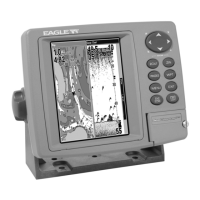
Every Page display option except Full Map and Map With Sonar has
customizable data boxes to provide constant on-screen information.
The various data available from your unit are divided into categories in
the Data Viewer menu. These categories include GPS Data, Navigation,
Trip Calculator, Time, and Sonar Data. You can select items from any
of these categories for display in any data box — the category divisions
are only there to help you sort through the information.
To change the information displayed in a data box:
While on a Page display with digital data boxes, press
MENU|↓ to
CUSTOMIZE|ENT. A data box name flashes, indicating it is selected. Press
ENT to change the data in the box or hit ↑ ↓, ← → to select another box
and press
ENT. You will see a list of categories with "+" or "–" symbols
next to each category name. A category with a "+" next to it is expand-
able, meaning its contents are hidden.
Wider
ColorLine
Thin or no ColorLine



 To Next Page