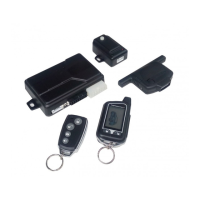
Many of the operating settings of this unit are programmable. The programmable
mode setting dictates how the unit operates.
To enter programme mode and access Feature Change:
1. Disarmed the system, turn ignition from ON to OFF, within 10 seconds press
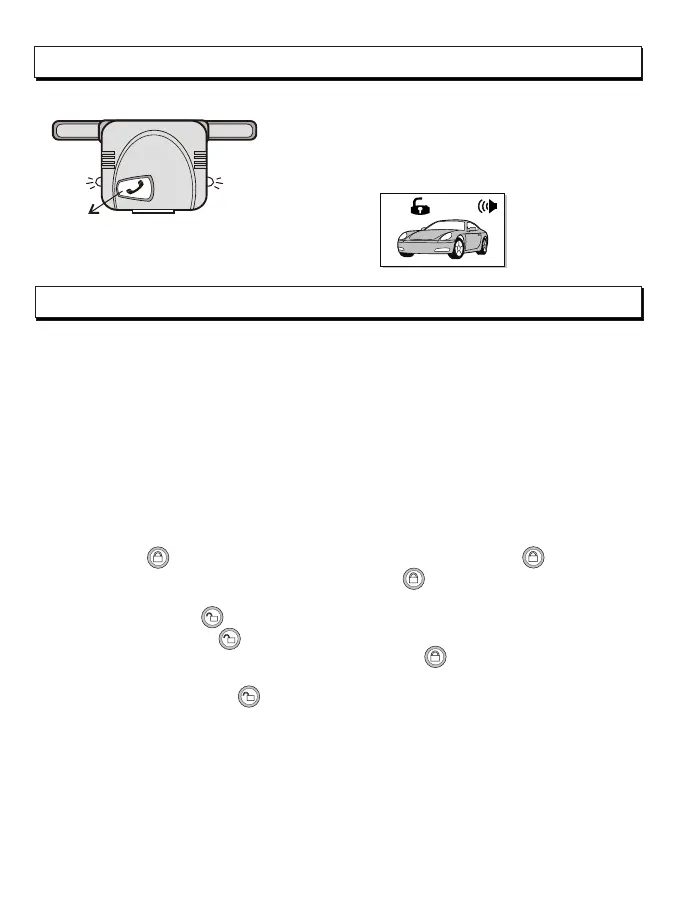
Call switch of transceiver antenna ON-OFF for 8 times.
2. Siren will 2 long chirps sound and LED indicator ON to confirm the system is in
programme mode.
3. Under the programming mode (Features table may referring the following chart) .
Suppose to set the function #5 :
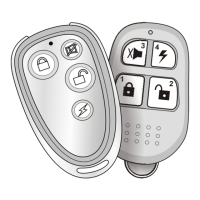
1- press the to select item's (each time pressing the button the siren will
give a chirp for indication) , press the button for 5 times. The Led will indicate
flashing 5 times then pause per cycle .
2- Press the button to select feature status , siren will give chirp sound when
pressing the button .
3- If want to set Item No.#10, press remote button for another 5times more then
LED will indication 10time then pause per cycle.
Then press the button to select feature status.
*Exit programme mode:
Under programming mode, if turning Ignition to ON , the system will exit the
programming mode and siren will give two chirps .
Note: if item No: 13 has been programmed, the system will auto exit the mode by
given 1 long chirp.
Programme mode features:
-14-
Call switch
R.F Antenna CALL SWITCH :
The R.F antenna module provide a switch which can be
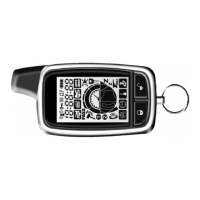
send a signal to the 2-way remote.
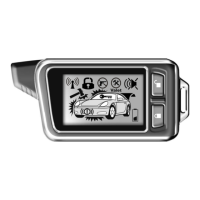
In disarmed or ACC on position, if press Call switch for
2 seconds, lights will flashing 5 times and the 2-way
remote will give pre-warn beep sound and display LCD.


 To Next Page