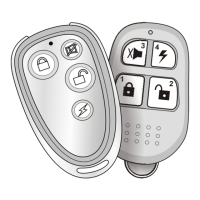
Disable remote receiving
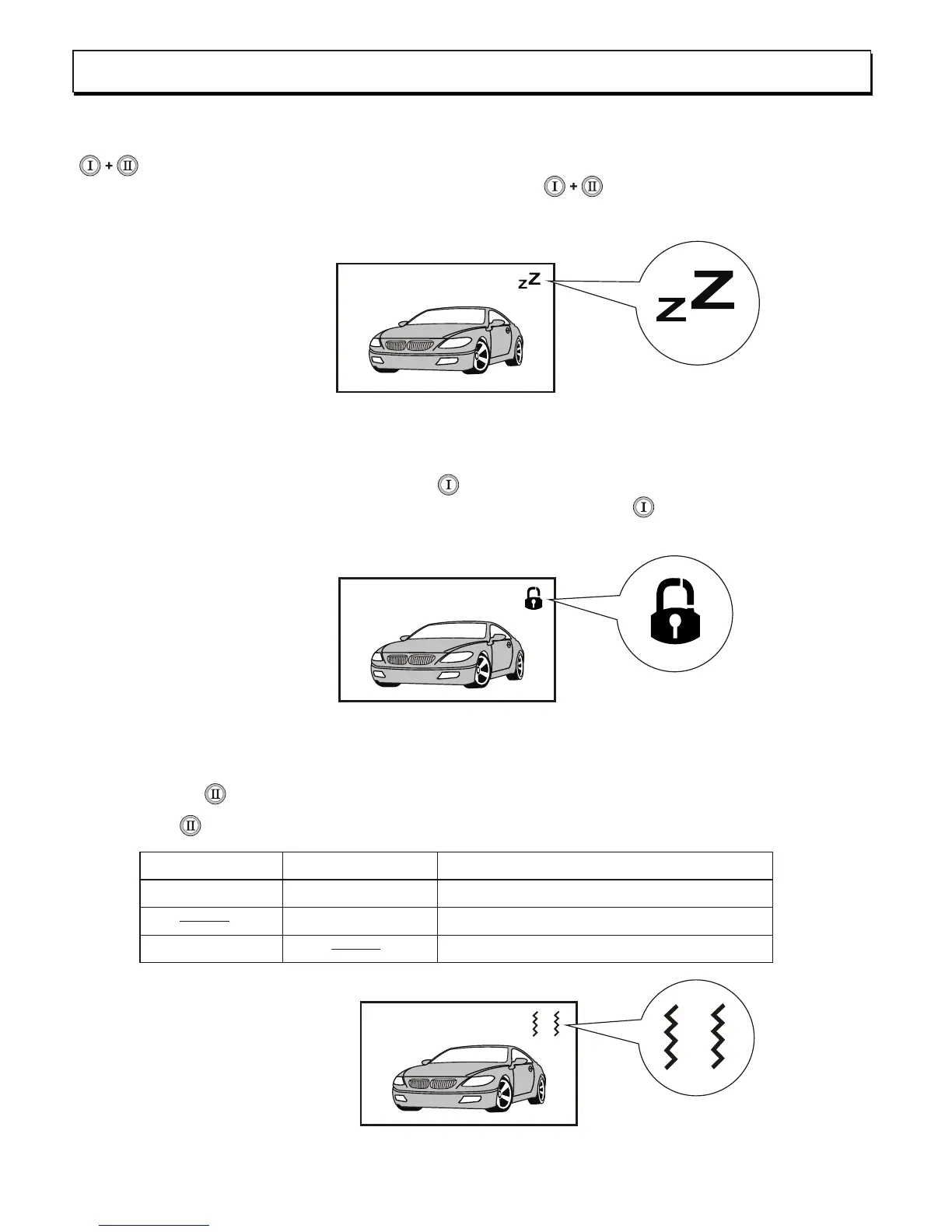
You may turn off the 2-Way remote receiving signal from the main unit. Press button
simultaneously for 2sec. until one long beep is heard. Remote receiving is now
disabled. To turn on receiving again, Press button simultaneously until two long
beep is heard, remote receiving is now enable.
2way remote button ON/OFF
For safety purpose, this 2-way remote can be lockout the remote button in order not to
mis-touched the buttons. Press button for over 2sec. until one beep is heard, remote
button is now locked. To turn on remote button, press button for over 2sec. until two
beeps is heard, remote button is now unlocked.
Programming 2-way remote
2-way LCD display :
2-way LCD display :
If set with vibration only
the 2-way LCD will display :
-9-
Vibrate mode on/off
Press button for over 2sec. the 2-way remote will respond tone & vibrate feature,
the button pressing 2sec. will change the feature, see under table:
Beeps
2-way remote feature
Vibrations
1-beep
1-beep
1-time
1-time
Remote with tone and vibration
Remote with vibration only
Remote with tone only



 To Next Page