29
For a visual demonstration on how to change your Flexi
Fibers, watch our video at eargo.com/showme. Make sure
to bring the popcorn.
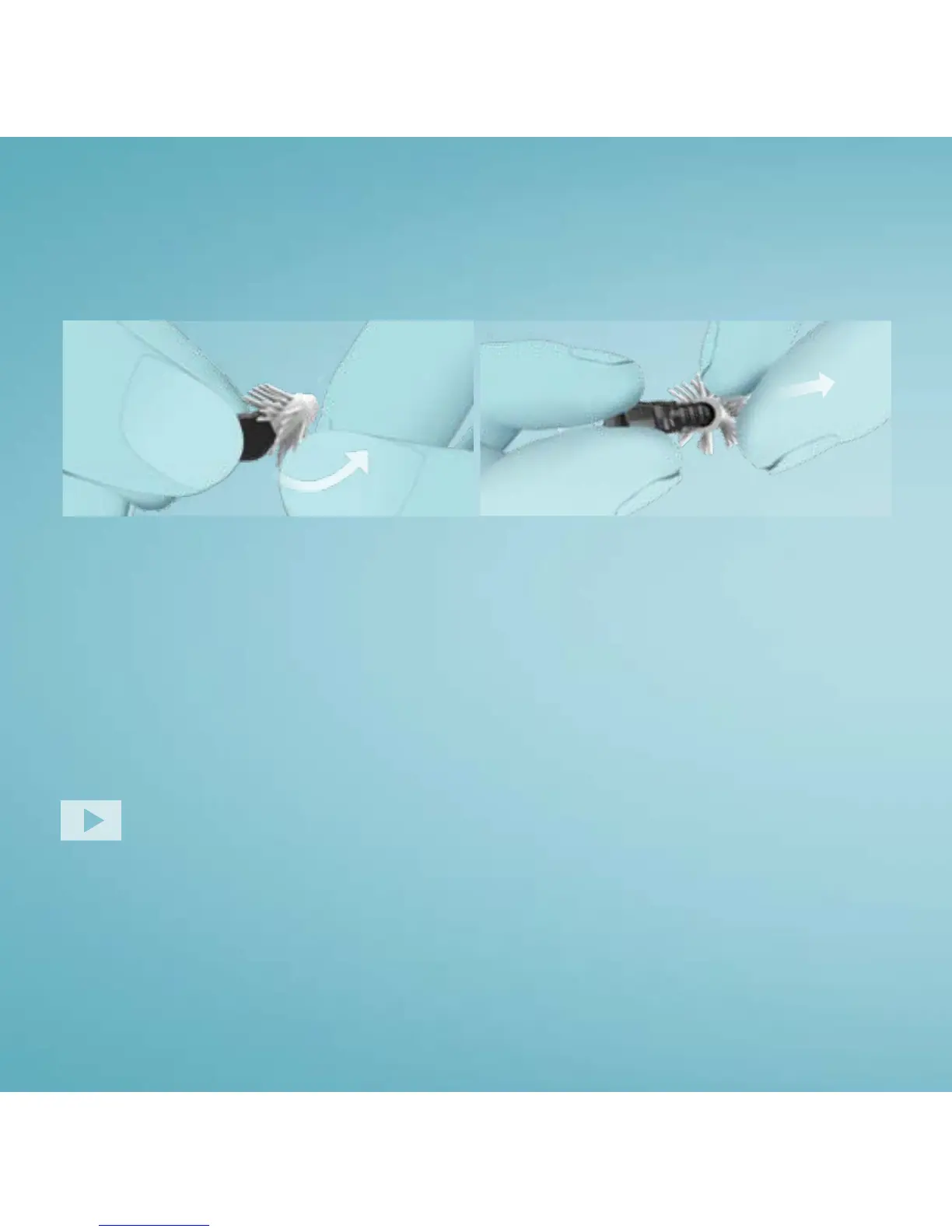
Grasp the body of the Eargo device between your thumb and
index finger. With your other hand, grasp the Regular size Flexi
Fiber on one side at the bottom and peel it up and away from the
body of the device.
REMOVE THE REGULAR SIZE
Finding the Perfect Fit
CHANGING SIZES


 To Next Page