14
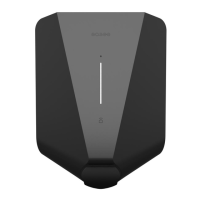
Chargeberry
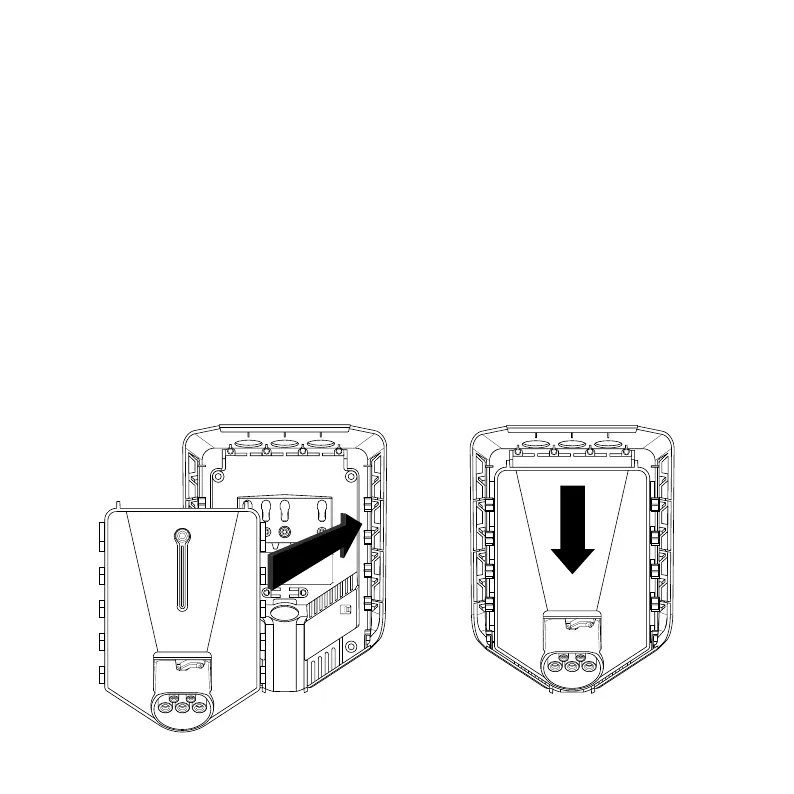
Attaching
6
3
2
”CLICK!”
1. WARNING! Turn on the power. The terminals of the
backplates are now electrically live.
2. Position the Chargeberry to fit into the slots on the
backplate located in the center of the installation.
3. When the Chargeberry is in the track, press it
forcefully down until you hear a click.


 To Next Page