Need help?
Do you have a question about the East EA990G5 and is the answer not in the manual?
Details the maintenance requirements and scope of the manual for UPS products.
Identifies the target audience and provides revision history for the document.
Details potential dangers, electrical hazards, and safety requirements during operation.
Provides crucial warnings for safe operation, maintenance, and battery handling.
Describes the EA990G5 10-30kVA serial models, power levels, and features.
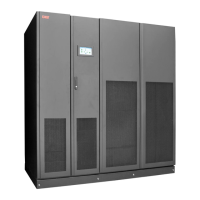
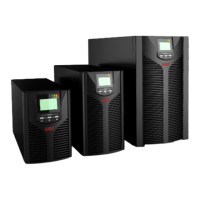
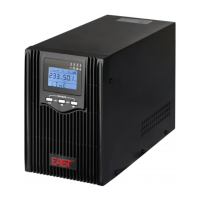
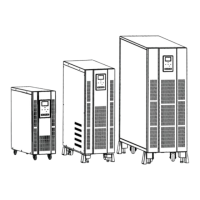
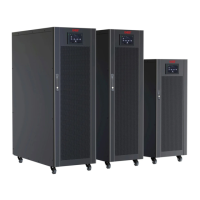
Illustrates the physical appearance and front panels of the UPS models.
Introduces the functions and instructions of the LCD operation control panel.
Explains LED indicators, audible alarms, and the LCD menu structure.
Describes the home page layout and system information interface.
Details the display interfaces for Mains, Bypass, Battery, and Output parameters.
Covers statistics interface for operation time and the 'About' section.
Covers active alarm display and history records for fault analysis.
Details control functions like On-Off, Bypass, Shutdown, and Maintenance.
Covers common settings like language and communication settings.
Explains dry contact, rate, advanced, and battery parameter settings.
Describes system configuration, components, and various UPS operation modes.
Presents the system block diagram and introduction to internal boards.
Lists necessary repair tools and outlines the systematic troubleshooting process.
Covers alarm collection, common faults, and detailed alarm explanations.
Details the location of boards for 10kVA models for replacement.
Details the location of boards for 15kVA models for replacement.
Details the location of boards for 20kVA models for replacement.
Details the location of boards for 30kVA models for replacement.
Explains maintenance for the power board across different UPS models.
Details maintenance procedures for the IP/OP board across various UPS models.
Covers maintenance steps for the bypass board across different UPS models.
Covers board installation and pre-power-on checks.
Provides a step-by-step guide for powering on and testing the UPS post-maintenance.

 To Next Page
 General