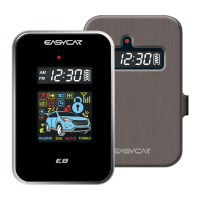
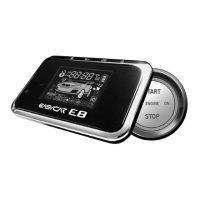
USER’S GUIDE E8 / E8-B /
21
ⓐ Please follow the step on the remote as above.
ⓑ While the engine is running, activate the parking brake
(auto transmission) or the emergency brake (manual
transmission)
ⓒ While pressing the foot brake on, press start button for 1
secound and then release. The remote chirps and the
parking lights flash once each.
ⓓ The engine keeps running and the start button’s LED
rotates diagonally.
ⓔ Open the door and close
ⓕ The engine additionally runs for 30 seconds (or 2
minutes, changed in option)
Note
If you want immediate stop afer drive such as in gas station, please
press the food brake on and press start button for 4 seconds. The
engine will stop immediatley.
16. Power (On/Off)
When remote is not in use for a long time, press button IV
for 5 seconds to turn it off. To turn back on, press button IV
for 5 seconds once again.
17. Vibration (On/Off)
Press button IV for 2 secounds(Vibration on), and press
E8 수출 사용설명서 내지 4/3/12 6:36 PM 페이지21


 To Next Page