USER’S GUIDE E8 / E8-B /
27
transmission gear in the neutral position is to prevent your
vehicle from moving forward while remote starting. You
should set reservation mode each time you turn off your
vehicle.
1) Important requirements to activate Reservation mode :
ⓐ The transmission must be in neutral position
ⓑ All doors must be closed
ⓒ Do not set the reservation mode with passengers or pets
inside the vehicle
2) Remote Start does not operate without setting Reservation
mode. If you press and hold button II to remote start your
vehicle without setting the Reservation mode, remote
chirps 3 times and parking lights flash 3 times. Parking
lights will flash 7 times more to let you know that it failed
to remote start.
Note
RESERVATION MODE IS NECESSARY FOR YOUR OWN
SAFETY.
24-2 Automatic Reservation Mode (Default Setting) (E8-B)
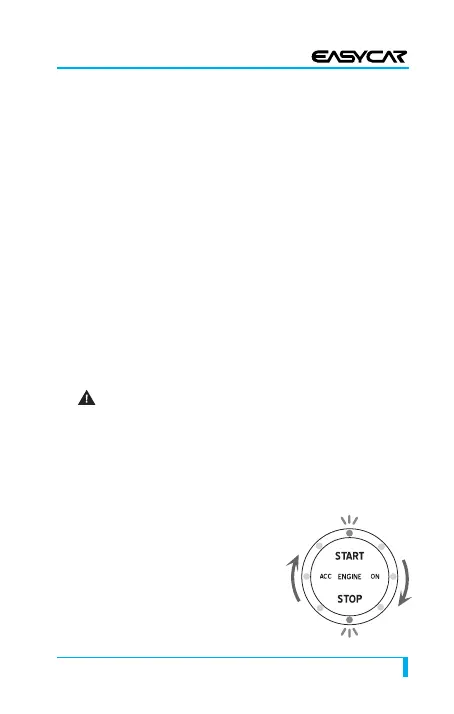
How to set Automatic Reservation
mode:
ⓐ Place the transmission in neutral
position before you turn the
engine off
ⓑ Activate emergency brake
ⓒ Press the start button for 1
E8 수출 사용설명서 내지 4/3/12 6:36 PM 페이지27


 To Next Page