EasyIO FW Series – User Reference v3.0
24
Step 6
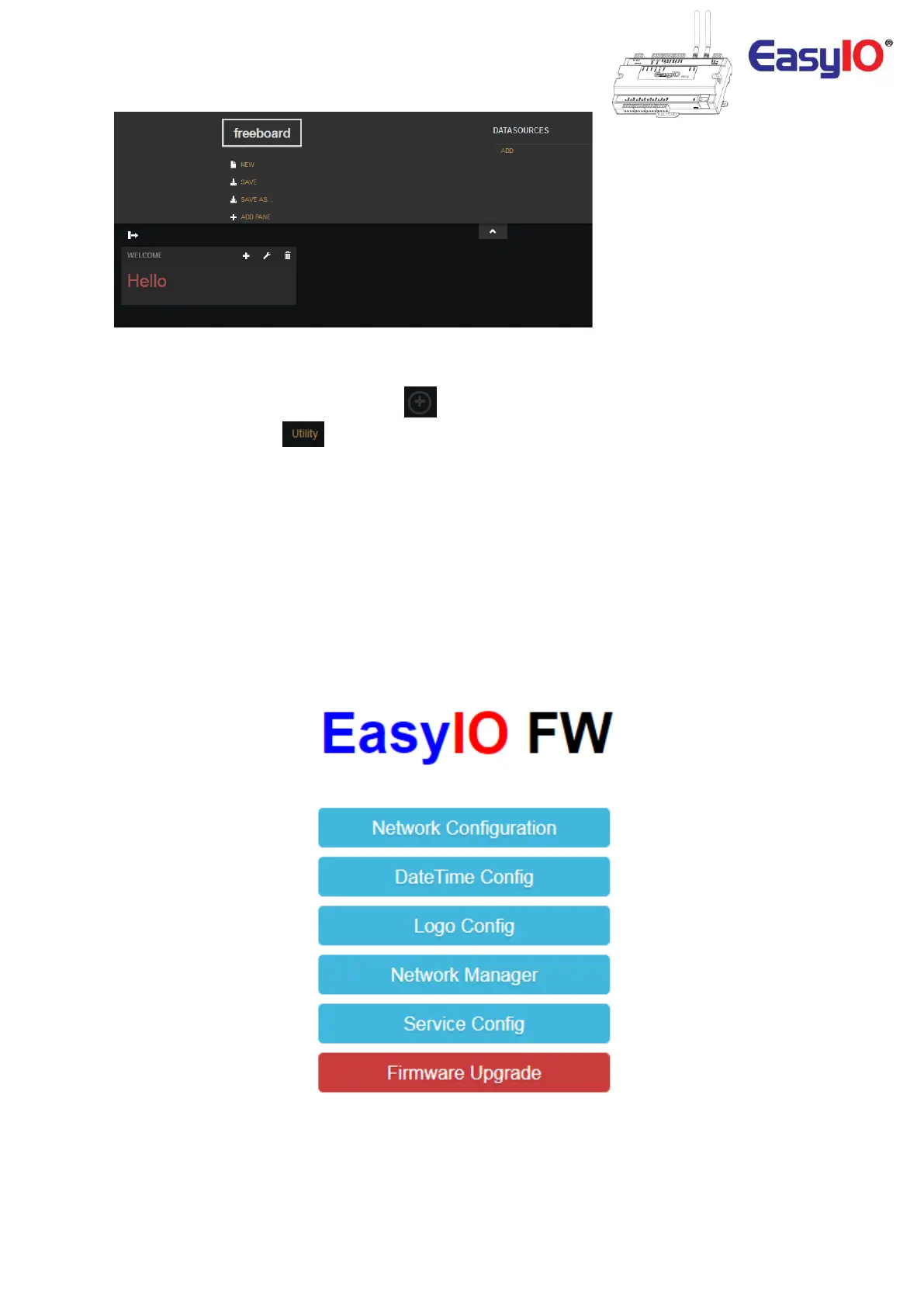
At the dashboard screen, click expand icon, at the bottom left to view the sidebar.
Then select Utility menu, .
Utility menu consist of several configuration for the FW series controller.
The menu are as below.
1. Network Configuration
2. Date Time Configuration
3. Logo Configuration
4. Network Manager
5. Service Manager
6. Firmware upgrade
In this document we will not discuss “Network Configuration”, “Network Manager” and “Firmware
Upgrade” as these 3 elements are detail in its own user guide.



 To Next Page