EasyIO FW Series – User Reference v3.0
25
Date Time Configuration
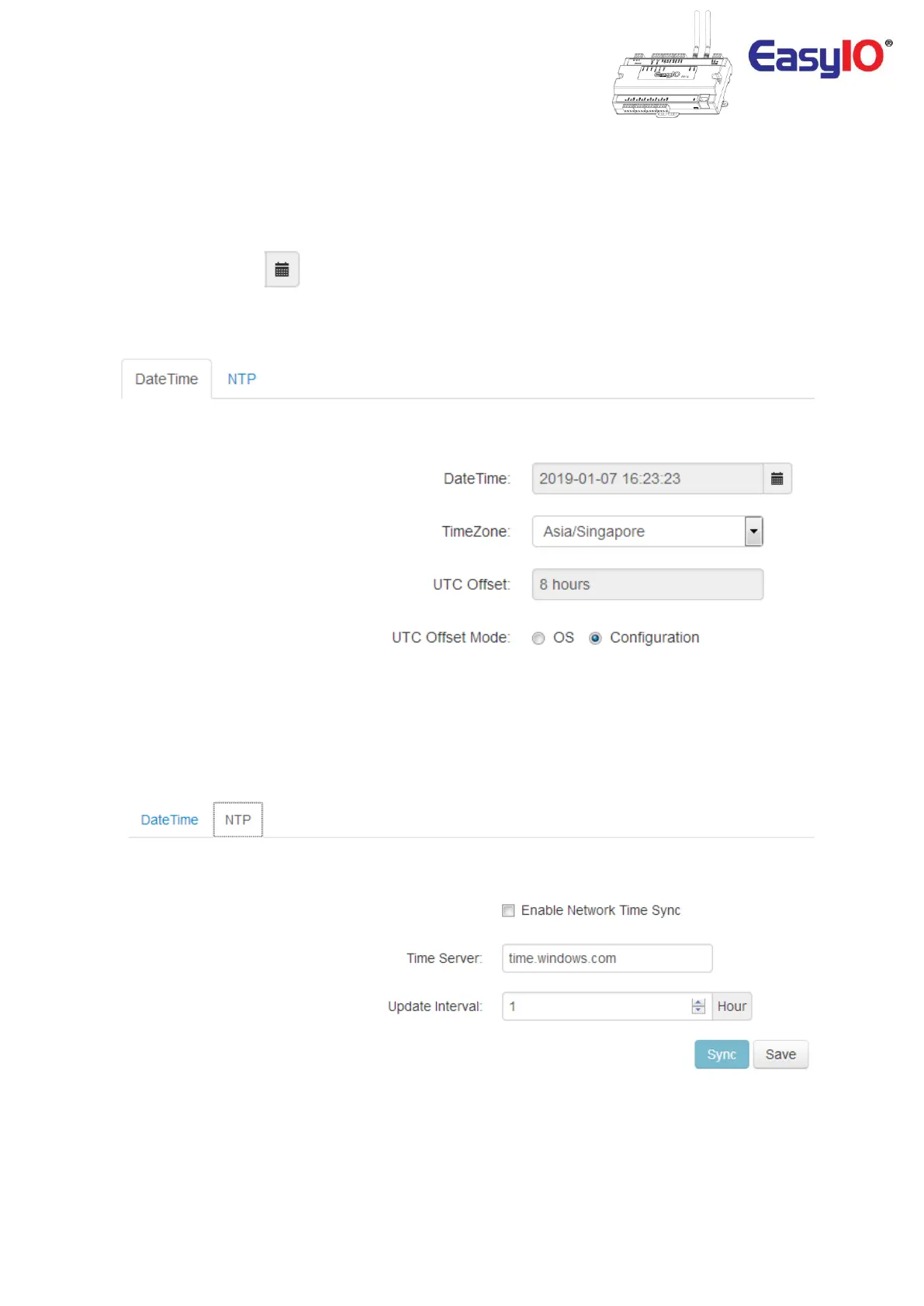
This menu is used to perform date and time configuration for the FW controller.
The FW Series controller supports Network Time Protocol (NTP) synchronization.
To change the Date and Time of the controller, go to the DateTime tab.
Click at calendar icon, and change the date or time or both.
Click save once is complete.
To enable NTP time sync, go to the NTP tab.
Check the “enable Network Time Sync". Change the “Time Server” if require.
Modify the “Update Interval” if necessary.
Click Sync to perform a force sync and save.



 To Next Page