44
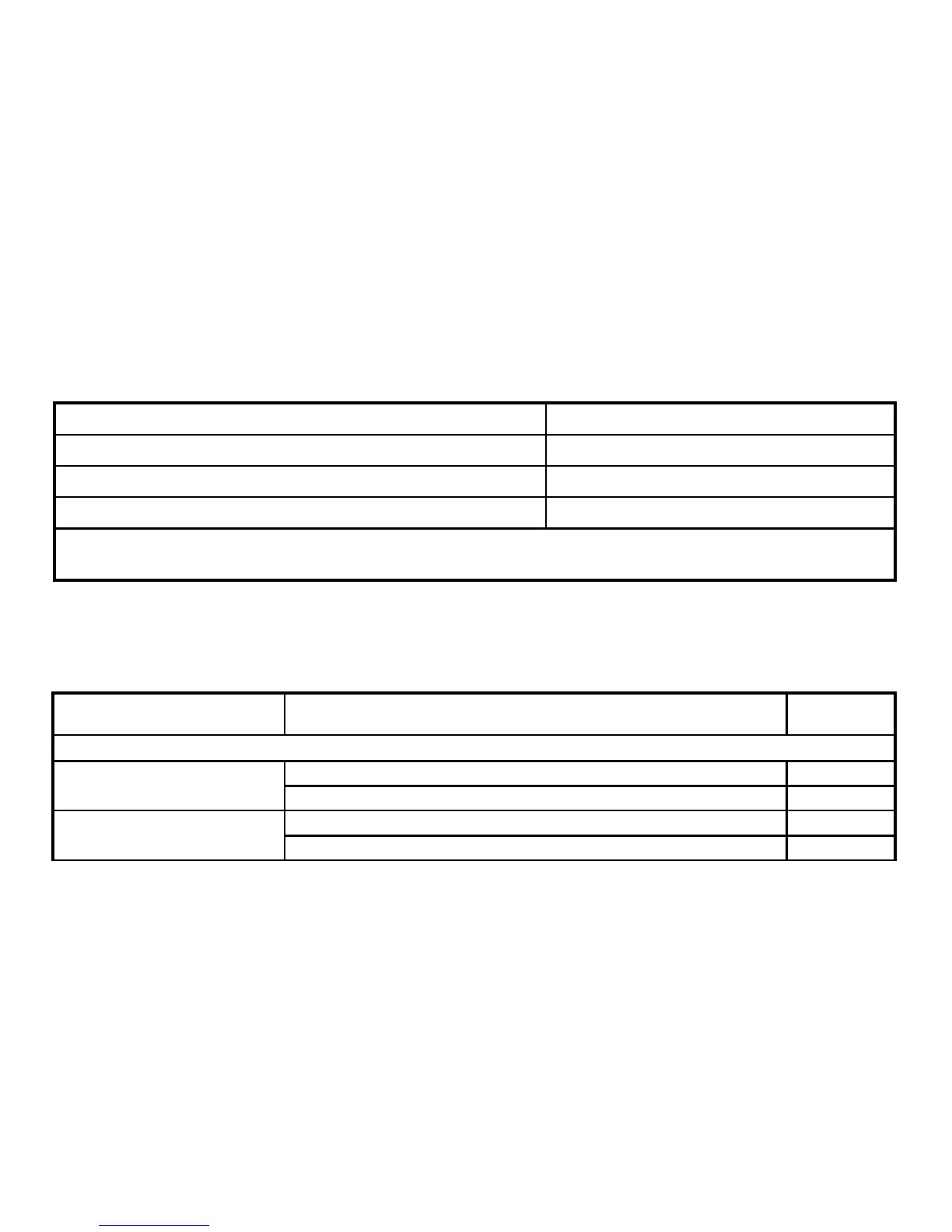
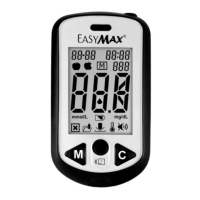
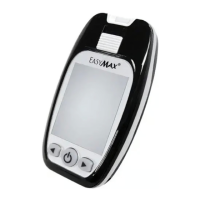
1-1. Physical Appearance check of the meter after each cleaning or disinfection
Check item Accept Result
Is the display/screen clear? Yes
Is there NO erosion on the strip slot or other parts? Yes
Is the labeling on the meter legible? Yes
Action: If any of the results are “No” the user should call the Customer Care Service toll-free at
866-994-3345 (Eastern Standard Time, Mon-Fri 8:00AM~6:00PM) for assistance.
1-2. Performance check of the meter
Steps Check item
Accept
Result
After each cleaning
Is meter powered on? Yes
1. Press and hold power
button for 3 sec.
Does meter beep? Yes
Is the memory still stored correctly? Yes
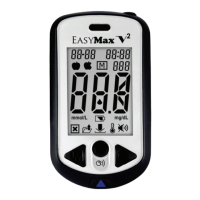
2. Press and release C or
M button.
Can you clearly read the result? Yes


 To Next Page