12
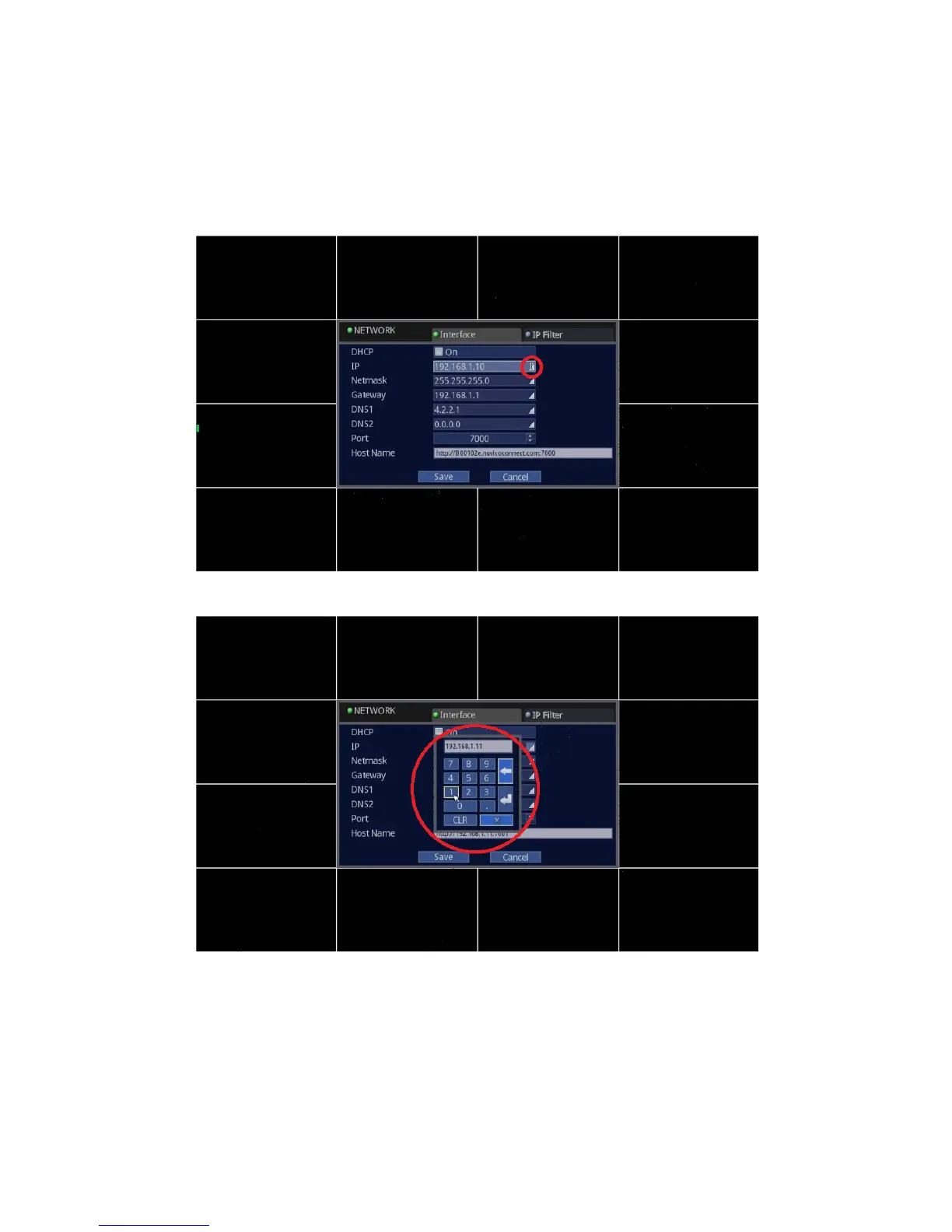
• Mouse: For DHCP, click on the “On” checkmark to enable or to disable.
For IP, Netmask, Gateway, DNS1, DNS2, Port, follow the instructions below. (These parameters are given by your
Internet Service Provider or Network Administrator on a corporate network environment.)
Highlight and click the IP portion on the screen.
Virtual numeric keypad will pop up on the screen. Use your mouse to click on the desired value such as 0 ~9, Backspace,
Enter and Clear button.



 To Next Page