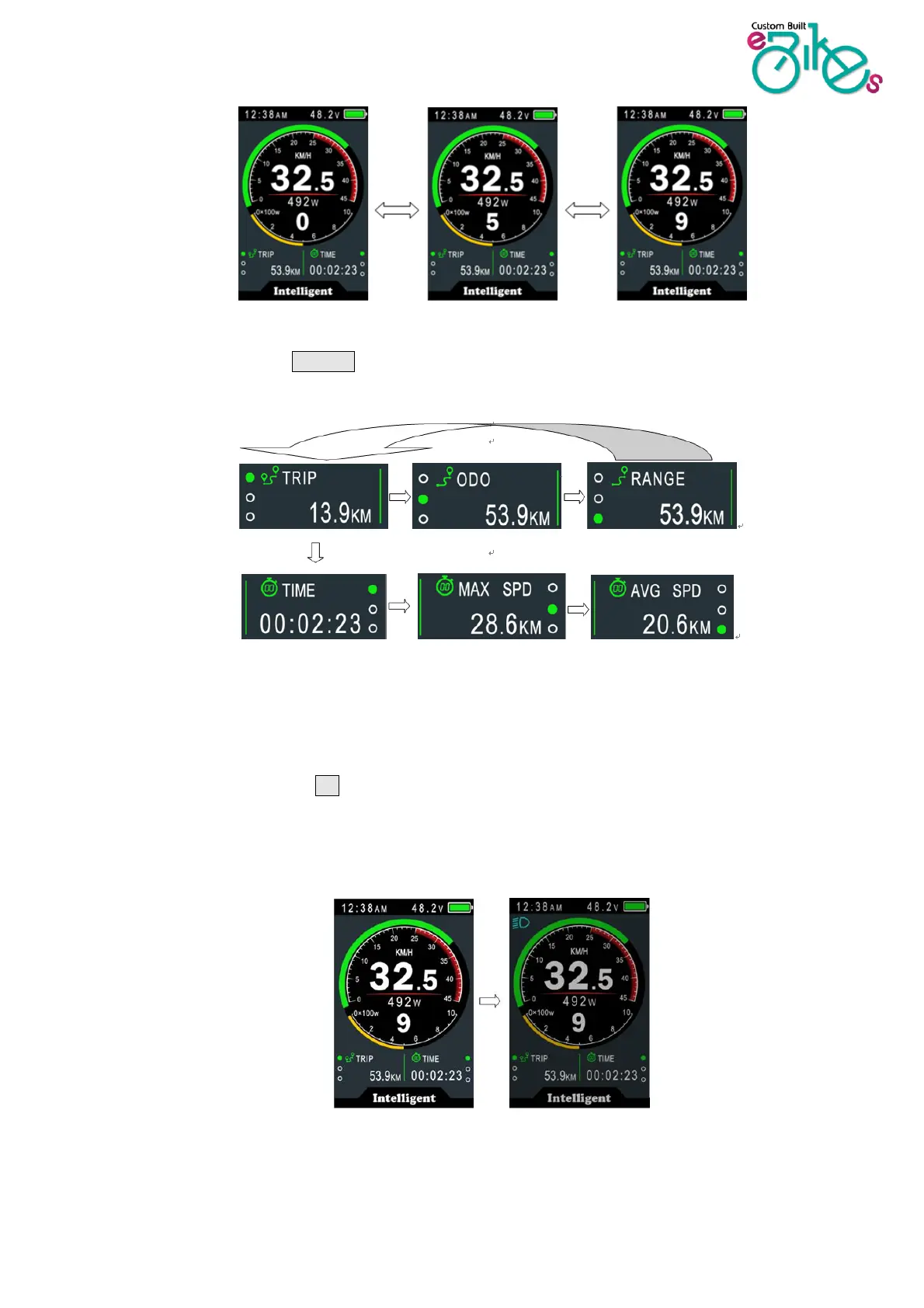
7.3 Speed & Mileage mode switch
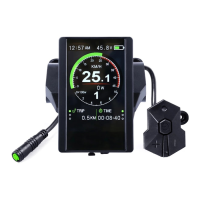
Short press POWER button to change the speed and mileage mode,
TRIP→ODO→RANGE→TRIP→TIME→MAX SPEED→AVG SPEED
*Range needs smart BMS support.
**If there is no operation for 5 seconds, the display will return to the Speed (Real-Time) display automatically.
7.4 Headlight/backlight On/Off
Press and hold the UP button for 1 second to turn on/off the headlight, and the screen will
switch to the corresponding mode (only if integrated headlight is fitted).
*The motor will stop operating when you battery gets too low to ensure your battery is not damaged. However,
for a while the light will still operate so that you can safely pedal home without motor assistance.
Daytime mode night mode


 To Next Page