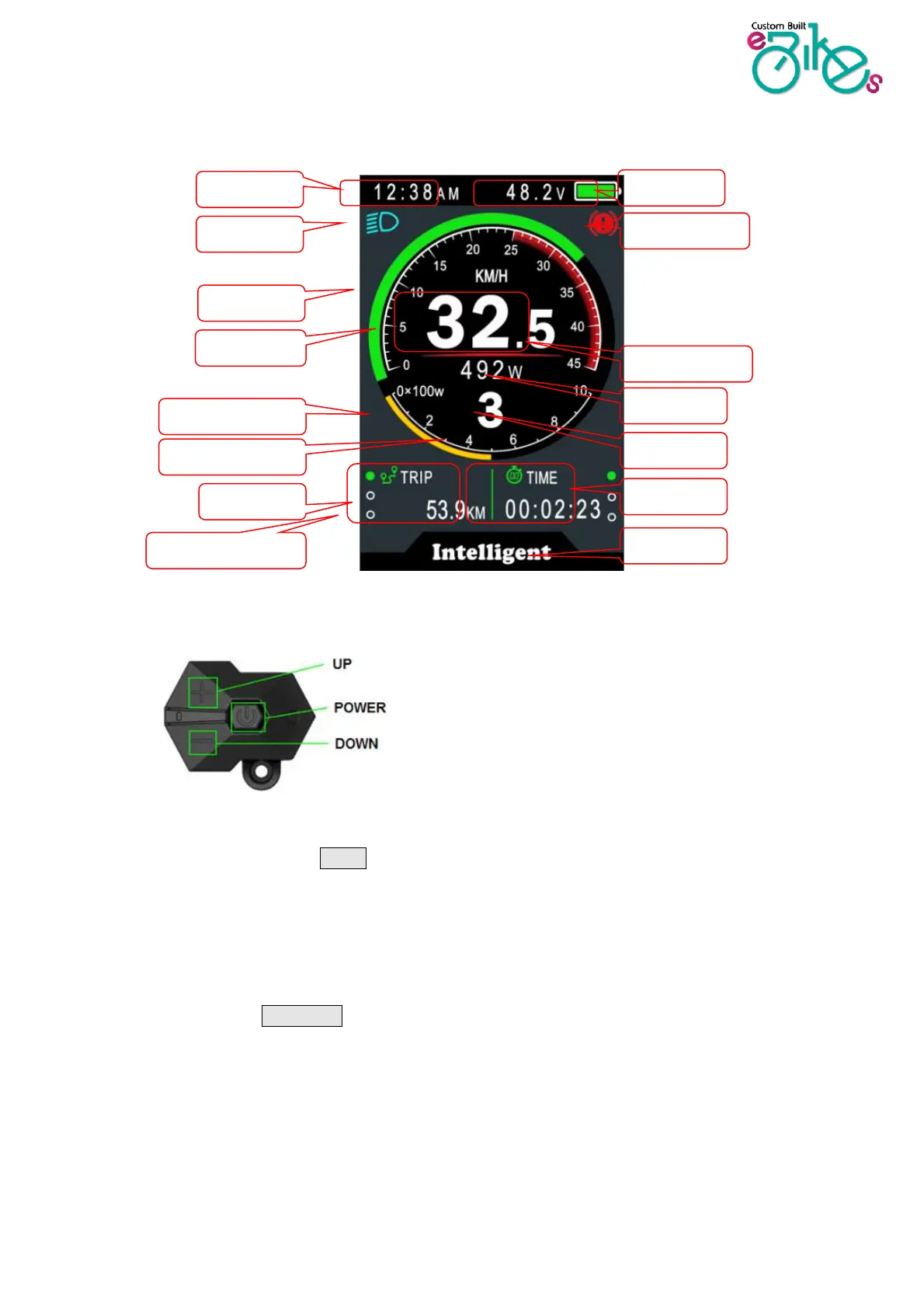
2. TFT screen instructions
3. Usage Description
7.1 Power On/Off
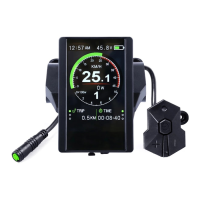
Press and hold the Power button for 1 second to turn the display on/off. The Display will
automatically shut down when it isn’t in use. You are able to set this between 1 and 9 minutes.
*If the display has been set to require a password to power on, you will need to input the right password at the
start.
7.2 Assist level operating
Short press UP/DOWN button to change the assist level. Top assist level is 9, 0 for no
assistance. Level amounts can be adjusted according to your requirements via the settings
menu (advanced area) or USB programming kit.


 To Next Page