Chengdu Ebyte Electronic Technology Co., Ltd. E870-E1_User Manual_EN
Copyright ©2012
–
2022,
Chengdu Ebyte Electronic Technology Co., Ltd.
9
2.2.2. Connect to the self-built serve
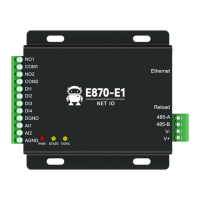
Step 1: Connect the network cable and power supply (DC 8-28V) to ensure that the device and the PC are in the
same local area network environment;
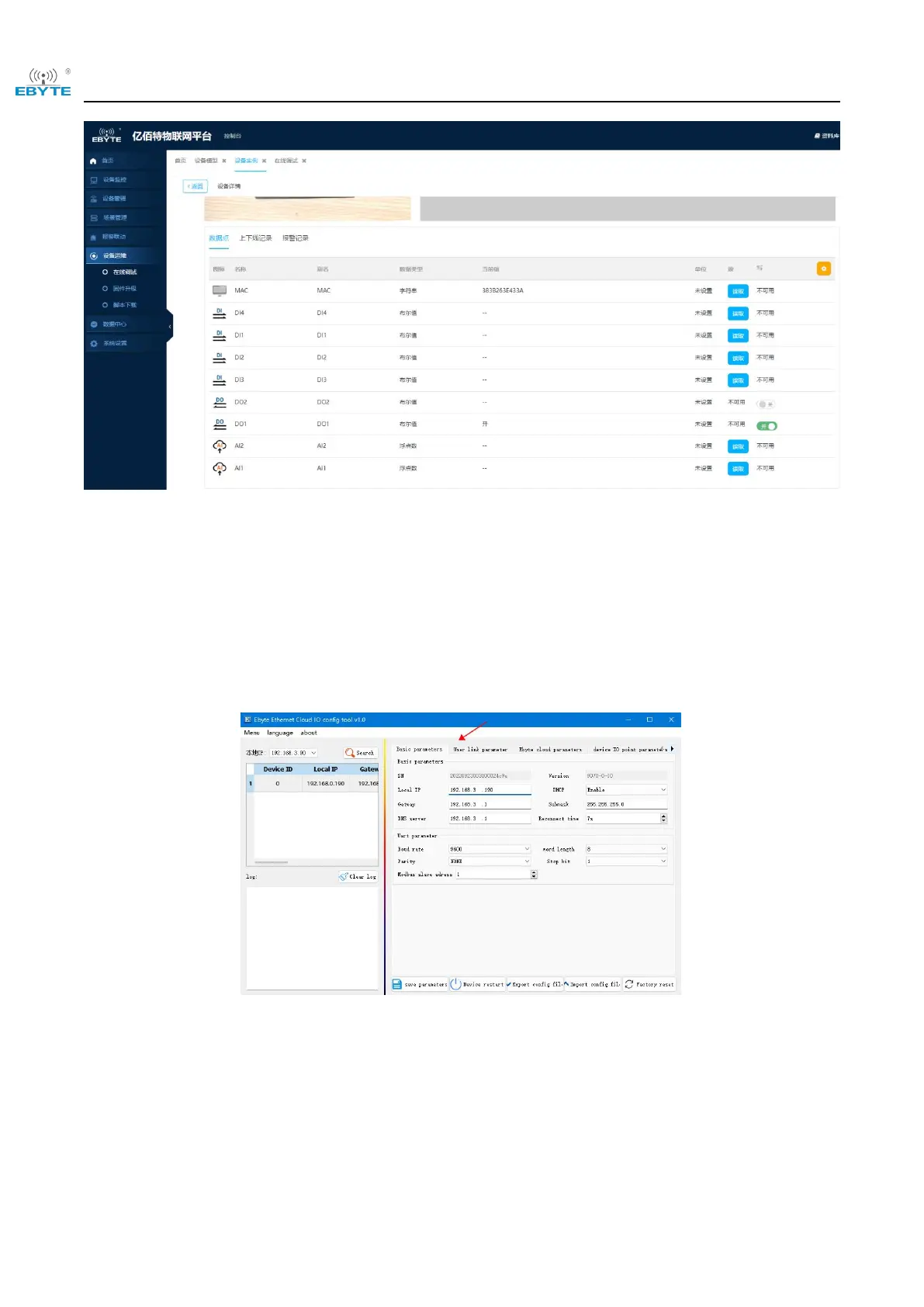
Step 2: Open the host computer, click "Search Device", "Basic Parameters" to configure the network and serial port
parameters, the device uses dynamic IP by default, it is recommended to connect directly to the PC under the same
router:
Step 3: Use "NetAssist" to build a user server:


 To Next Page