Chengdu Ebyte Electronic Technology Co., Ltd. E870-E1_User Manual_EN
Copyright ©2012
–
2022,
Chengdu Ebyte Electronic Technology Co., Ltd.
6
2.2 Devices Connection
2.2.1. Connect Platform
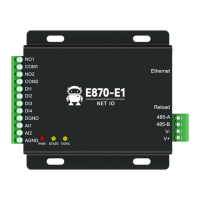
Step 1: Connect the network cable to the device power supply (DC 8-28V) to ensure that the device can access the
Internet normally;
Step 2: Use a browser to log in to cloud.ebyte.com, register and log in to the Ebyte cloud platform, and after
successfully entering the platform:
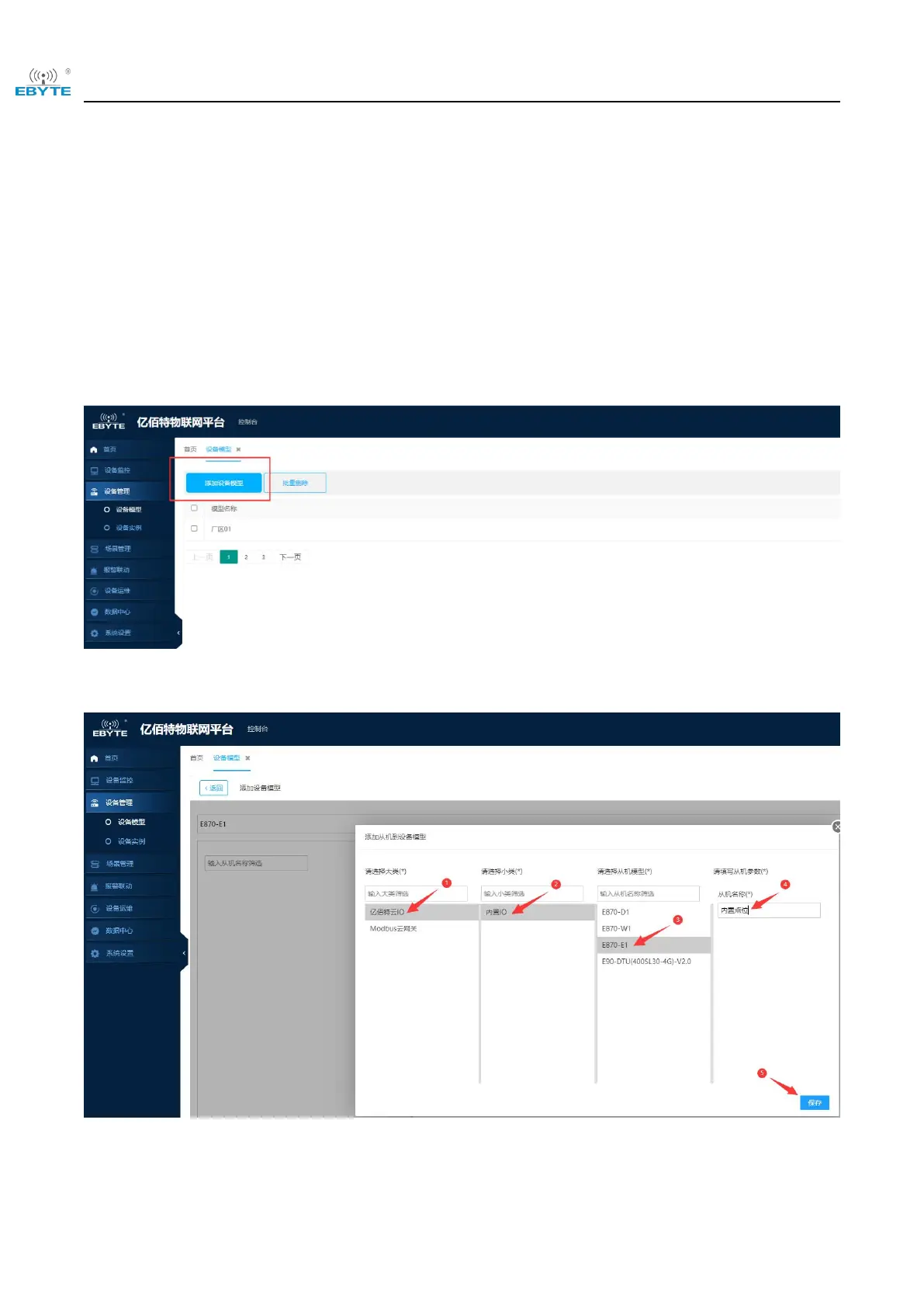
①Click "Device Management" in the left column box
②Click "Device Model", enter the Create Device Model, select "Add Device Model"
③Enter the relevant parameters, click "Add Slave", select "Ebyte Cloud IO", "Built-in IO", "E870-E1", enter the
name of the slave, click "Save", and click "Confirm Add", you can create a device model.
④Click "Device Instance", enter and click "Add Device"


 To Next Page